Export texts or labels from a DWG to Google Earth while maintaining layer and object colors. It is a simple one-step process for publishing stylized geometries grouped by their layers with their names or other related data or annotations.
Available for AutoCAD, BricsCAD, ZWCAD and GstarCAD.
1. Change text colors
- Stylize your texts with your desired colors.
- Both layer and element colors will be used.
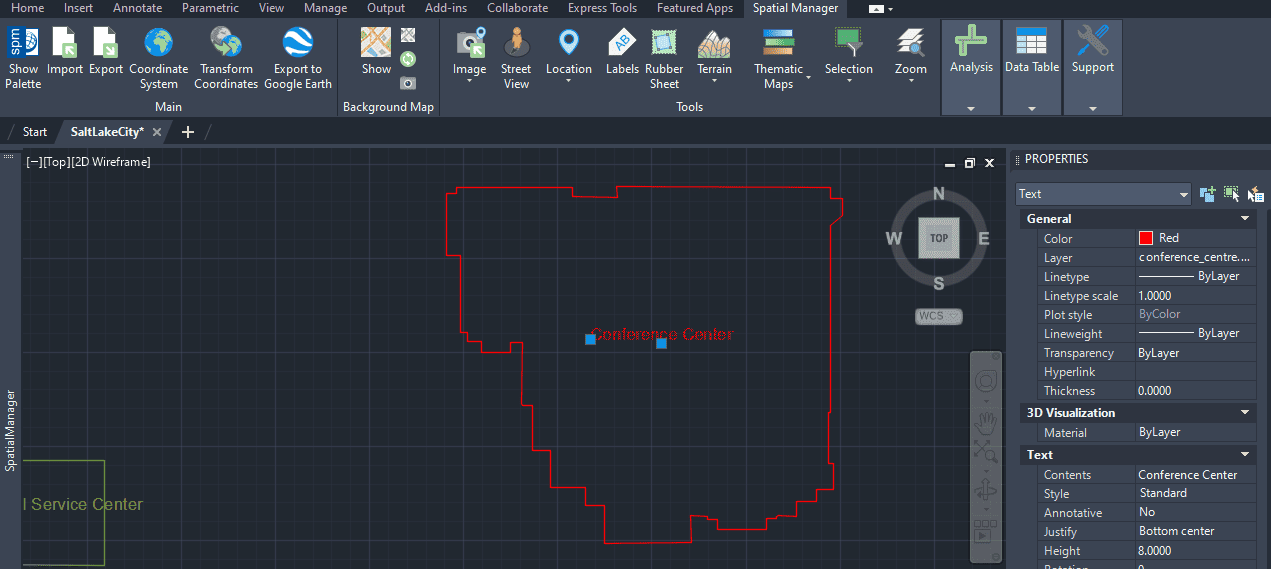
Drawing with text objects
2. Execute SPMCREATEKML command
- Select all objects or filter by query or layer.
- For texts, select the default Flat objects option.
- If polygons are also exported, it is recommended to check Fill closed polylines as it generates a better result for visualization in Google Earth.
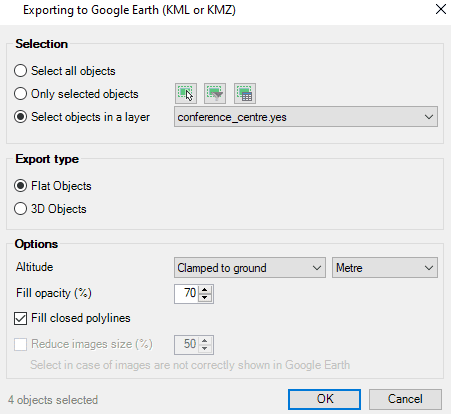
SPMCREATEKML command options
3. View in Google Earth
- Review the result in Google Earth.
- The objects are grouped by layer names and geometry types.
4. Change text size
- In Google Earth the texts always have a predefined size that is relative to the view.
- If you need to highlight an element you can locate the text element and scale up the default text size in its properties.
- Then in the Places left panel, find your KML/KMZ file and use the mouse secondary button menu to click Save place as….
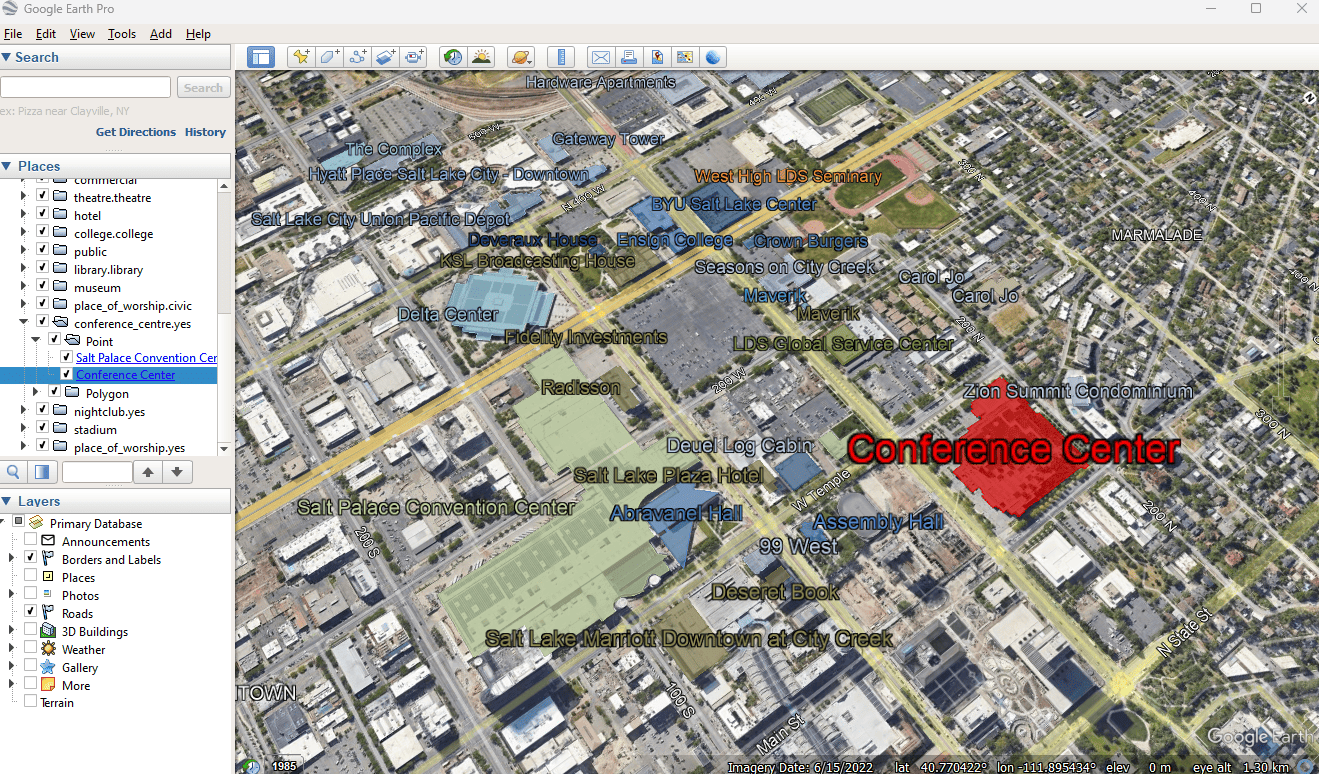
'Spatial Manager' coloured texts/labels in Google Earth
Note: Some features are available only in the Standard or Professional editions.



