The Vertex Extraction tool creates individual point features from the vertices of existing geometries. This function is useful for analyzing, editing, or exporting the key coordinate points that define lines, polylines, or polygons. Data from the original geometries is transferred to the new points.
Available for AutoCAD, BricsCAD, ZWCAD and GstarCAD.
1. Review data and run SPMVERTEX command
- If the existing geometries contain attached data, it will be transferred to the new point features.
- Type SPMVERTEX in the command line and press Enter or search for the tool in the ribbon or toolbar.
2. Select geometries
- Select the objects to extract vertices manually, by query, table or layer.
- Set the output layer.
3. Review points
- Points will be generated based on the geometry vertices.
- Each point will inherit the data from its source geometry.
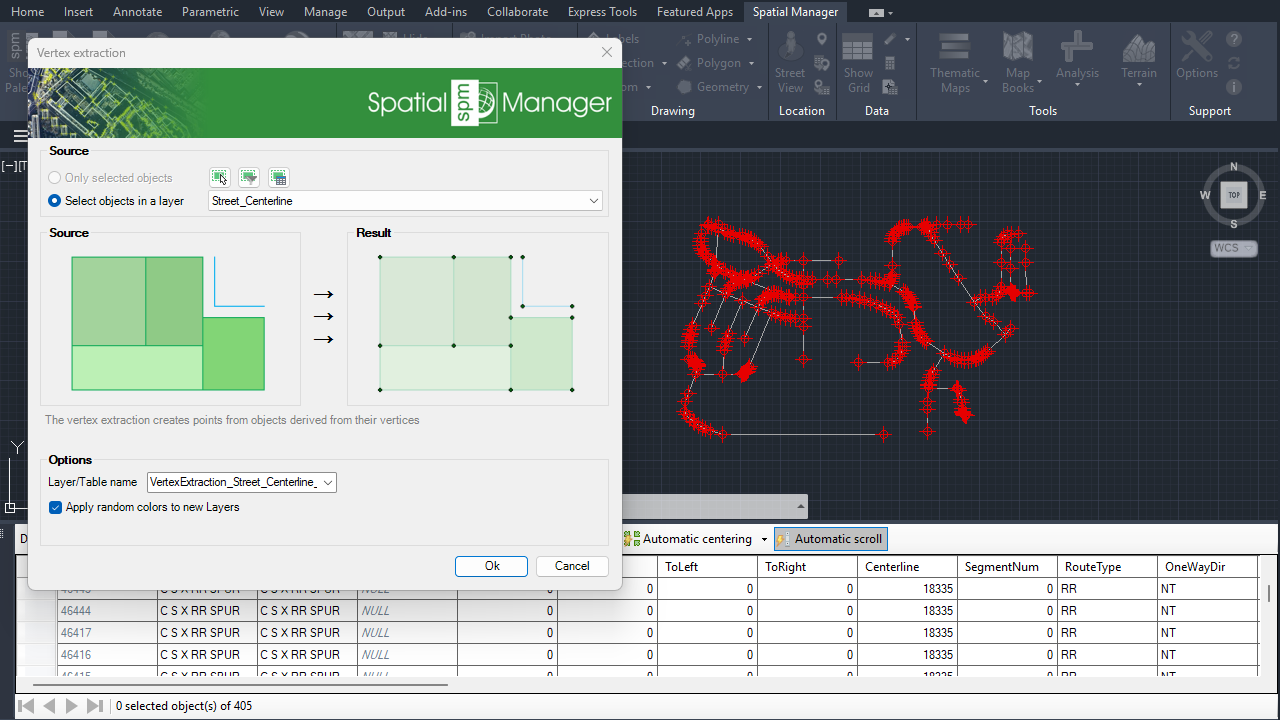
Vertex Extraction
Note: Some features are available only in the Standard or Professional editions.



