Herramientas de navegación de Street View en ZWCAD
Dentro de la paleta encontrará las clásicas herramientas de navegación de Street View: Zoom, movimientos lineales, movimientos circulares de la cámara, información sobre el lugar mostrado, etc.
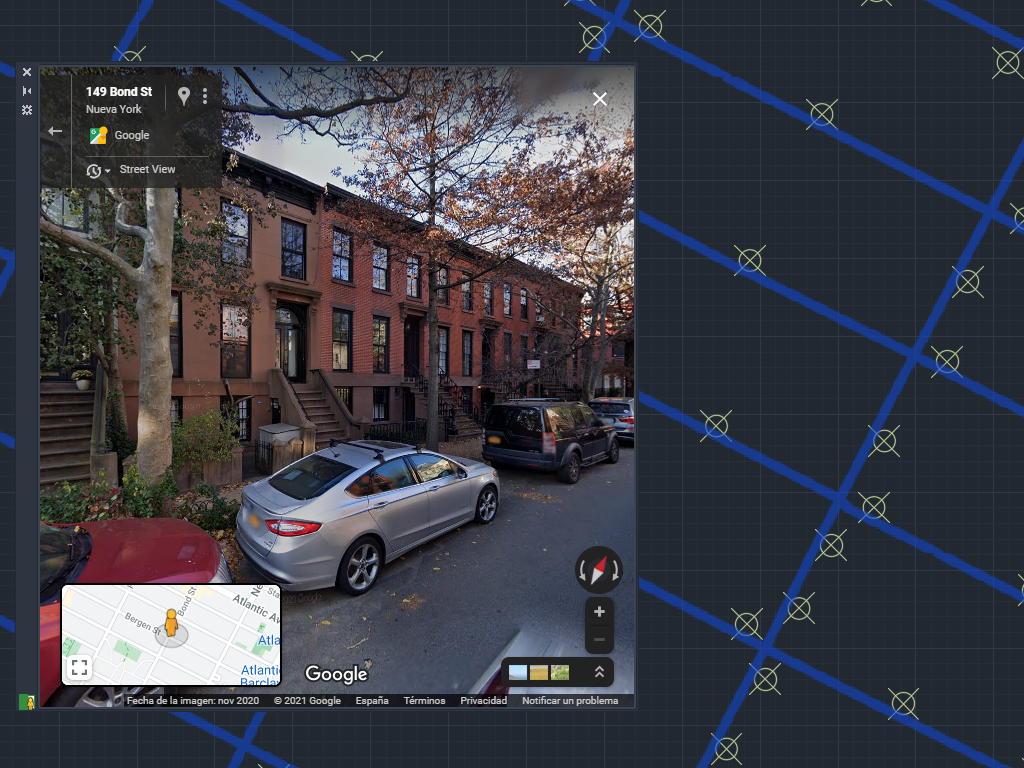
Herramientas de navegación de Street View
Los usuarios pueden explorar ubicaciones de forma interactiva y acceder a información detallada sobre el lugar mostrado, todo sin salir del entorno de ZWCAD.
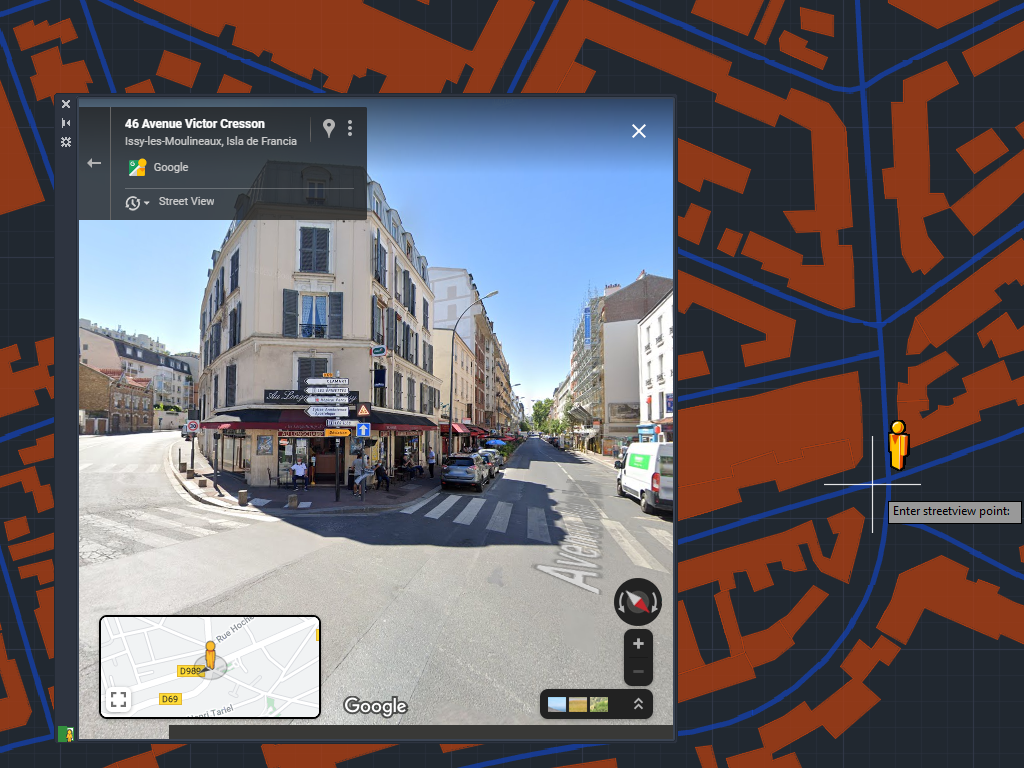
Acerque el cursor a una ubicación en el dibujo y Spatial Manager™ for ZWCAD carga Street View en una paleta integrada de ZWCAD
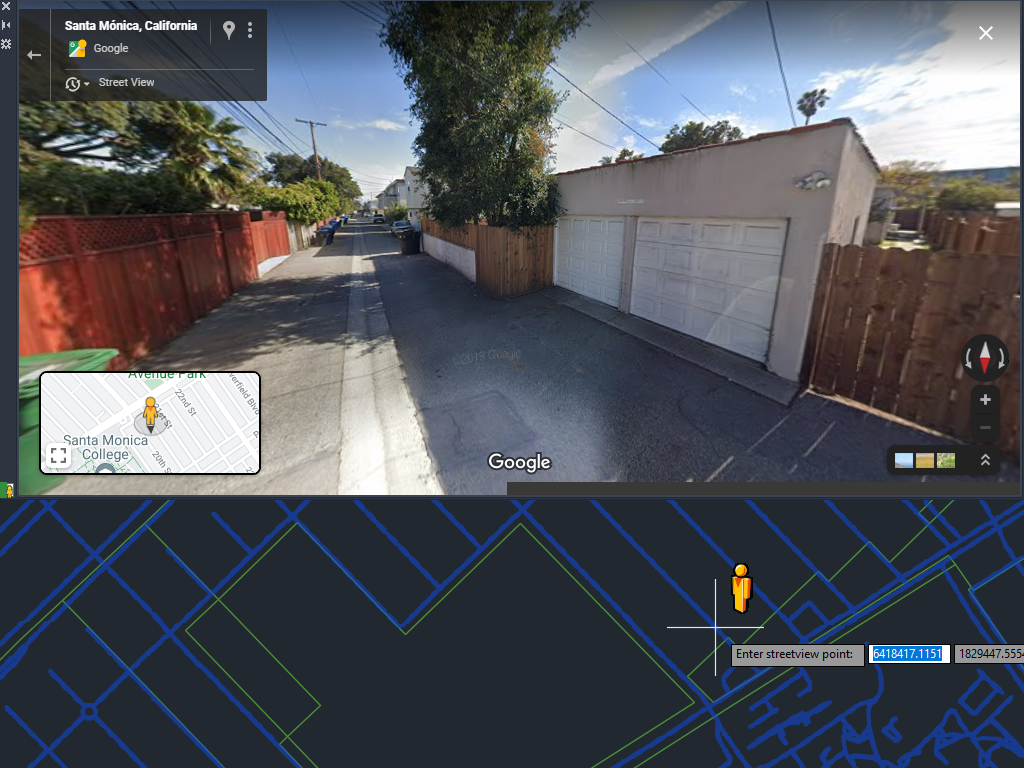
Colaboraciones de usuarios y fotos esféricas
Nueva en V10A través de la colaboración de usuarios, es posible subir imágenes propias de recorridos Street View o fotos esféricas y visualizarlas directamente en la paleta integrada.

The Street View palette in ‘Spatial Manager’ (CAD versions) allows you to visualize dynamic Google Street View images directly in your CAD application by selecting a point on any geo-referenced... more

The Background Maps technology built into ‘Spatial Manager’ allows access to user-defined WMTS, WMTS and XYZ/TMS map servers, but also includes access to some of the most widely used image... more

Following several previous posts about how to configure and apply diverse parameters for Google Maps as dynamic Background Maps in ‘Spatial Manager’ (AutoCAD, BricsCAD, ZWCAD or Desktop), you can learn... more

The vast possibilities offered by access to cartographic information through the Internet will allow you to easily complete your drawings and maps in a very short time and accurately. Here... more