Snapshots in BricsCAD
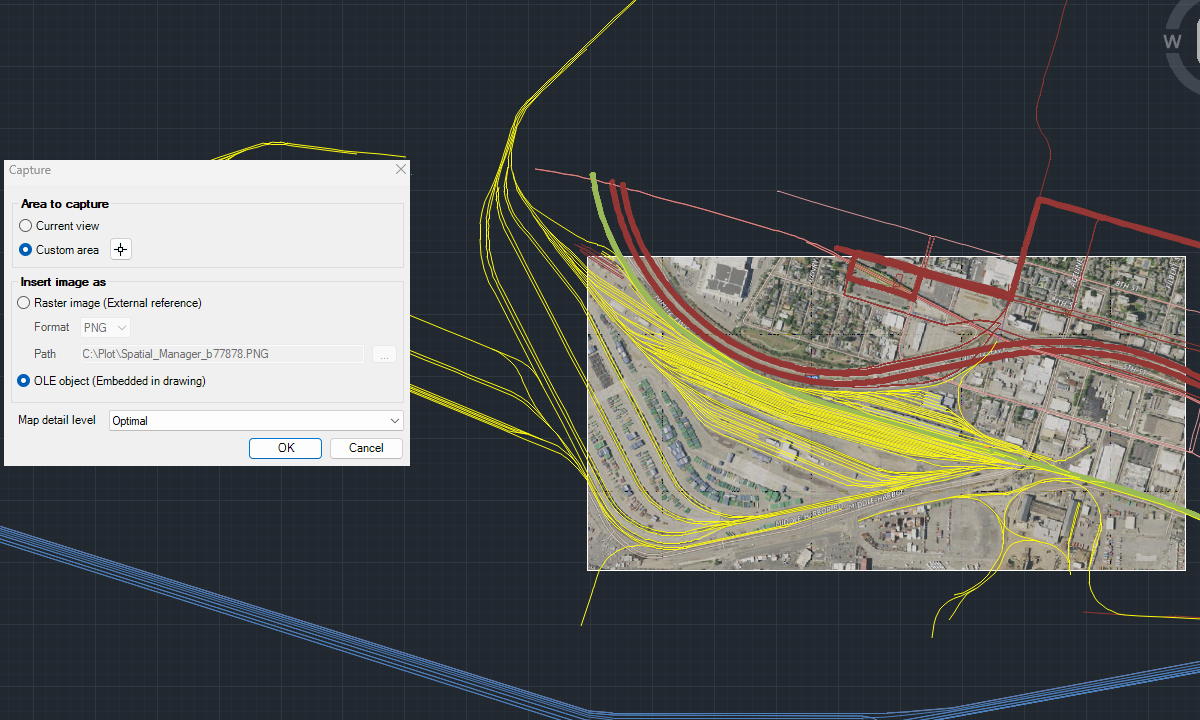
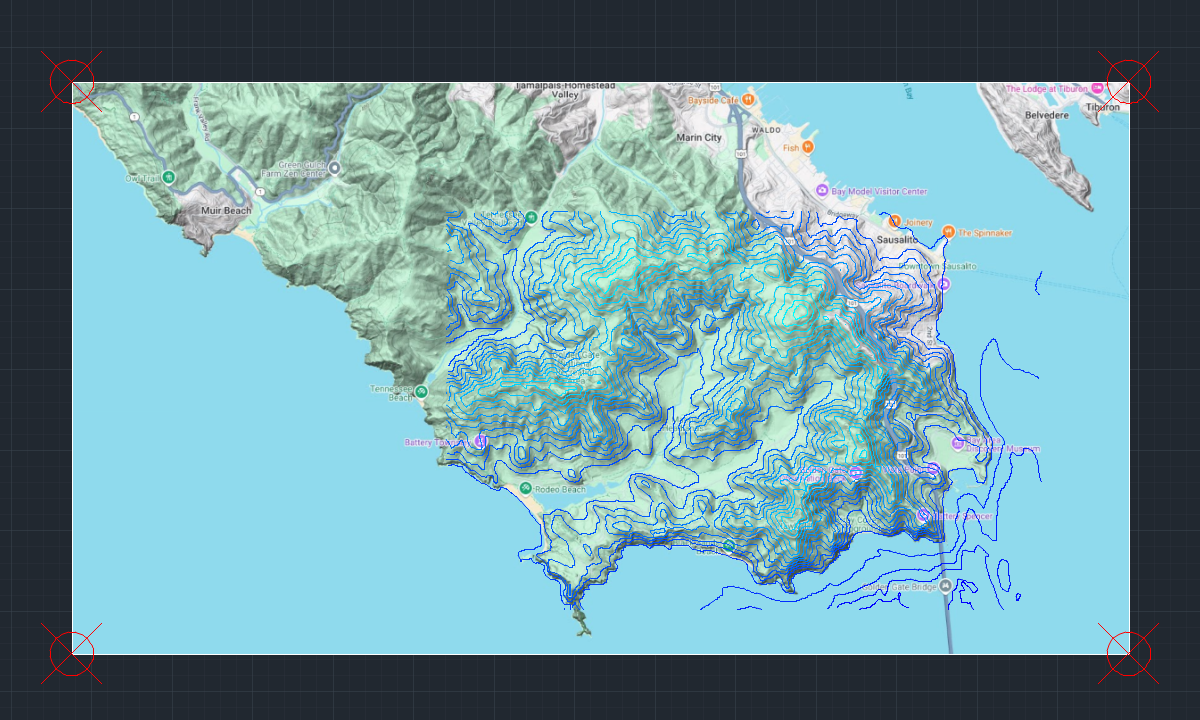
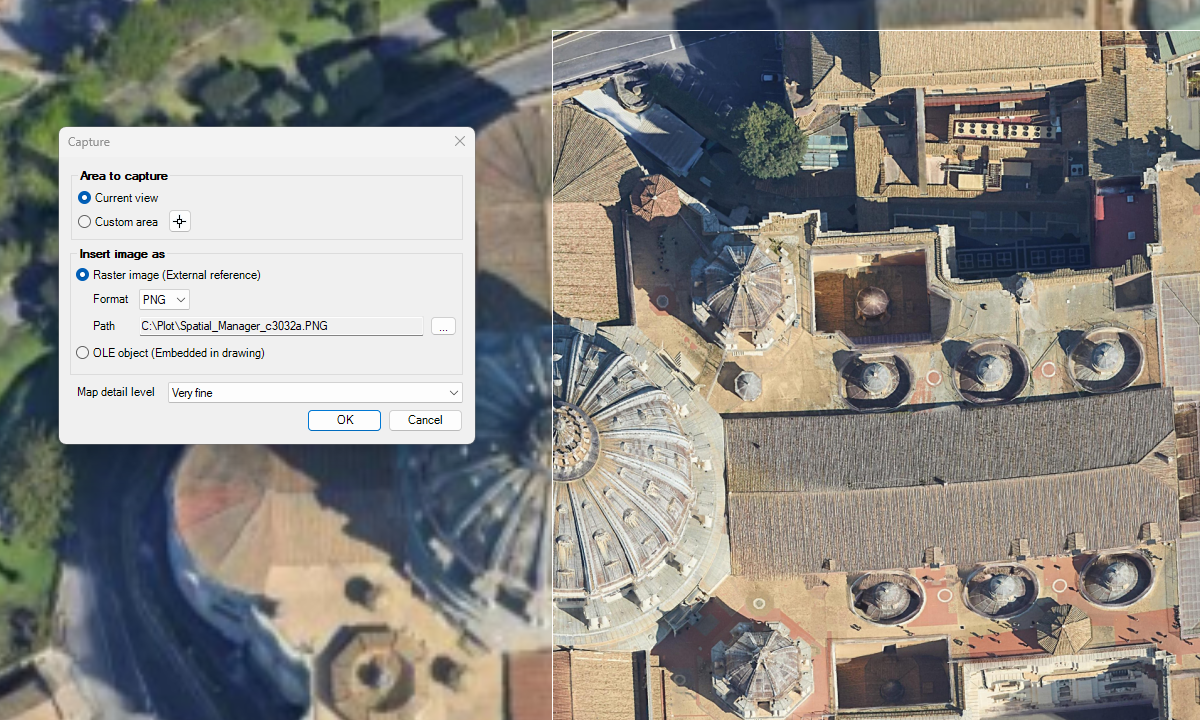
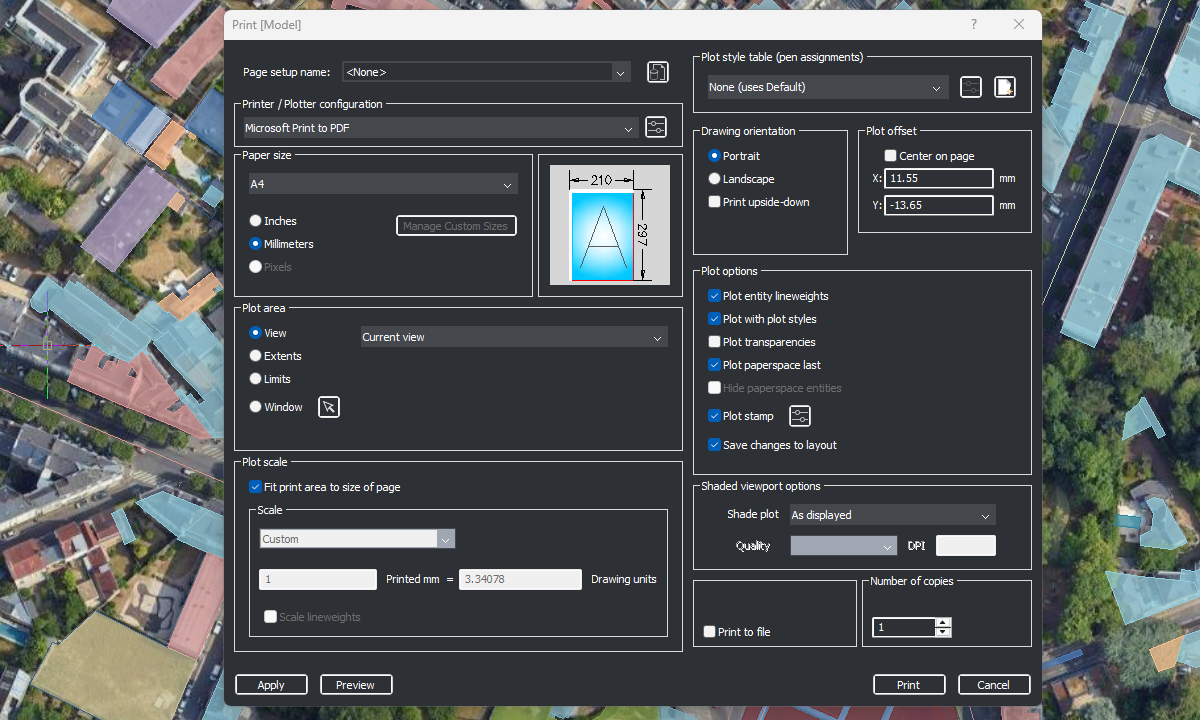
Capture static background map images and insert them into the drawing as raster images (PNG, JPG, TIF) or OLE objects. Snapshots can be georeferenced using a World File, and you can select the image detail level. Ideal for presentations, printing, or external GIS use.
Discover the full potential of this set of tools designed to enhance GIS data integration and editing within BricsCAD.
Snapshots
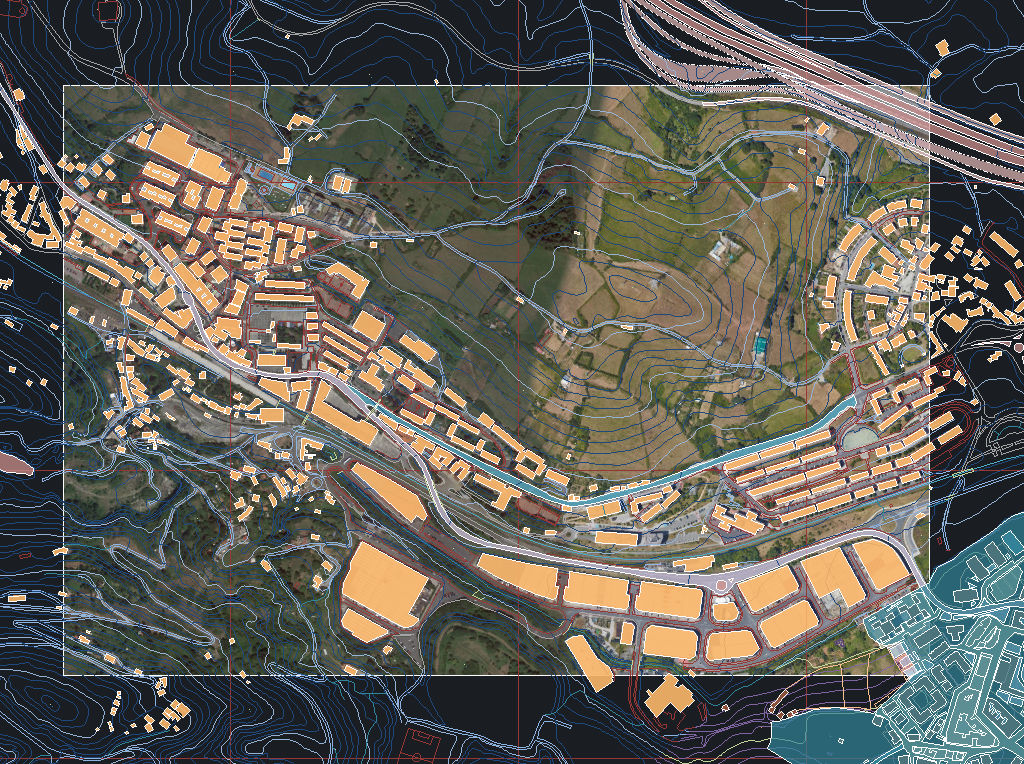
Capture view or custom area
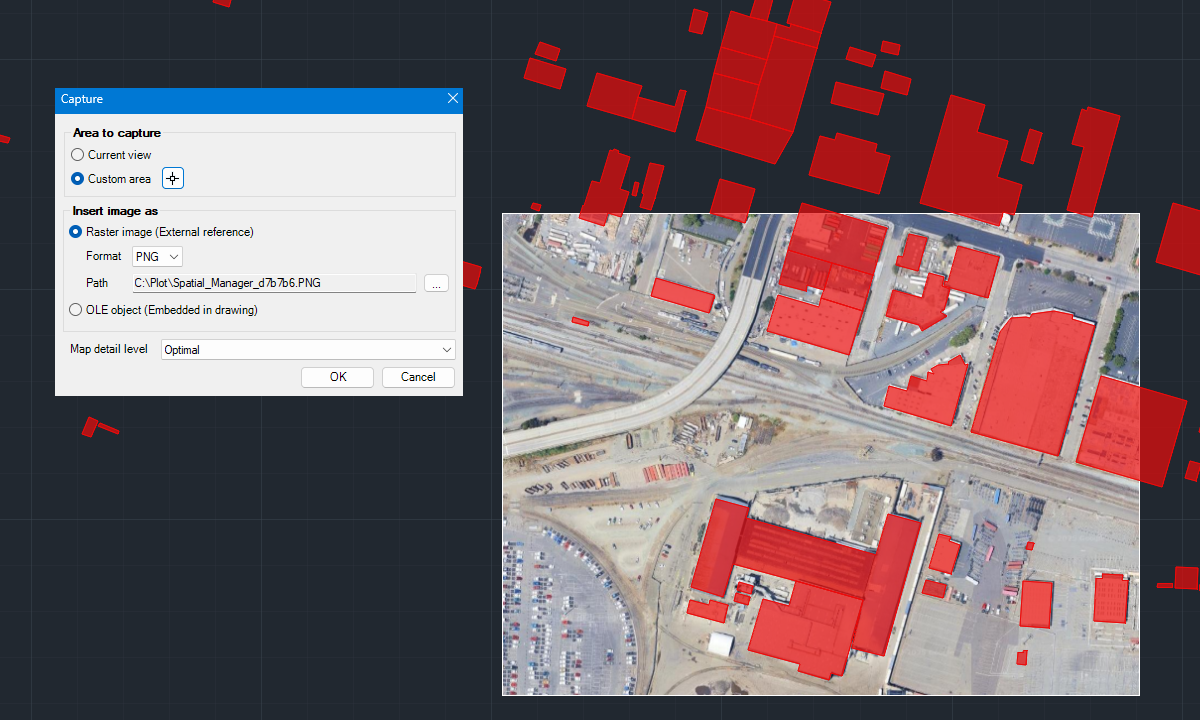
Insert as raster or OLE
Georeferenced Snapshots
Detail level
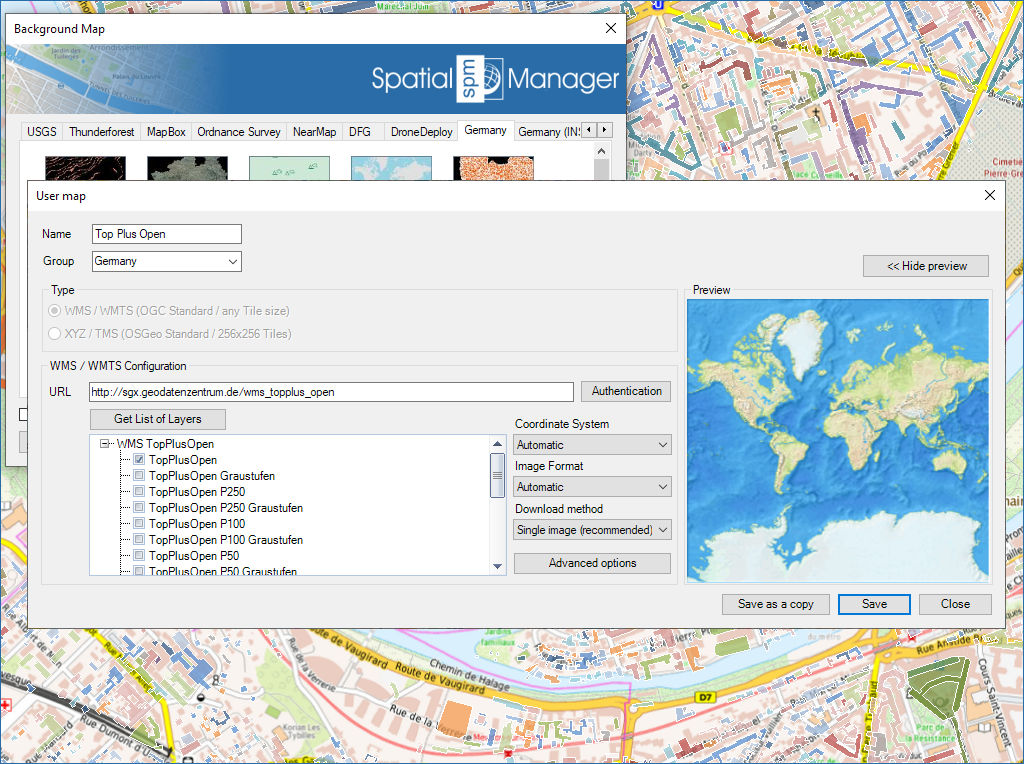
Configure new custom Maps by entering a minimum of data and share the configuration with other users
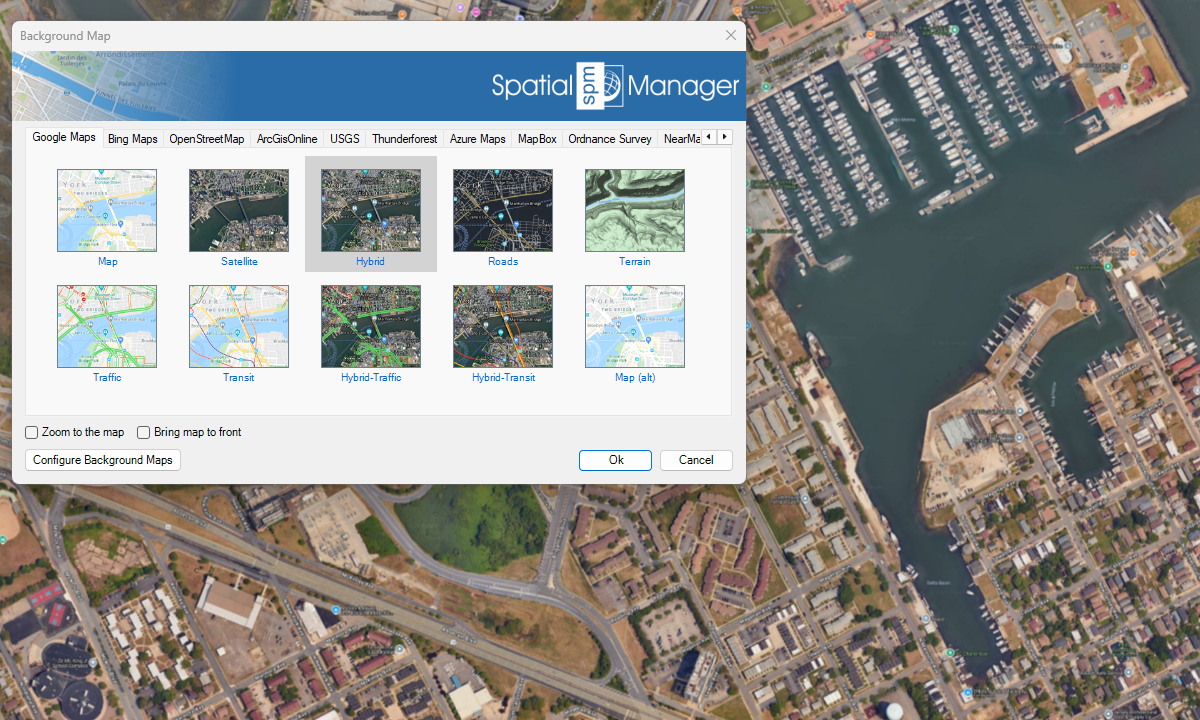
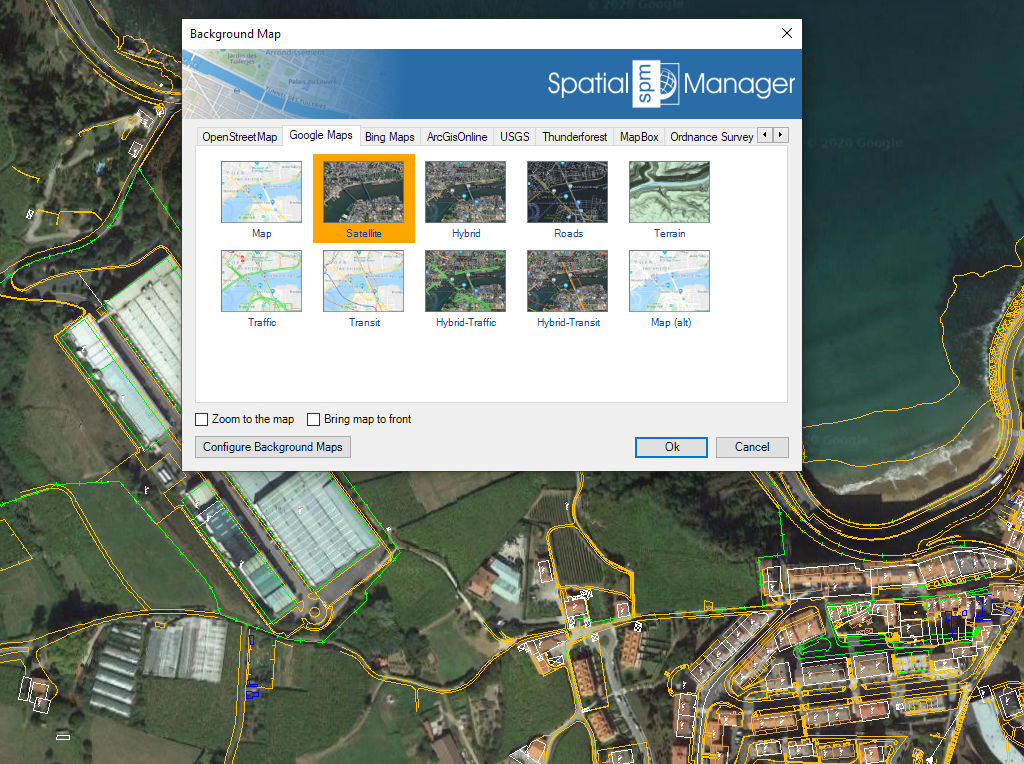
Predefined map services
Enhanced in V10Access diverse, high-quality background maps from multiple providers
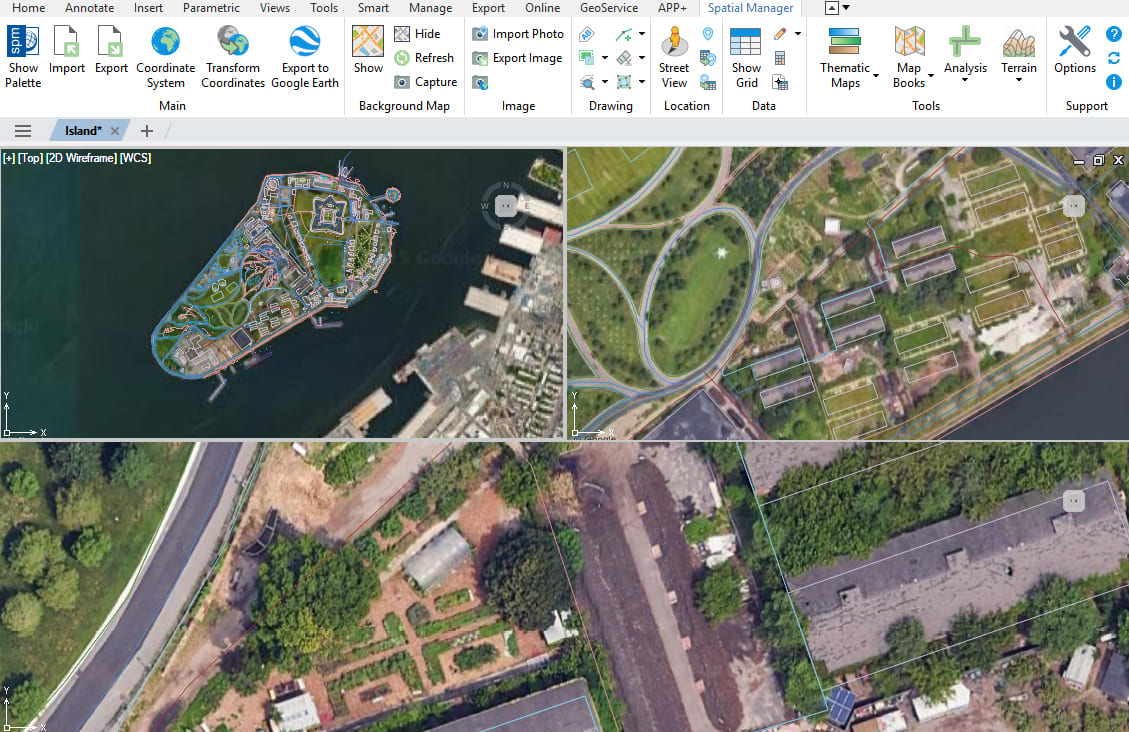
Multiple maps and views
Enhanced in V10Display and manage multiple background maps across views and viewports

Background maps can be displayed simultaneously in multiple views, including both model space and layout viewports. Whenever changes occur, the background maps are automatically refreshed so that they remain accurate... more

With Spatial Manager, you can load multiple maps from different sources and compose an advanced view. Arrange their display priority and control their visibility independently, making it easier than ever... more

Mapflow is a cutting-edge geospatial intelligence platform leveraging artificial intelligence to automatically identify and classify geographic objects–such as buildings, roads, and forested areas–within satellite and aerial imagery. Mapflow enables high-precision... more

The Farm Service Agency of the U.S. Department of Agriculture (USDA) provides web services for accessing the National Agriculture Imagery Program (NAIP). Spatial Manager products provide an easy way to... more