Import tasks in AutoCAD
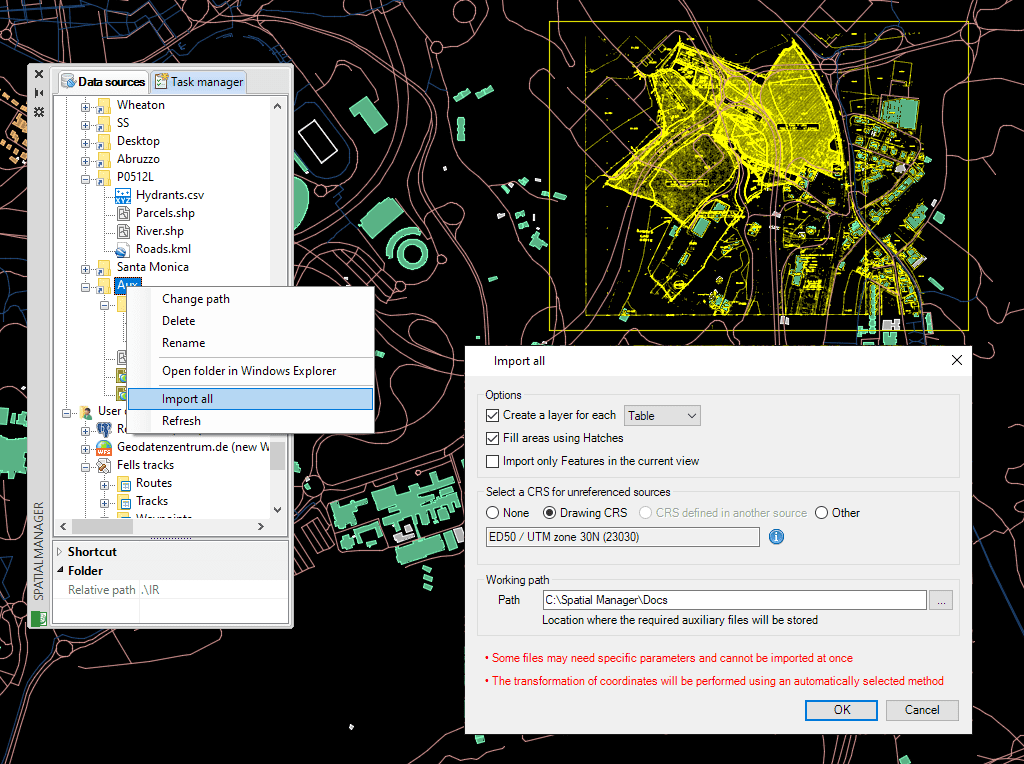
Save Tasks in AutoCAD to replay import processes (including all process parameters) so many times as desired
Discover the full potential of this set of tools designed to enhance GIS data integration and editing within AutoCAD.
Import Tasks
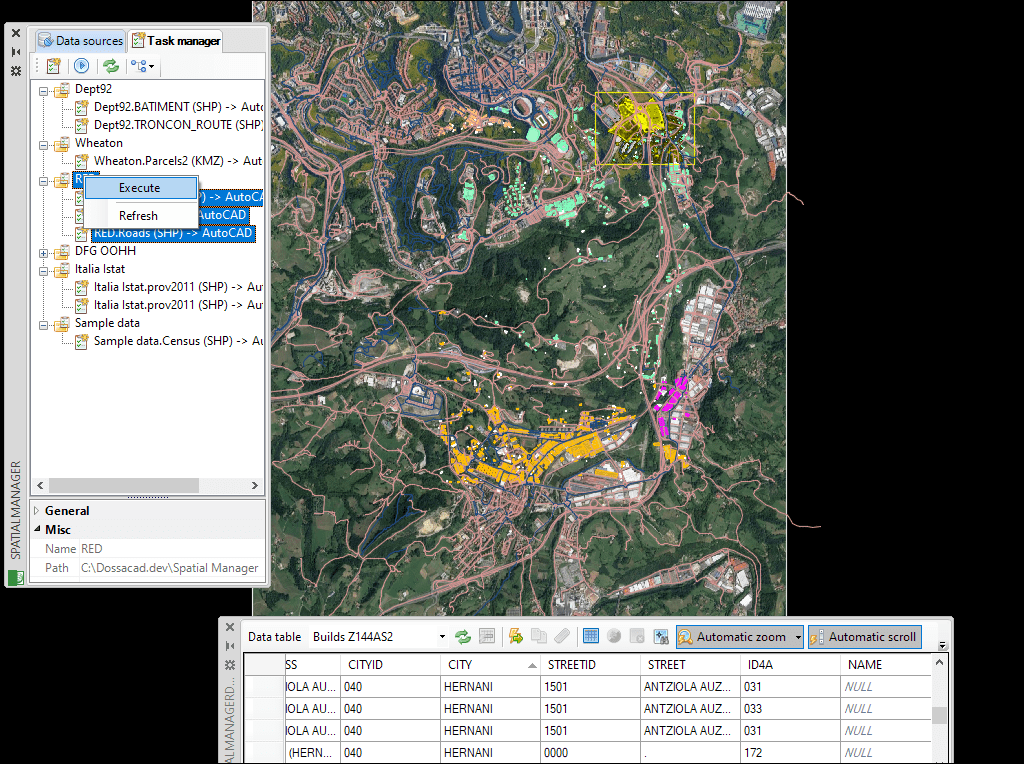
Save Tasks to replay import processes
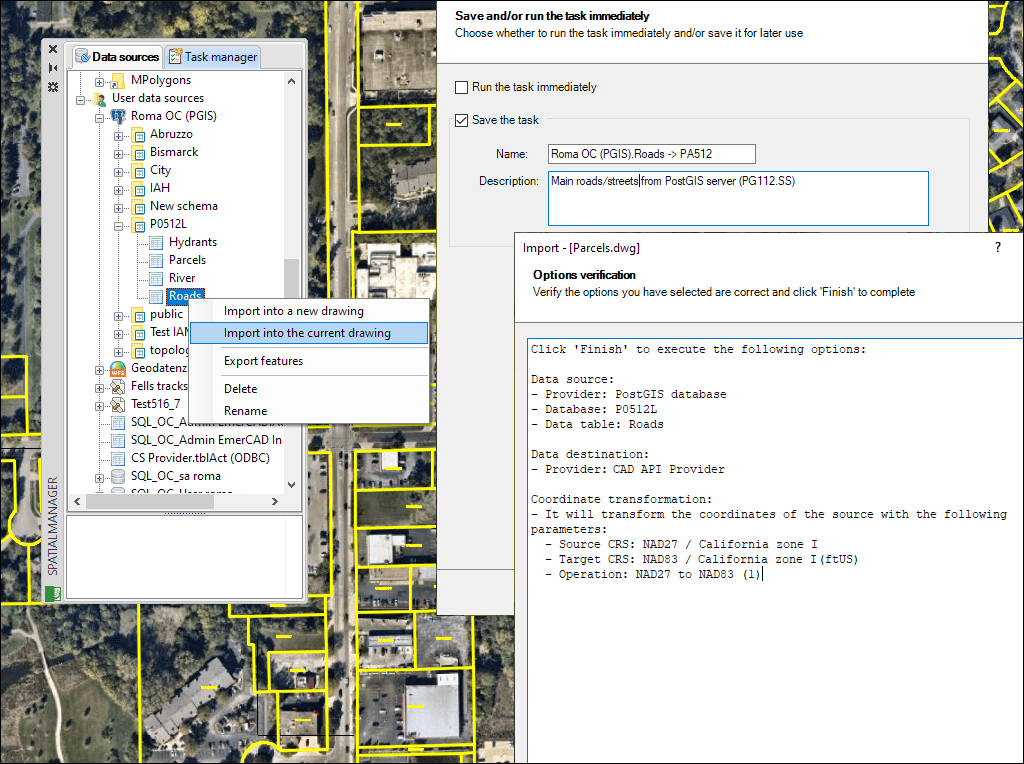
Tasks panel
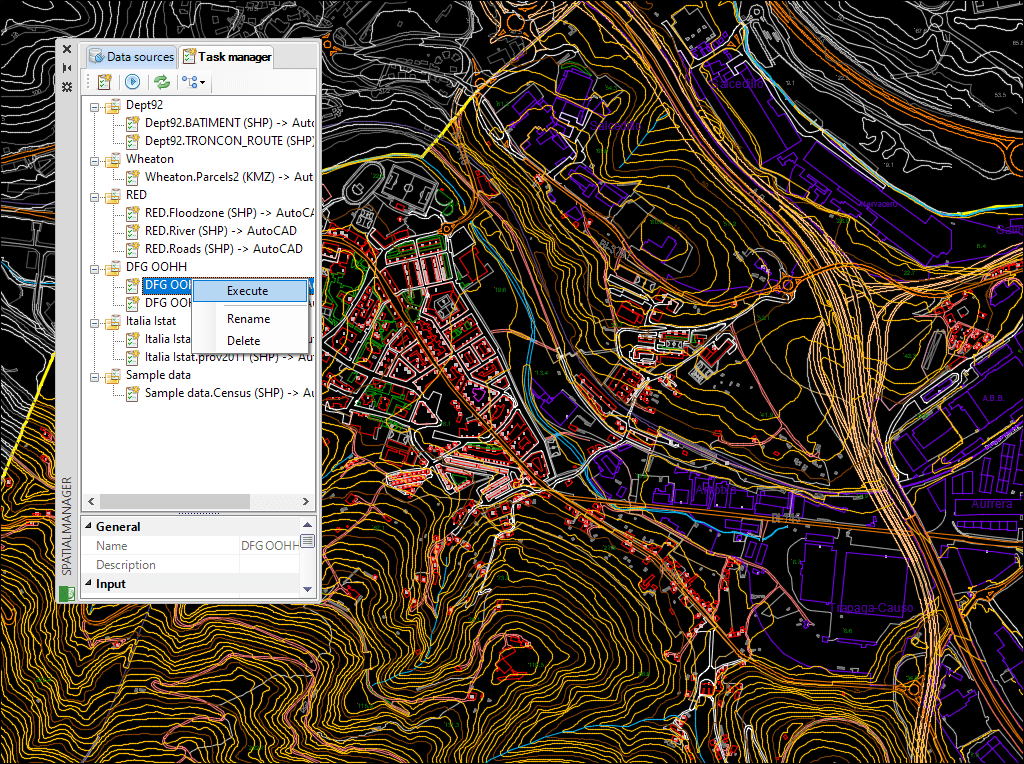
Batch processes
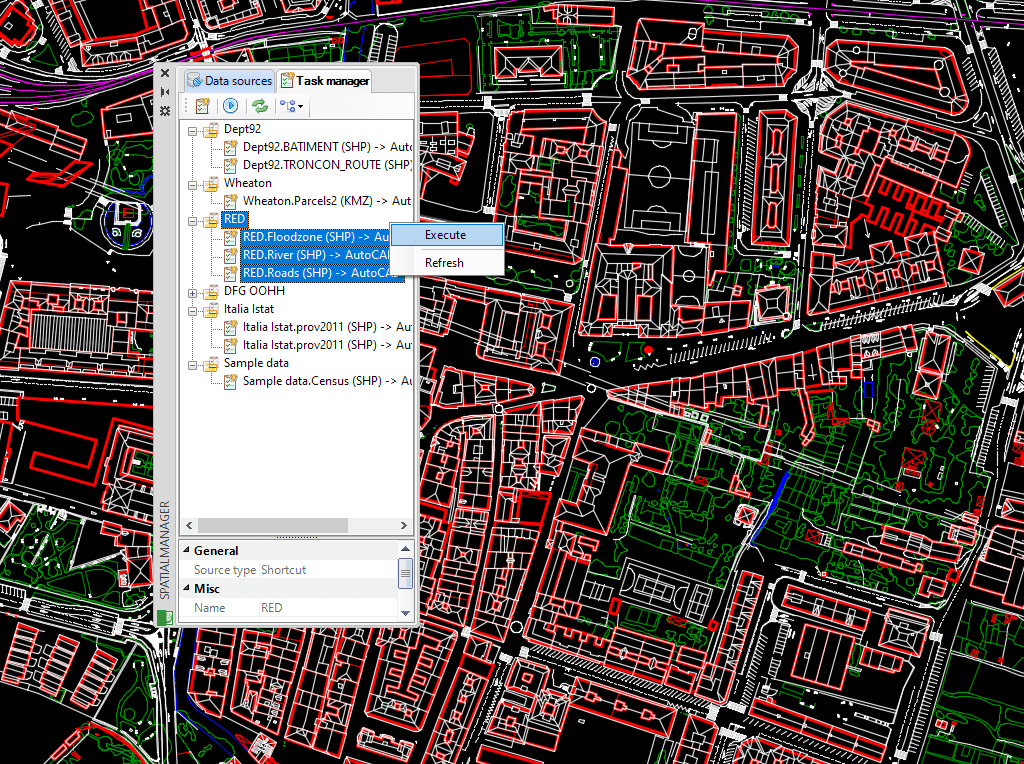
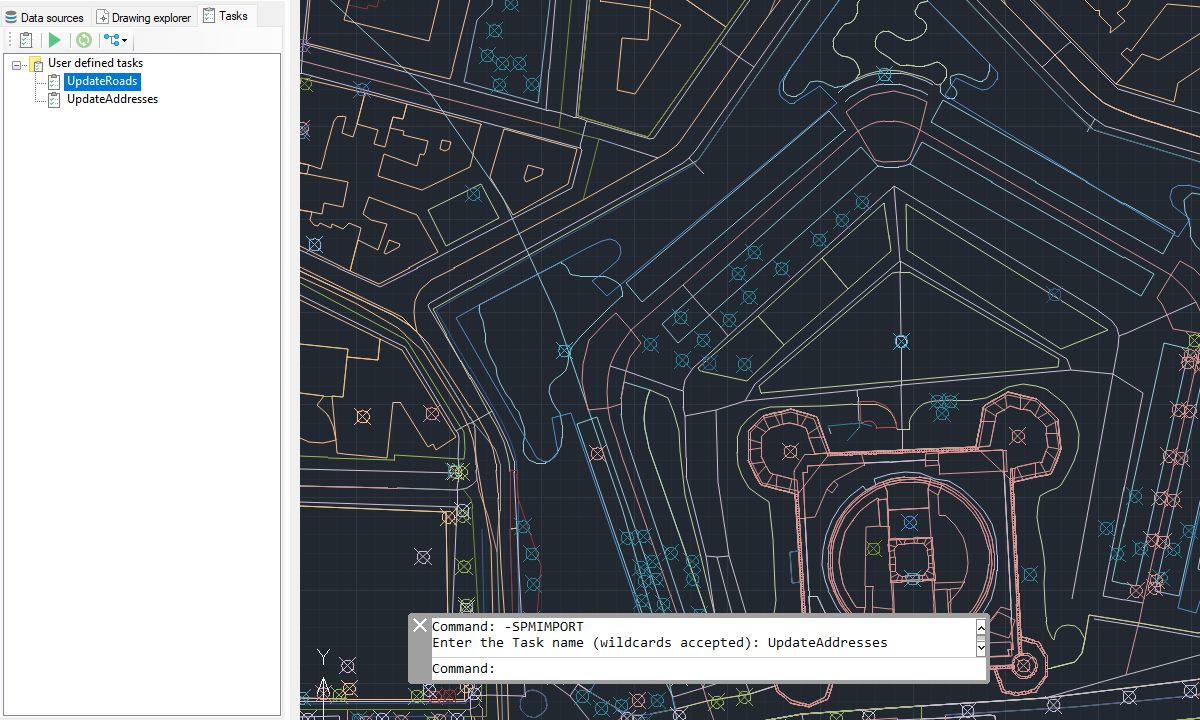
Execute import tasks from command line
Import Google Earth objects into AutoCAD
How to import shapefiles into AutoCAD
Import coordinates from Excel to AutoCAD
Import CSV into AutoCAD
Import KML to AutoCAD
Import points into AutoCAD
Ordnance Survey in AutoCAD
Import OpenStreetMap data into AutoCAD
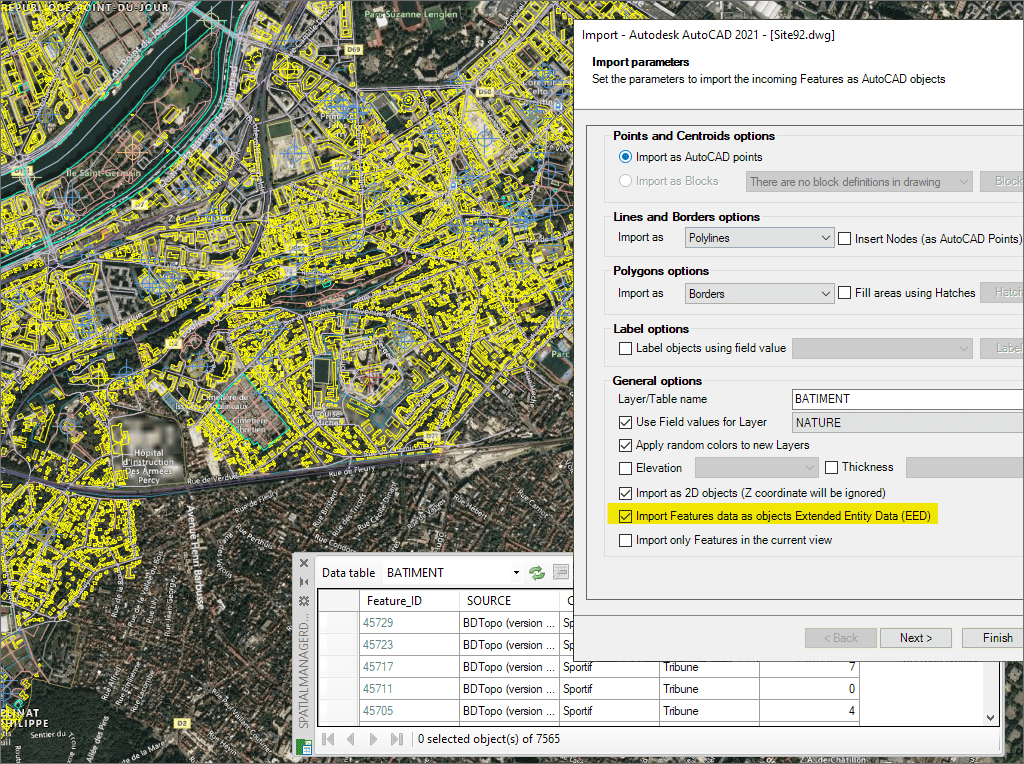
Import attribute data as XDATA for smarter AutoCAD drawings
* Only available in Standard and Professional editions
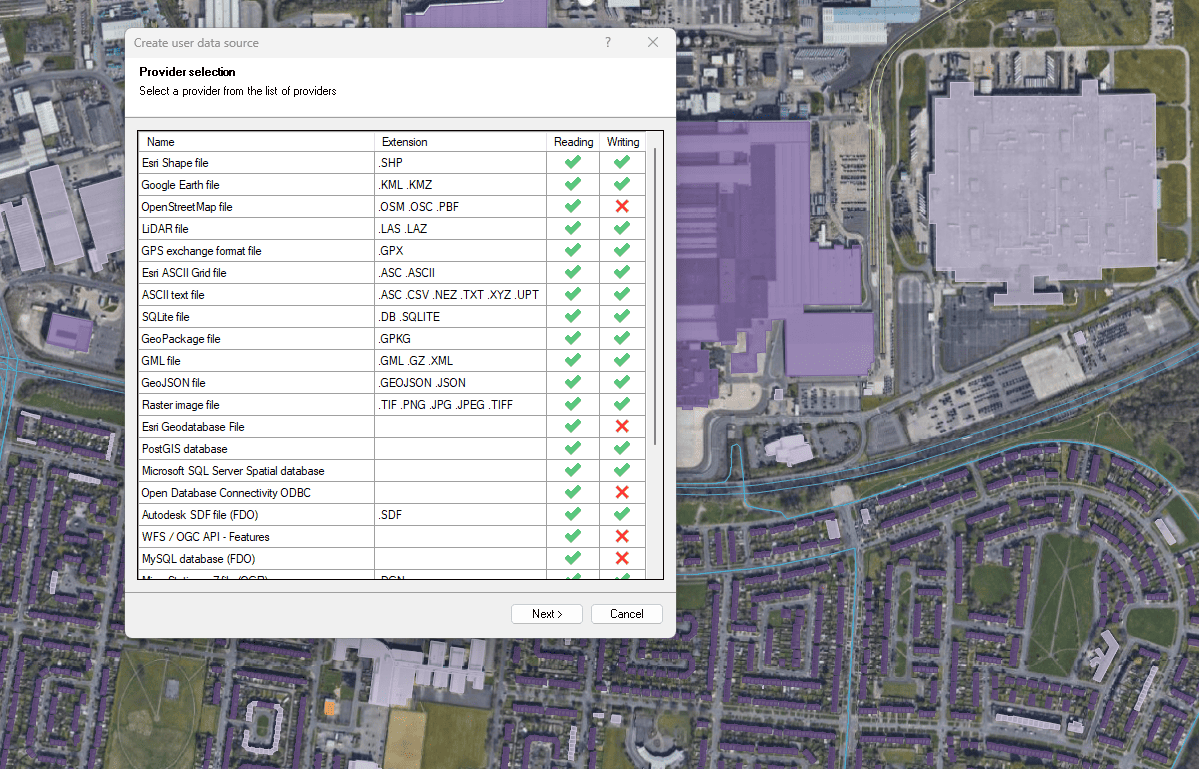

Access and import authoritative LINZ (Land Information New Zealand) vector datasets directly into your DWG through the LINZ WFS (Web Feature Service). Spatial Manager connects to the WFS endpoint and... more

Download and import official Land Information New Zealand (LINZ) data into a DWG using Spatial Manager, either through open services (WFS / OGC API Features) or distributed files (SHP, GeoJSON,... more

View detailed, high-resolution LINZ background maps directly in your DWG through WMTS services–no prior tile download required. Spatial Manager connects to the LINZ WMTS endpoint, requests only the tiles needed... more

OGC API Features is a modern, RESTful standard developed by the Open Geospatial Consortium (OGC) for accessing and managing geospatial feature data over the web. It is the evolution of... more