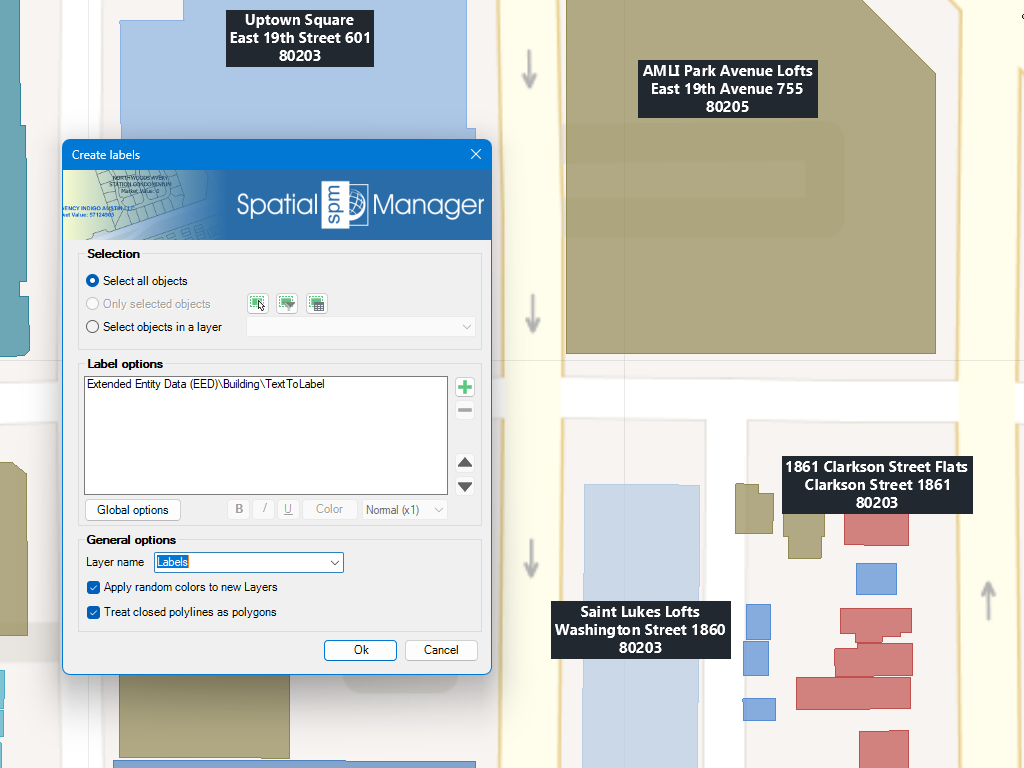
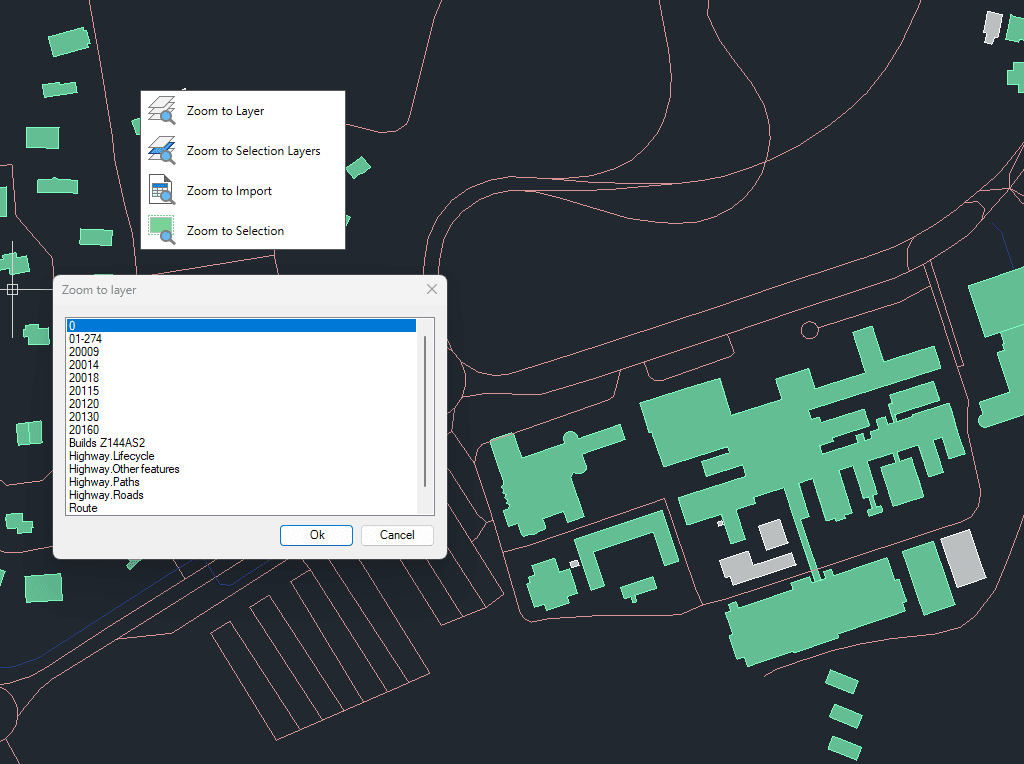
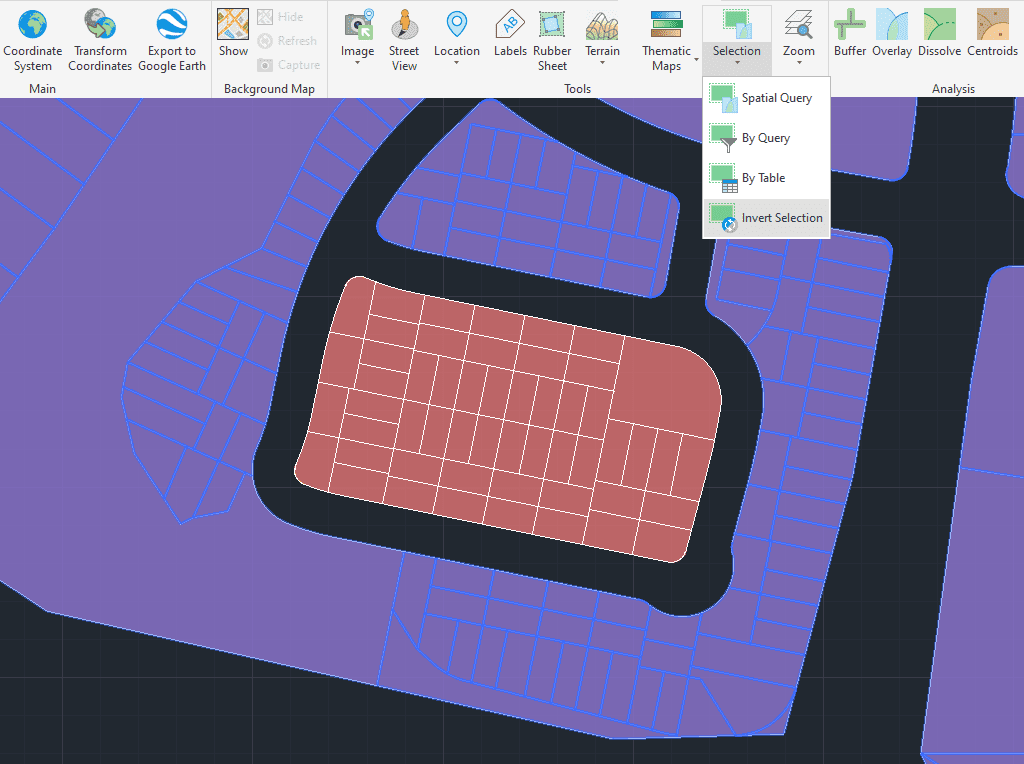
Spatial Manager™ for GstarCAD allows you to create text labels in the drawing from selected objects on the drawing or map. The selection of objects can be diverse: manual, by query or by table.
Within the labeling parameters you can choose options such as the field of the table to be labeled, labeling style (font type, text height, justification and text rotation, ...), as well as the destination layer and applying random colors to new layers.
Discover the full potential of this set of tools designed to enhance GIS data integration and editing within GstarCAD.
You can select which object attached Table/Data Field is the one you want to use as a source to label it.
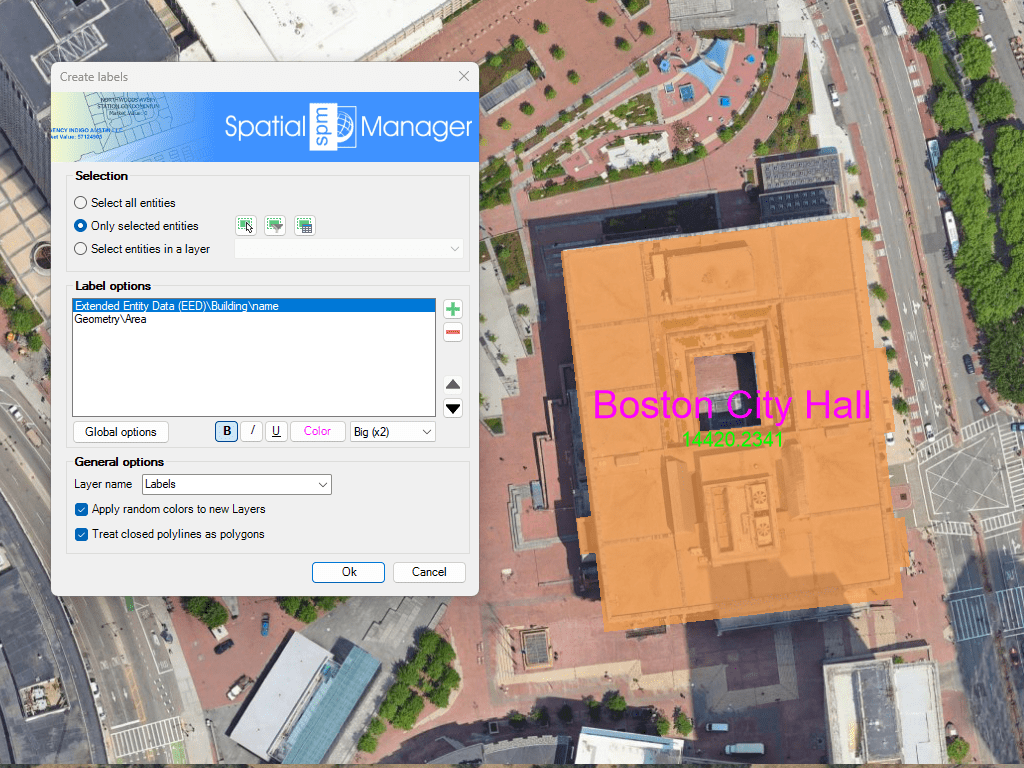
When labeling you can set values such as font type, text height, justification or rotation. You can also mask the texts to distinguish them from other elements of the drawing.
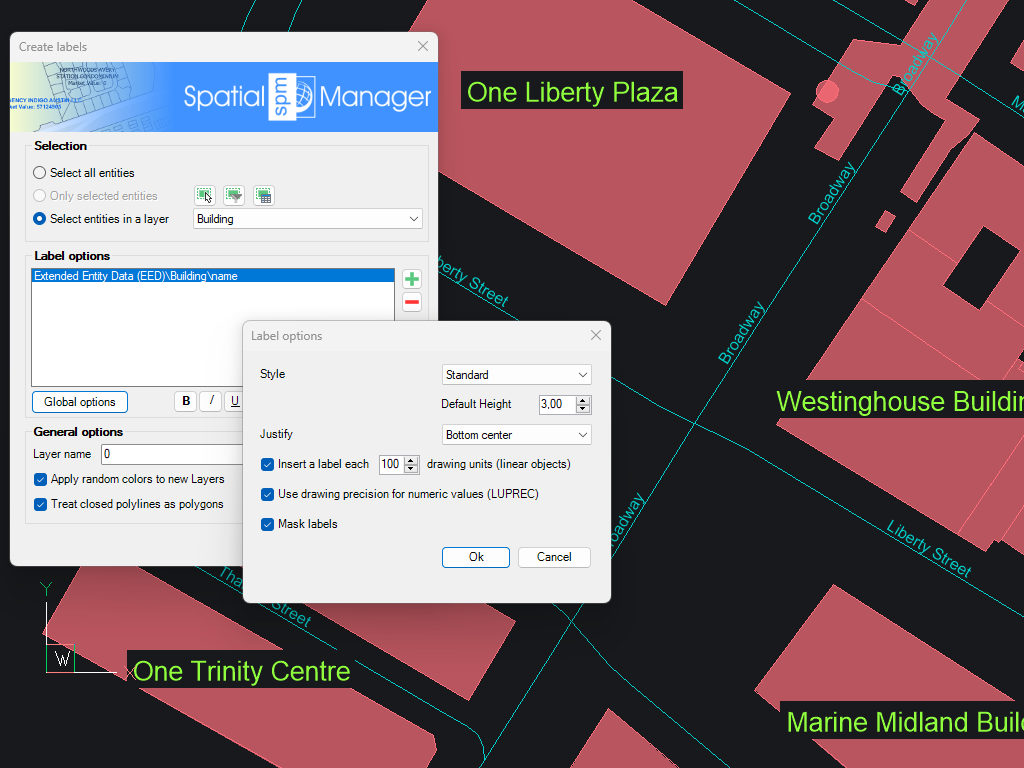
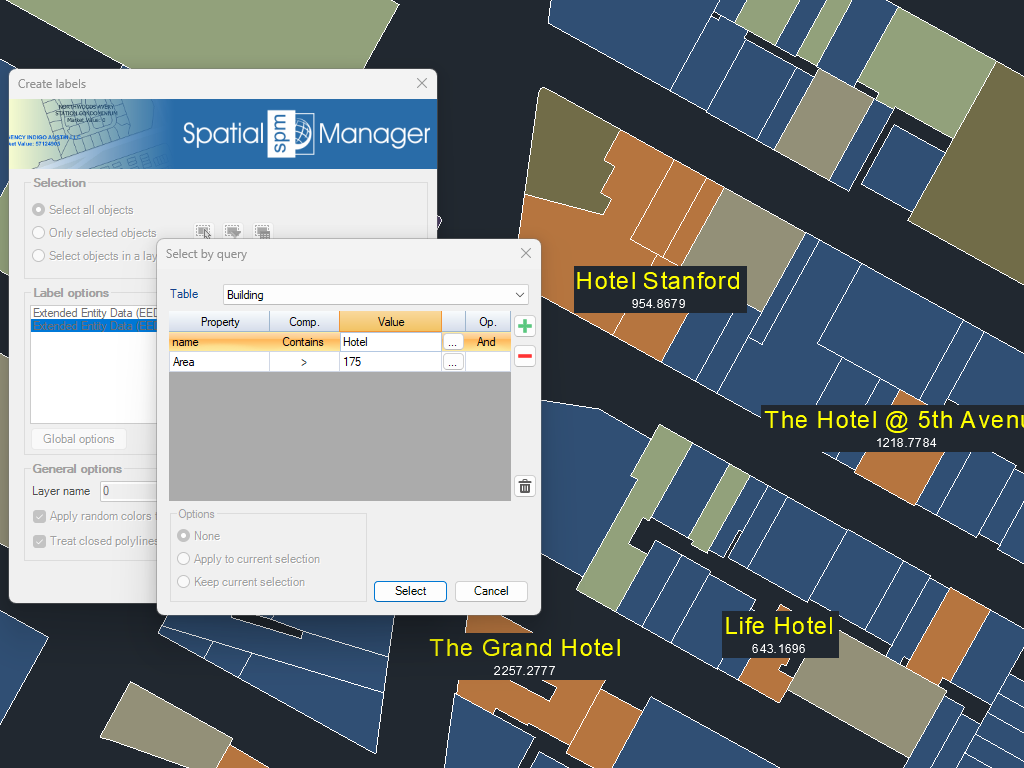
You can select all objects in the drawing, or select them manually, by query, by table or by layer.
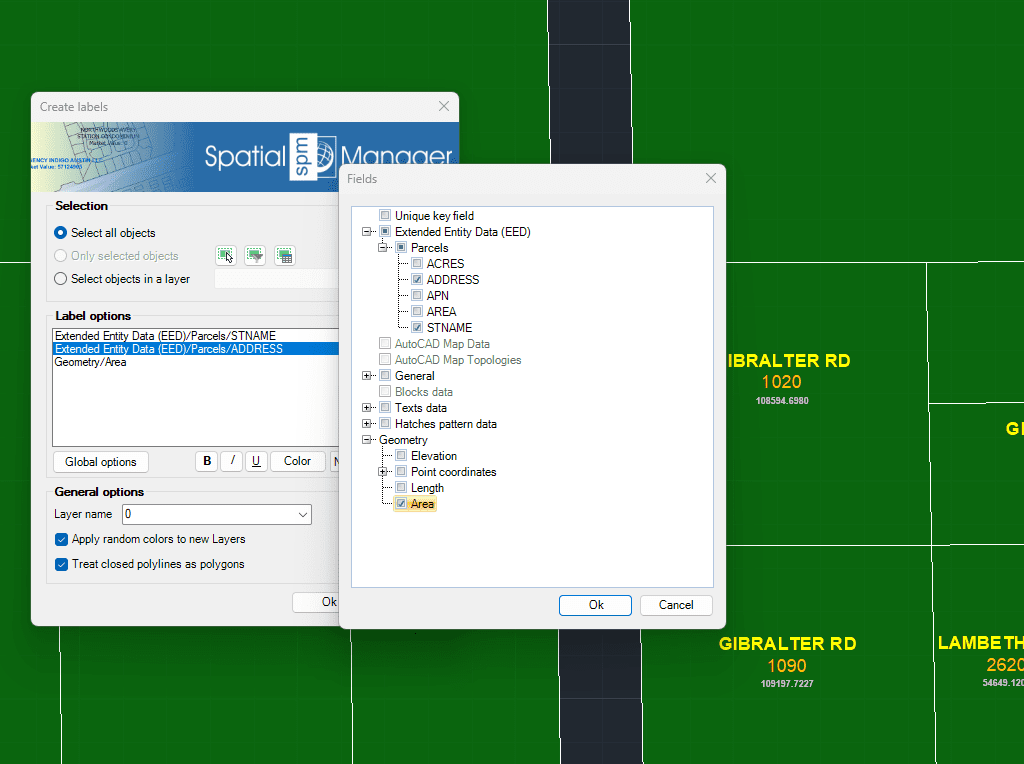
You can select as many alphanumeric fields and element properties as you wish. In addition you can set a unique style for each of these fields.
Generates polygons (closed polylines) by sequentially joining the individual points that define their perimeter. Useful for rebuilding area objects from boundary point sets (parcels, enclosures, plots, etc.). Points may be... more
Reduces the number of vertices in polylines or polygons to simplify their geometry, optimizing complexity while preserving the overall shape. This function improves performance and visualization of spatial data by... more
Generates an envelope or bounding box for the selected geometries, representing the smallest rectangle that completely contains each object. This operation is commonly used to generalize shapes, define spatial extents,... more
Converts individual points into connected polylines by automatically following their original sequence or by ordering them according to a specified attribute. This functionality is especially useful for creating linear elements... more