Resources and Information
What's included in the feature
Multiple maps and views
Discover the full potential of this set of tools designed to enhance GIS data integration and editing within GstarCAD.
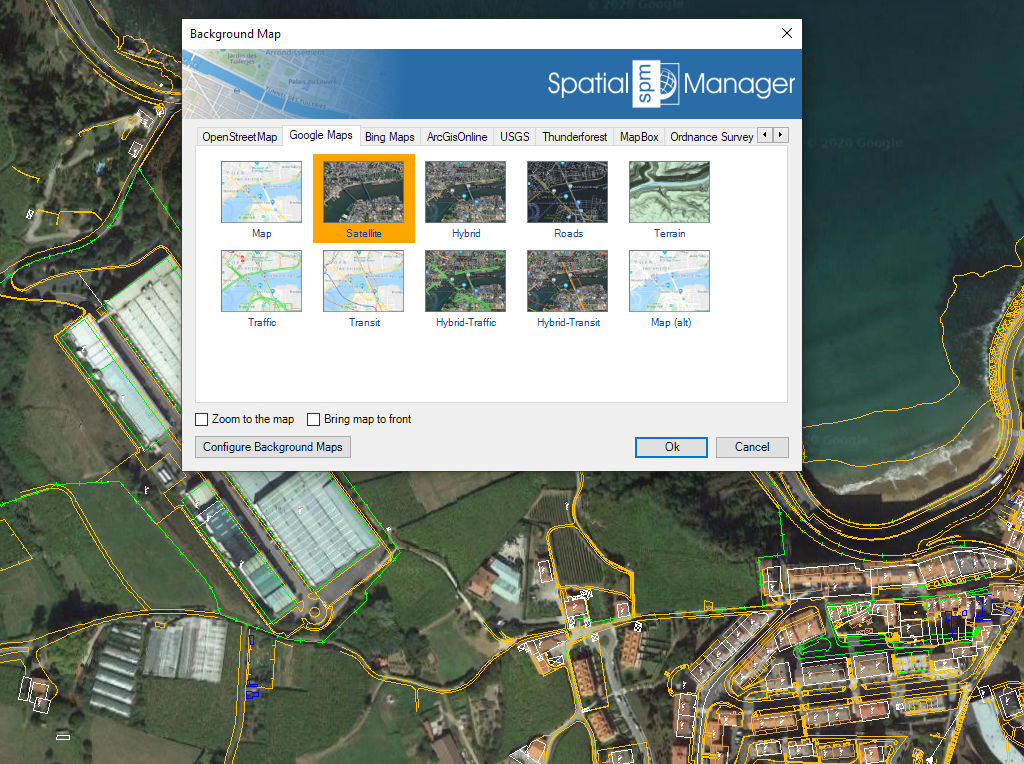
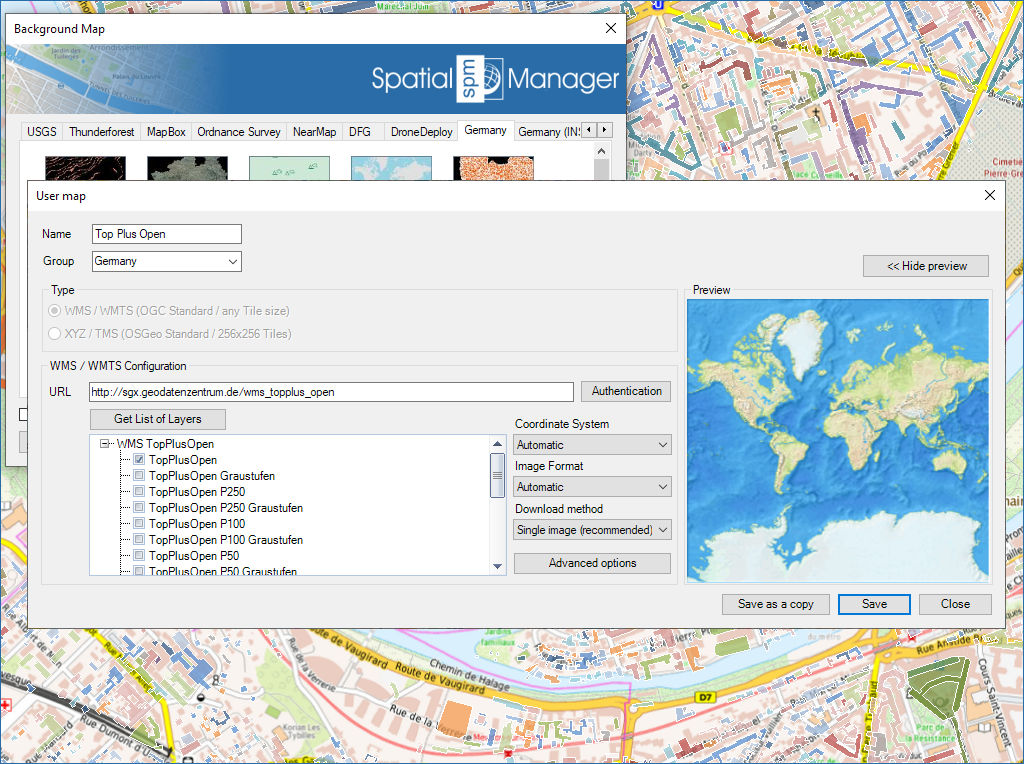
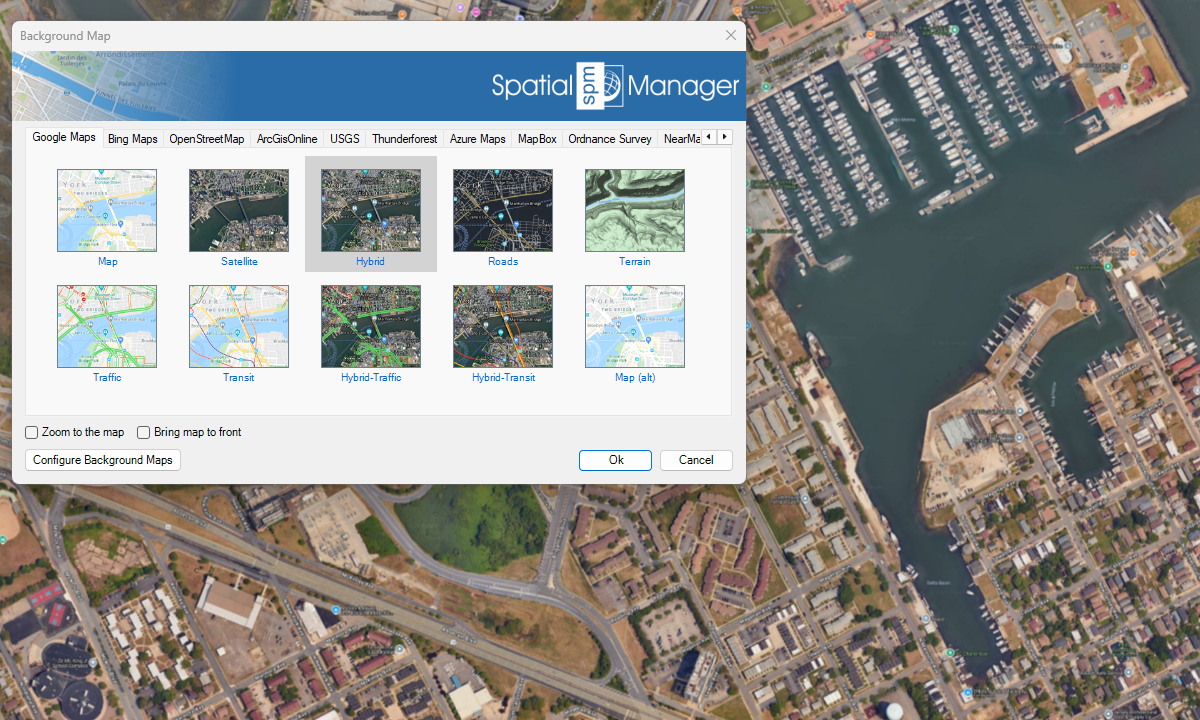
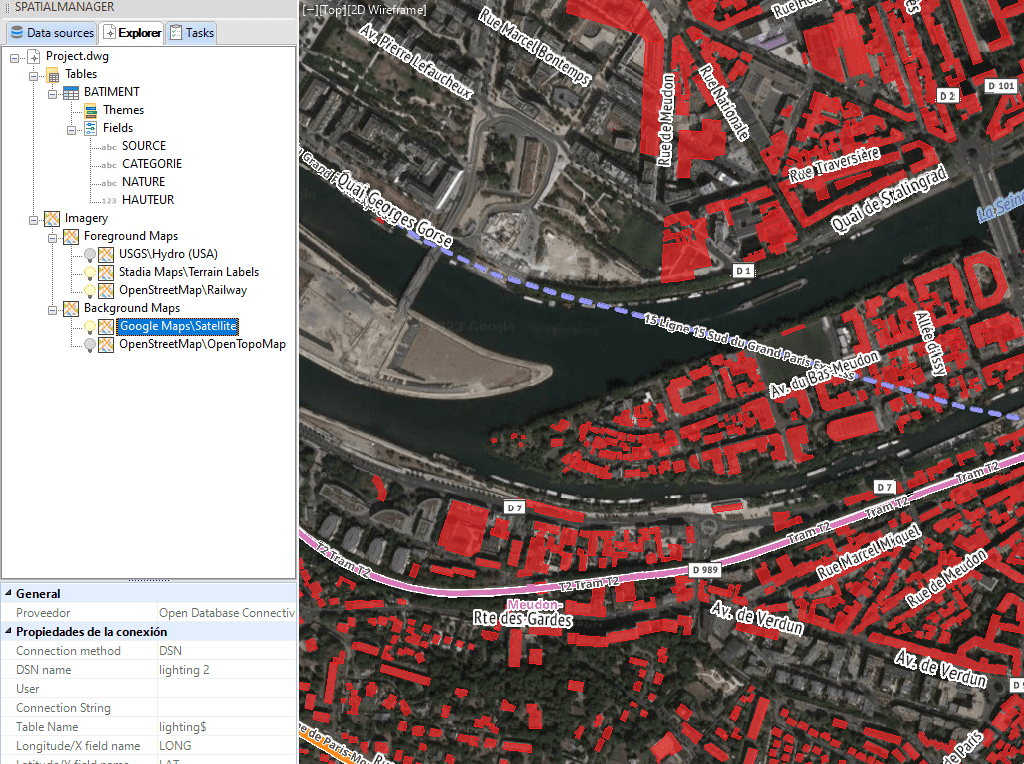
Multiple simultaneous background maps
You can display several background maps simultaneously, set the priority of each of them and activate/deactivate them independently.
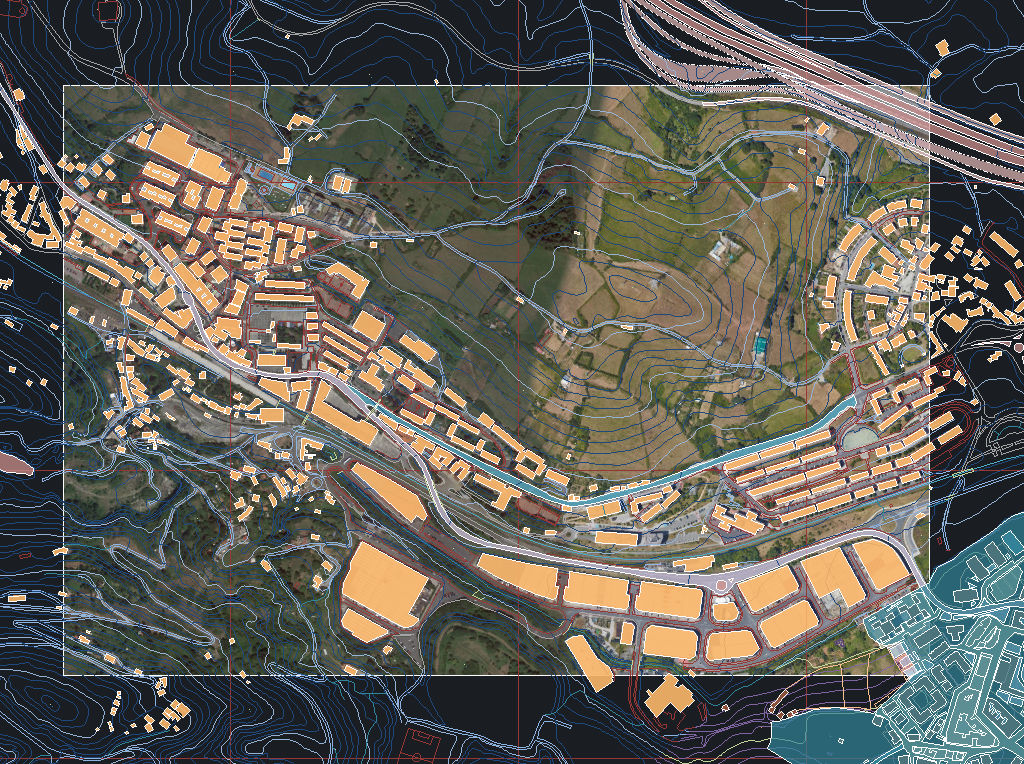
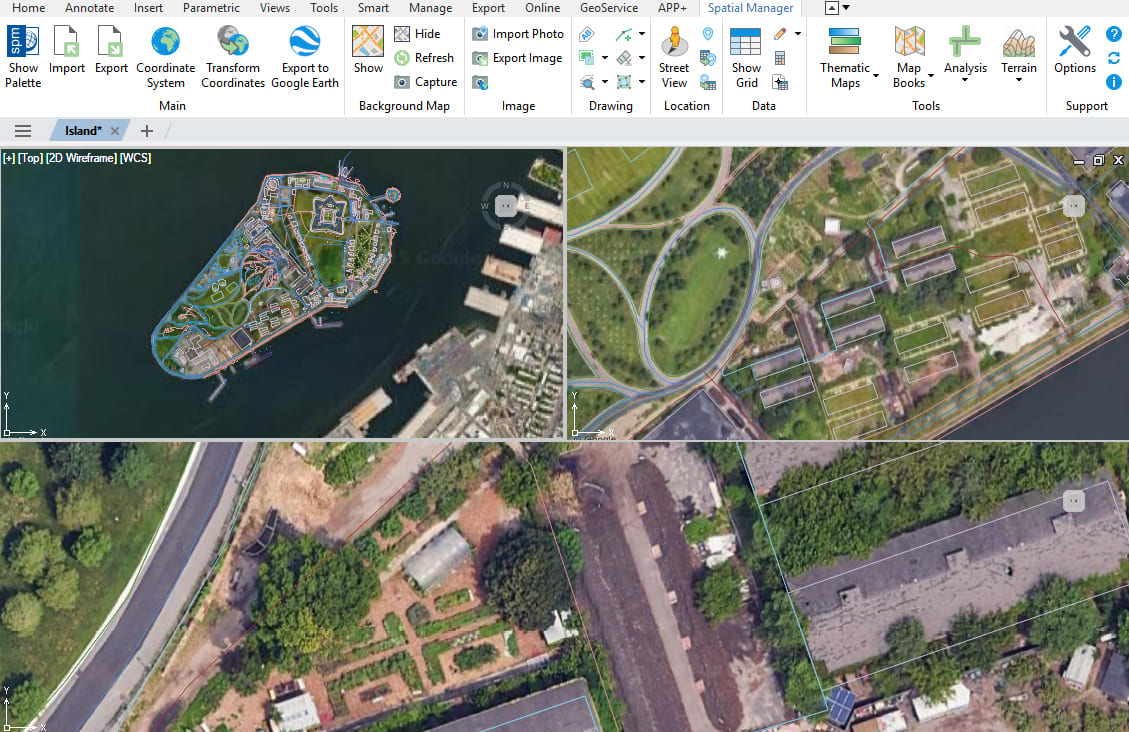
Background maps in multiple views
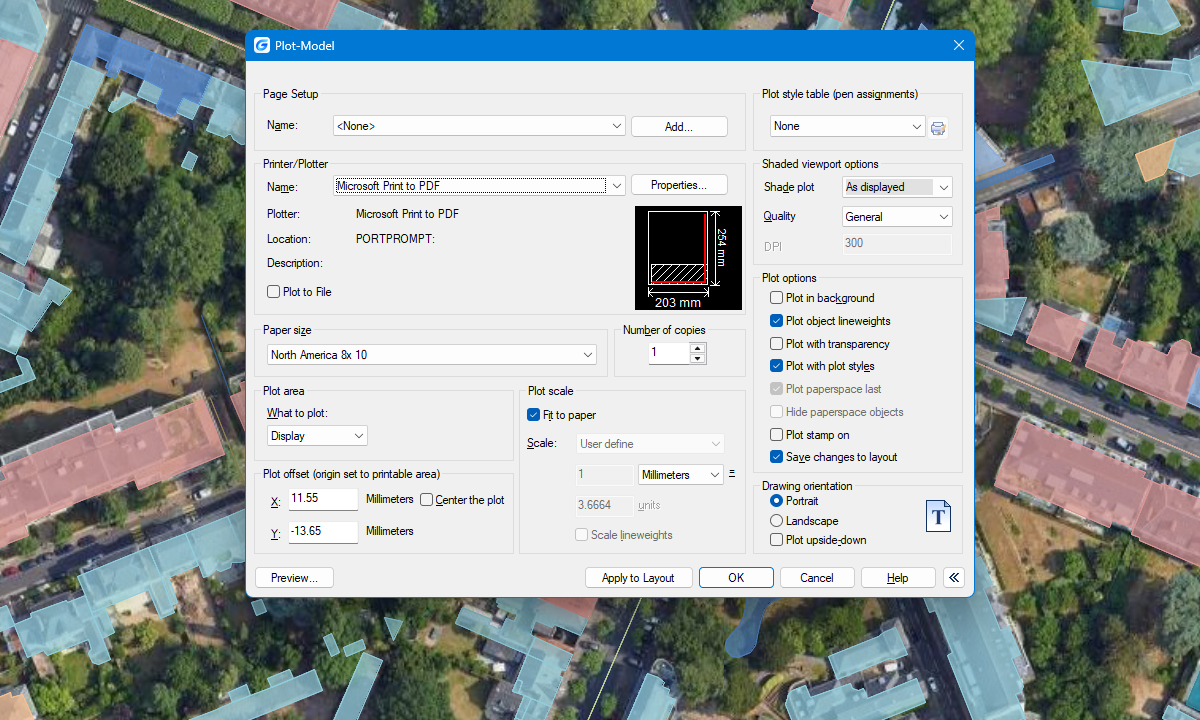
New in V10Background maps can be displayed simultaneously in different views, including model space and layout viewports. This ensures that background maps are correctly shown and printed in all relevant views.