Standalone and Network in BricsCAD
Standalone licenses for Spatial Manager™ for BricsCAD can be used simultaneously on as many computers as seats purchased, while network licenses allow installation on up to 3× the seats but simultaneous use only up to the number of seats
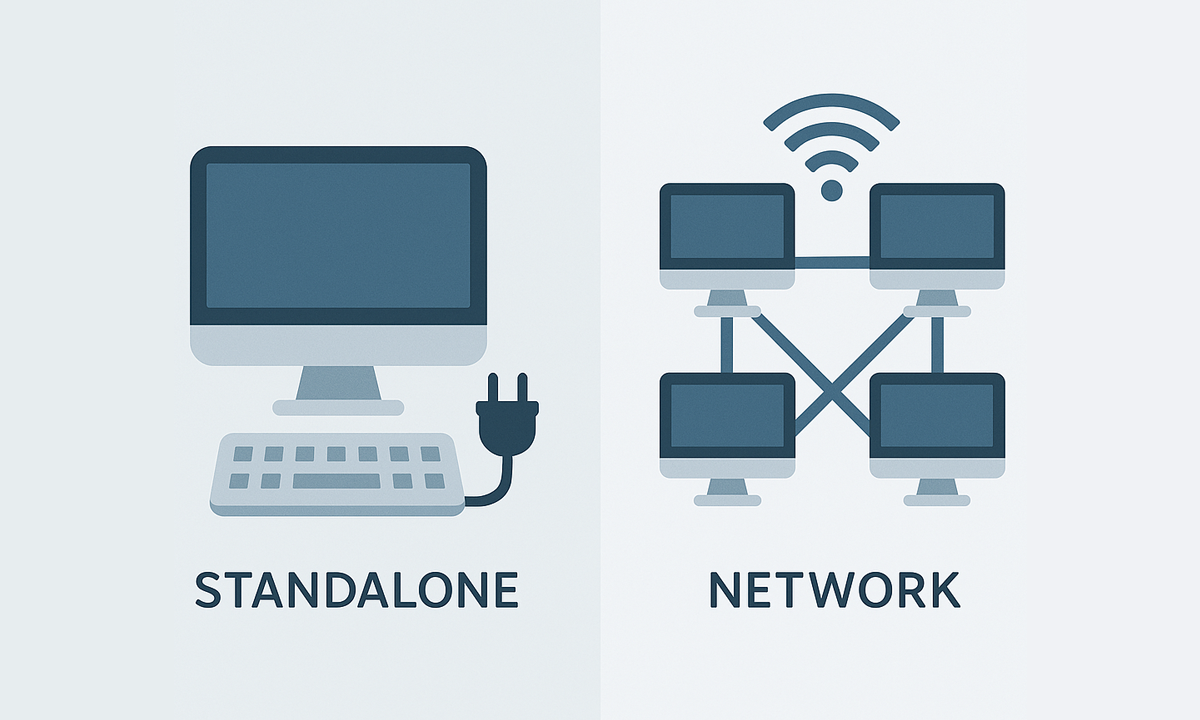
Standalone and Network
- Standalone licenses can be activated on as many computers as the Number of seats purchased, and can be used simultaneously on any of those computers.
- Network licenses can be activated on a maximum of computers equal to 3 times the Number of seats purchased (for example, up to 9 computers for a Number of 3 seats), and can be used simultaneously on the Number of seats purchased (in the example above, up to 3 computers). Network licenses use a floating license system in the cloud and require permanent Internet access.

The licenses are perpetual and do not expire. All purchases are one-time payments — there are no recurring charges or subscriptions

All Spatial Manager™ for BricsCAD licenses include 1 year of updates and support. A 3-year option is also available at a discounted price

Spatial Manager lets you show or hide loaded maps and quickly switch between them directly from its palette. Compare an aerial image with a street map while working on your... more

Spatial Manager creates contour lines from selected 3D points in your drawing, making it easier to see the shape of the ground. You can create 2D or 3D contours, set... more

Spatial Manager creates buffer polygons around points to show the area within a chosen distance of each location. This is useful for showing a facility’s service area or finding objects... more

The recently released version 10.7 of ‘Spatial Manager’ is the first one compatible with BricsCAD 27. This new version includes a lot of functions and commands according to the suggestions... more