Import data
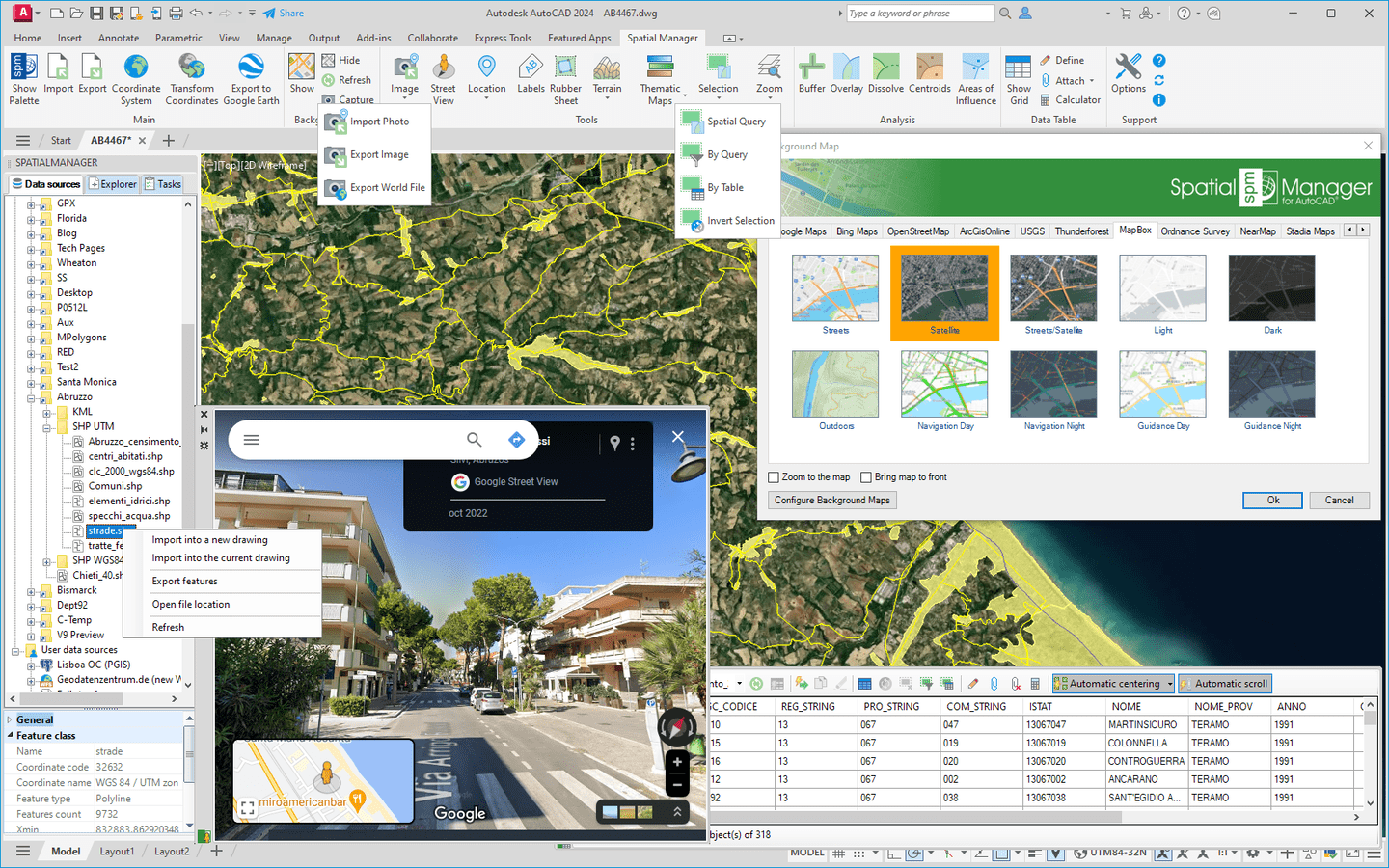
Imports spatial data, into new or existing AutoCAD drawings, as AutoCAD objects and Extended Entity Data (EED/XDATA)
Available in English, German, Spanish, French and Portuguese


Automatically identifies intersections between line geometries and creates polygons (closed polylines) from the resulting closed shapes. This powerful tool is ideal for converting complex line networks–such as cadastral boundaries, city... more

Groups individual points by their data and connects them to create polylines, either by following their sequence or by using a chosen attribute to define the order. This advanced functionality... more

Divides geometries that intersect a specified line, effectively splitting them at the points of intersection. This tool is valuable for editing or preparing data for subsequent processes that require segmented... more

Transforms complex curve geometries–including arcs, splines, circles, and polylines with arcs–into polyline objects. This conversion simplifies editing tasks and improves interoperability with both CAD and GIS workflows. It is particularly... more
I’m really happy with Spatial Manager. Keep up the good work!
Tom Vervaeck
Essenga
Spatial Manager is the best tool (the most intuitive, powerful, useful, rapid and good looking) I have seen up now
Valentin Dedu
Geo Log Data
Awesome solution, you are the greatest!
Peter Scigalla
IBB INGENIEURBÜRO B A T T E F E L D
Your support is well beyond excellent. I really appreciate it
Reuven Hayim
MATAL - Advanced computerized solutions
I’m a fan of your product. You have identified a gap in the CAD toolset, especially surrounding aerial imagery connectivity and exporting
Jay Curebanas
Design Technologist
I’m geophysicist and working with your solution saves me from big headaches and waste of time
Valentin Dedu
Geo Log Data
You guys put out a really great product! It have been very helpful with many of our projects
Lee Barras
DOF - Dalton, Olmsted & Fuglevand
It works with many formats of geospatial data, including multiple coordinate transformation options. Intuitive and fully integrated with CAD products. Definitely worth the money
Edvin Dan
Keep up the good work, one of the best add-on applications for CAD products in my opinion
Mark Mathews
Eagon & Associates, Inc.
Thanks for continuing to improve a great product.As a former AutoCAD Map and ArcGIS customer, I am very pleased with Spatial Manager for CAD products
Ben Hay Hammet
Ecoast LLC
I purchased two one year student licenses back in september and I am really happy with Spatial Manager, it's a great program
Saioa Patiño
Universidad de Los Andes
I’m impressed with the new metadata editing tools!
Bill Cawley
LOTT Clean Water Alliance
First off, I'd like to compliment you for this piece of software. I'm an ArcGIS user, but the quality and usability of Spatial Manager are great! Especially the OSM-import feature is amazing!
Carel Fransen
Studio Carel Fransen
Thank you! Love the program it does exactly what I need it to do
Mark Mathews
Eagon & Associates, Inc.
I’m very happy to have your product to import and export GIS data. Nice work!
Bill Cawley
LOTT Clean Water Alliance
Spatial Manager works great for importing blocks with attribute data
Jesse DeLaMora
Audubon Field Services