Clone the map
The process will consider the current Layers organization and the properties of the Layers and objects. The elements in the KML/KMZ file will assume the colors, weights, etc. of the objects in the map. A subdivision based on the types of the objects in the Layers will be also created for each Layer
Clone the map
The exported file organizes elements by object types within each layer, ensuring the map’s visual style and organization are accurately reflected in Google Earth.
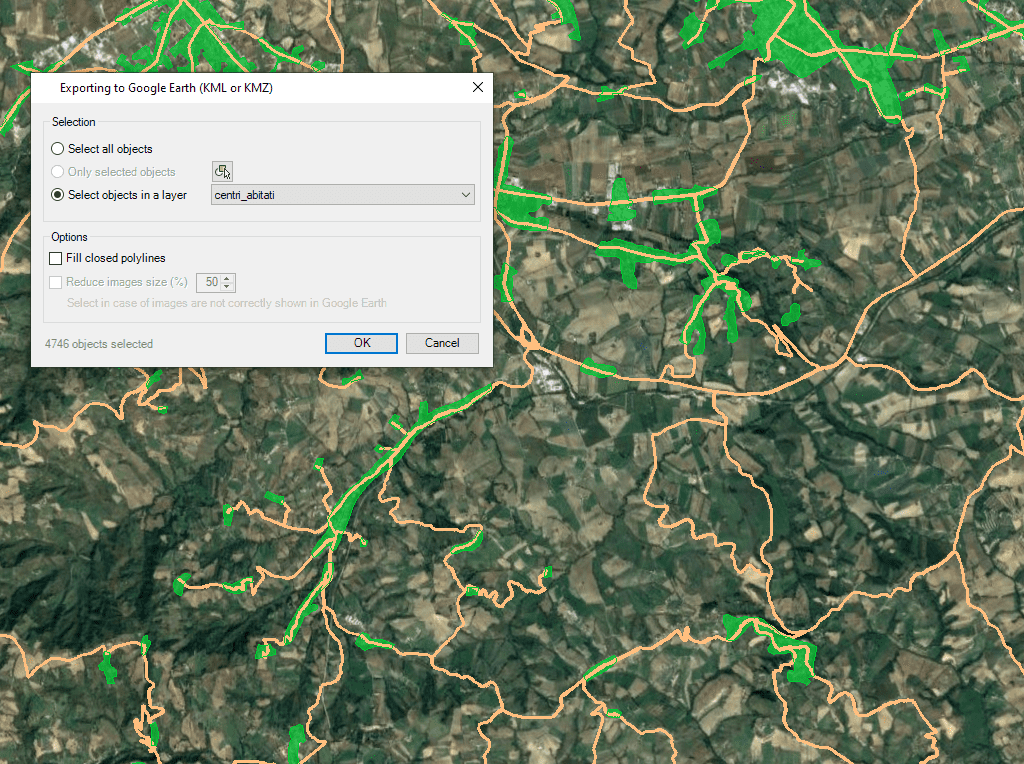
Regardless of the advanced Export capabilities of the application the user will find a specific tool to Export all or part of the objects in the visible Layers of the map and their data, to a KML or KMZ file (Google Earth) through a one-click operation

Google Earth includes a little-known function that allows you to analyze the elevation profiles of roads, streets, highways, railways, paths, etc. polylines. The tools for export/publish to KML or KMZ... more

Google Earth is one of the most popular platforms for 2D and 3D visualization of spatial and geographic information, not only because it is free and very accessible to any... more

Regardless of the advanced Export capabilities of ‘Spatial Manager’, the applications include a specific function designed to Publish the drawing or map and their data to Google Earth through an instantaneous one-click... more

It is a common practice to use Google Earth as a visual tool to show spatial information in a standard format which many users already know through an intuitive and easy to... more