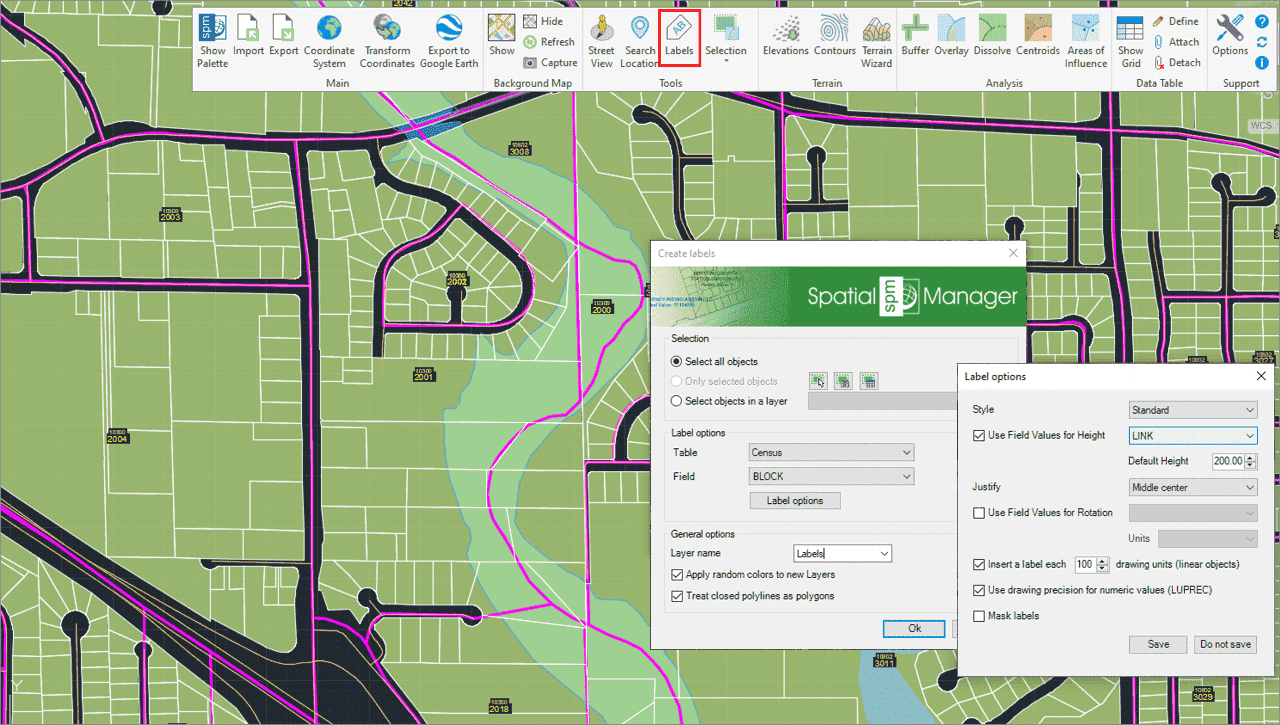
Such actions can be label object data as texts, intelligent view changes and advanced selection of drawing objects.
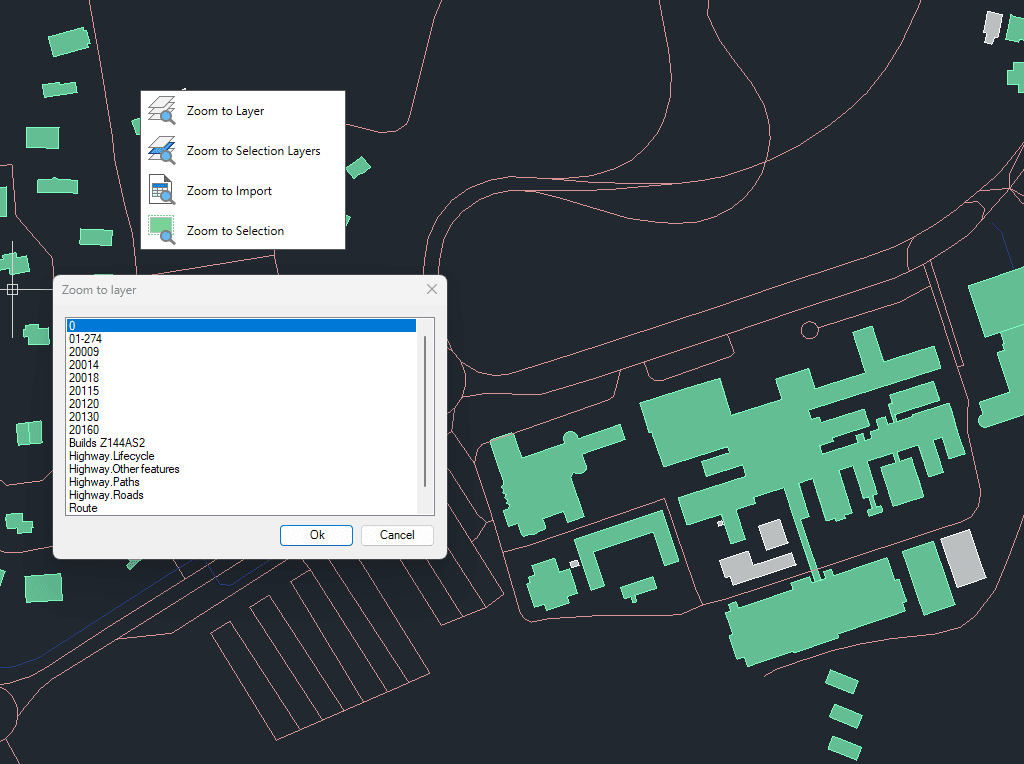
Zoom to the objects on the selected layers, to the objects on the layers of selected objects, to the objects resulting from the last import process or to the selected objects
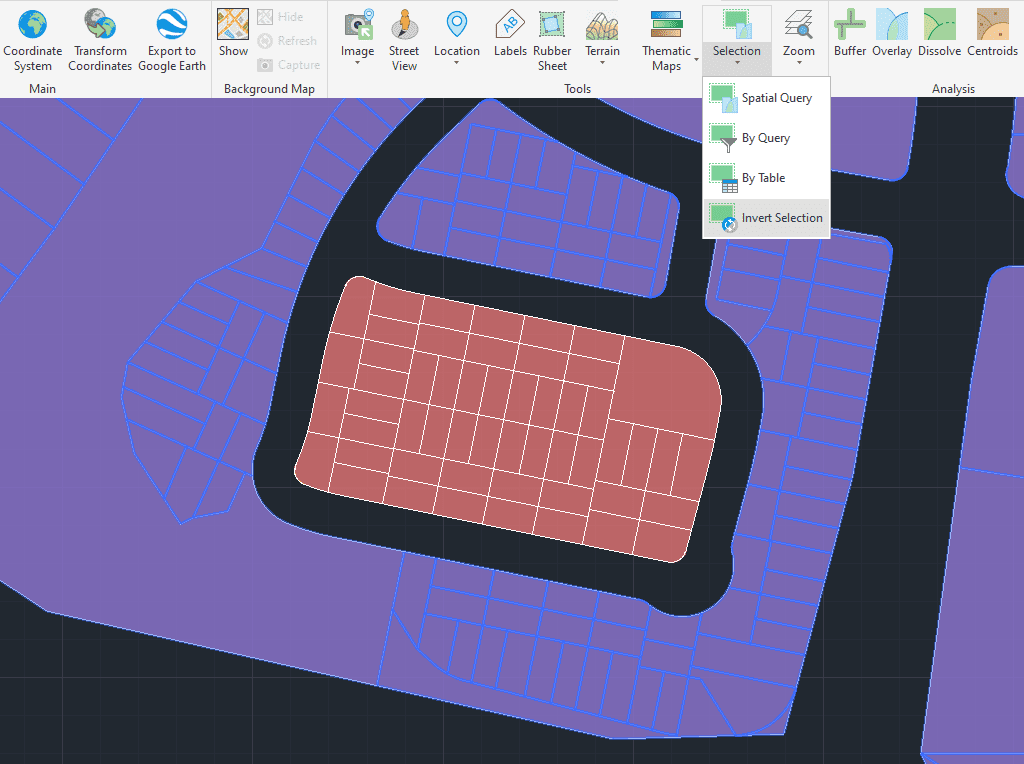
Select objects that are not selected in the drawing and deselect those that are selected.
The Vertex Extraction tool creates individual point features from the vertices of existing geometries. This function is useful for analyzing, editing, or exporting the key coordinate points that define lines,... more
Merges overlapping or neighboring polygons (closed polylines) into a single unified shape. This tool streamlines complex datasets by eliminating internal boundaries and joining connected areas. It is particularly useful for... more
Creates one continuous polyline from several existing ones. If the polylines are not directly connected, the application can merge them automatically by considering their proximity. This functionality also supports grouping... more
This tool creates a mesh of interconnected triangles by linking a selected set of points. This process forms a network of triangles suitable for surface modeling, terrain analysis, and spatial... more