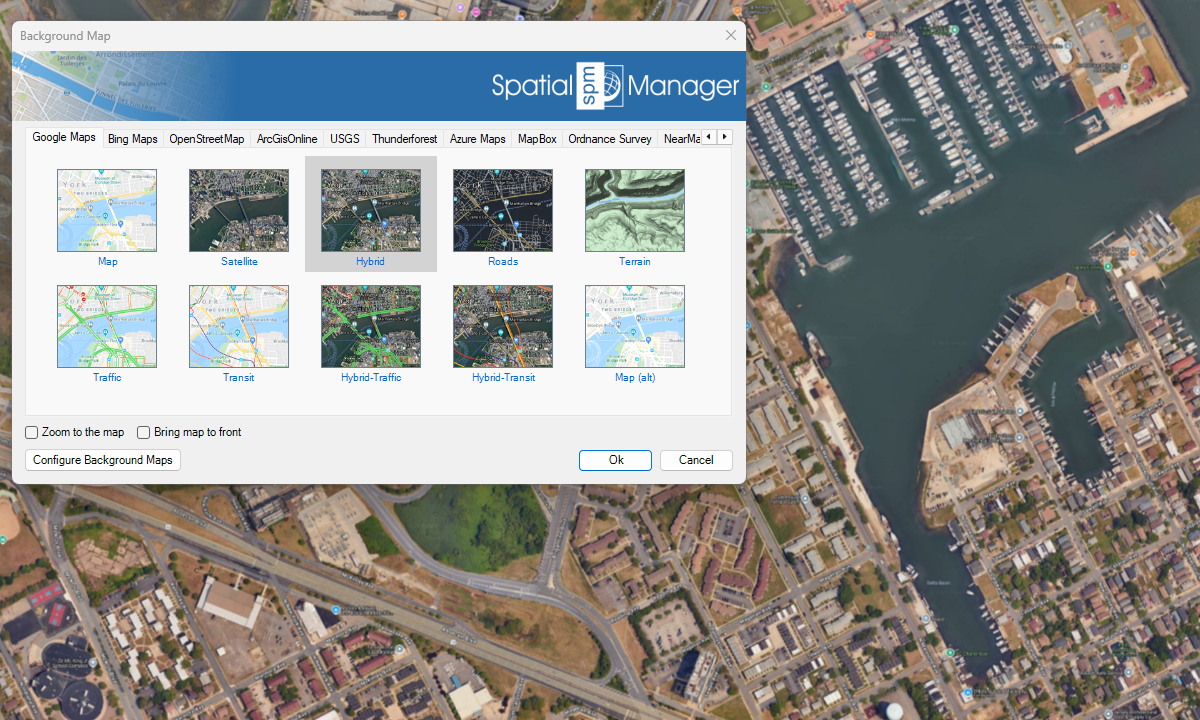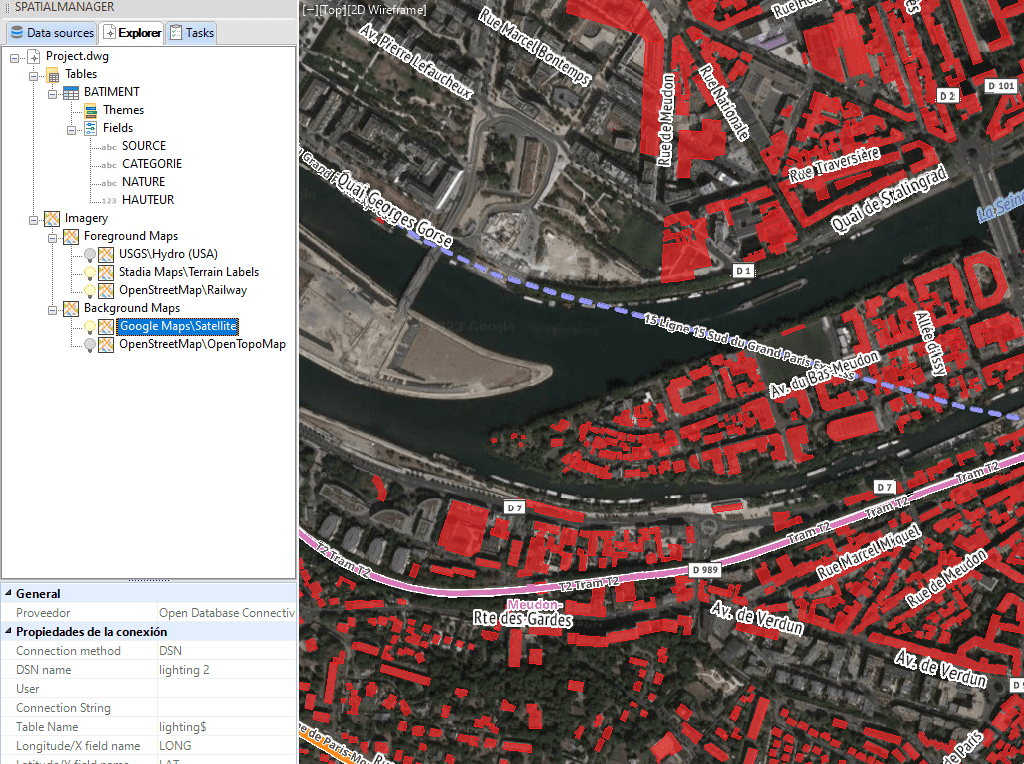
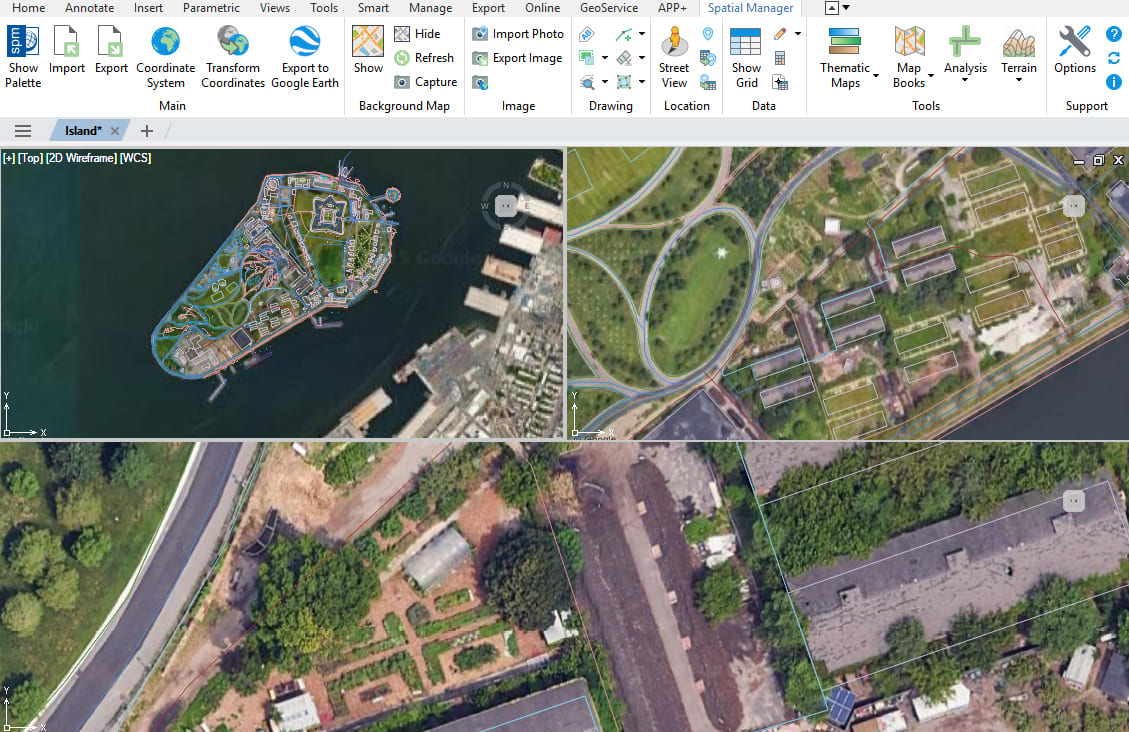
You can load several background maps simultaneously, define their drawing priority, and toggle them independently. Maps can also be displayed in different views, including model space and layout viewports, ensuring proper visualization and printing in all contexts.
Discover the full potential of this set of tools designed to enhance GIS data integration and editing within GstarCAD.
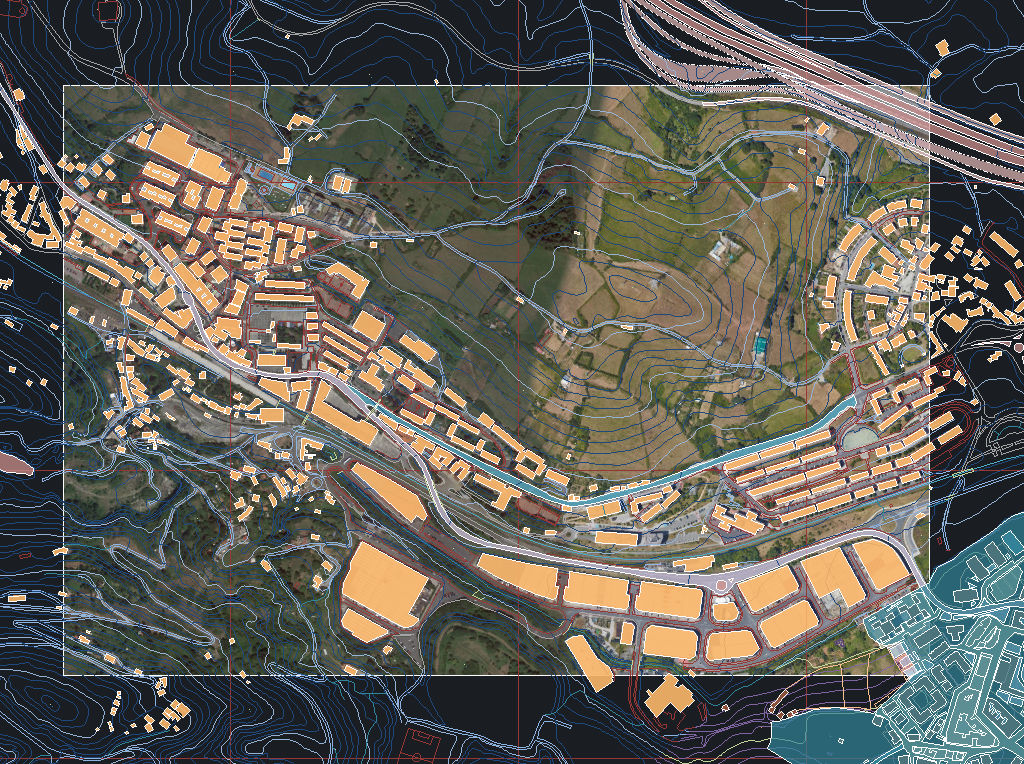
You can display several background maps simultaneously, set the priority of each of them and activate/deactivate them independently.
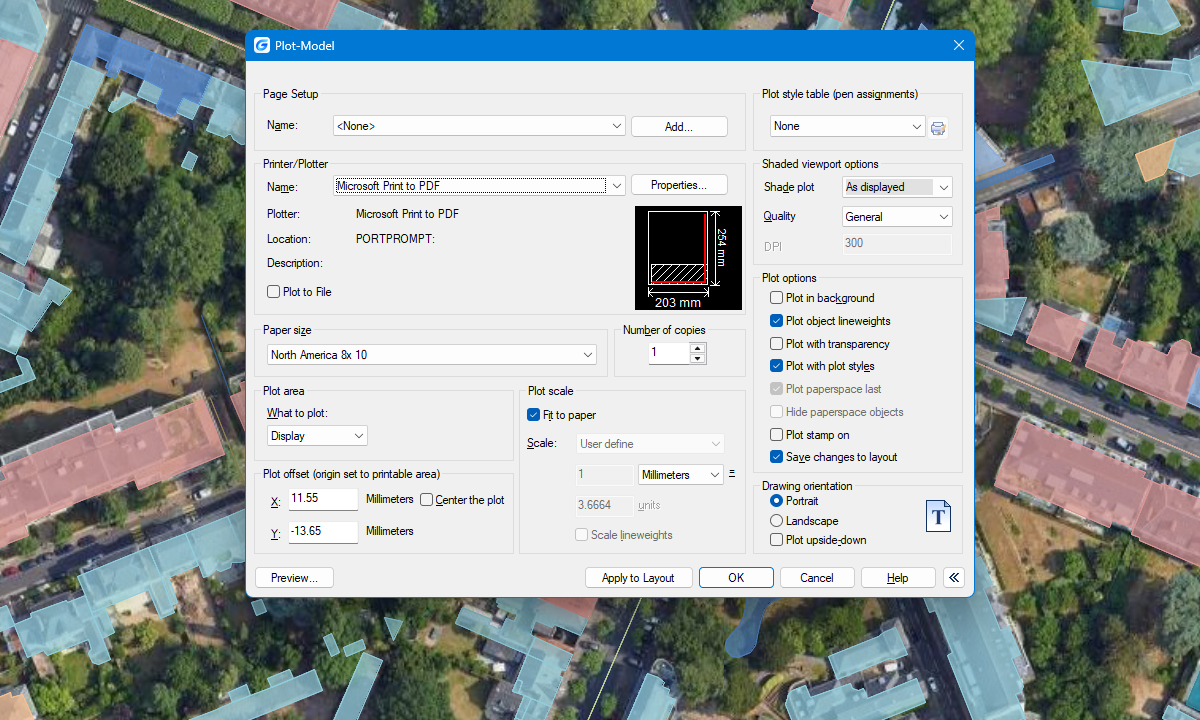
Background maps can be displayed simultaneously in different views, including model space and layout viewports. This ensures that background maps are correctly shown and printed in all relevant views.
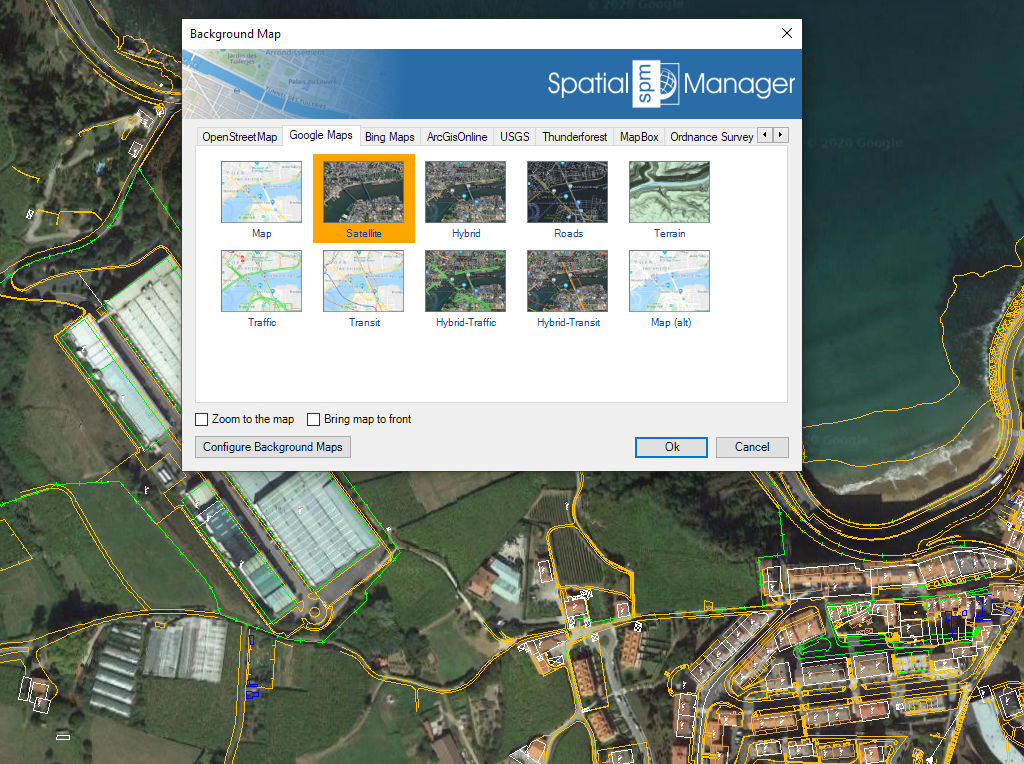
Background maps can be displayed simultaneously in multiple views, including both model space and layout viewports. Whenever changes occur, the background maps are automatically refreshed so that they remain accurate... more
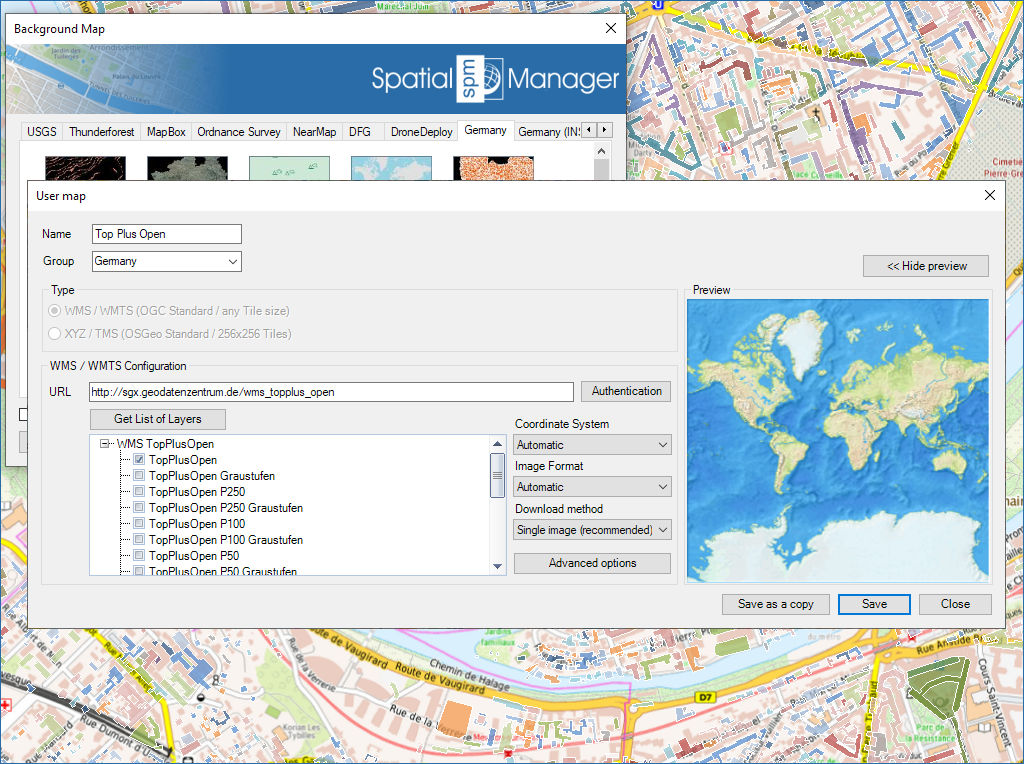
With Spatial Manager™, you can load multiple maps from different sources and compound an advanced view. Arrange their display priority, and control their visibility independently—making it easier than ever to... more
Mapflow is a cutting-edge geospatial intelligence platform leveraging artificial intelligence to automatically identify and classify geographic objects—such as buildings, roads, and forested areas—within satellite and aerial imagery.... more
The Farm Service Agency of the U.S. Department of Agriculture (USDA) provides some web services for accessing the National Agriculture Imagery Program (NAIP). Spatial Manager products provide an easy way... more