Clone the drawing to KML or KMZ in BricsCAD
The process will consider the current Layers organization and the properties of the Layers and objects. The elements in the KML/KMZ file will assume the colors, weights, etc. of the objects in the drawing
Clone the drawing to KML or KMZ
The exported KML/KMZ file reflects these visual characteristics, ensuring consistency between the CAD environment and the output.
Additionally, the exported file organizes objects into subdivisions based on their types within each layer, facilitating clearer data management and visualization in applications like Google Earth.
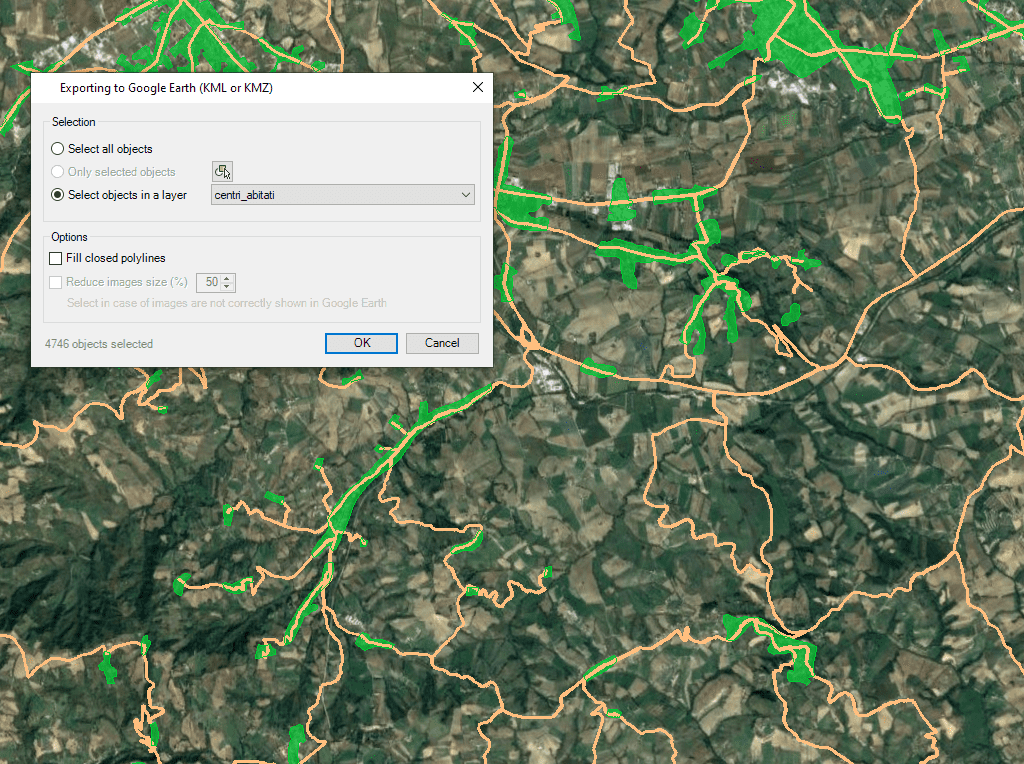
Regardless of the advanced Export capabilities of the application, the user will find a specific tool to Export all or part of the objects in the visible Layers of the drawing and their data, to a KML or KMZ file (Google Earth) through a one-click operation
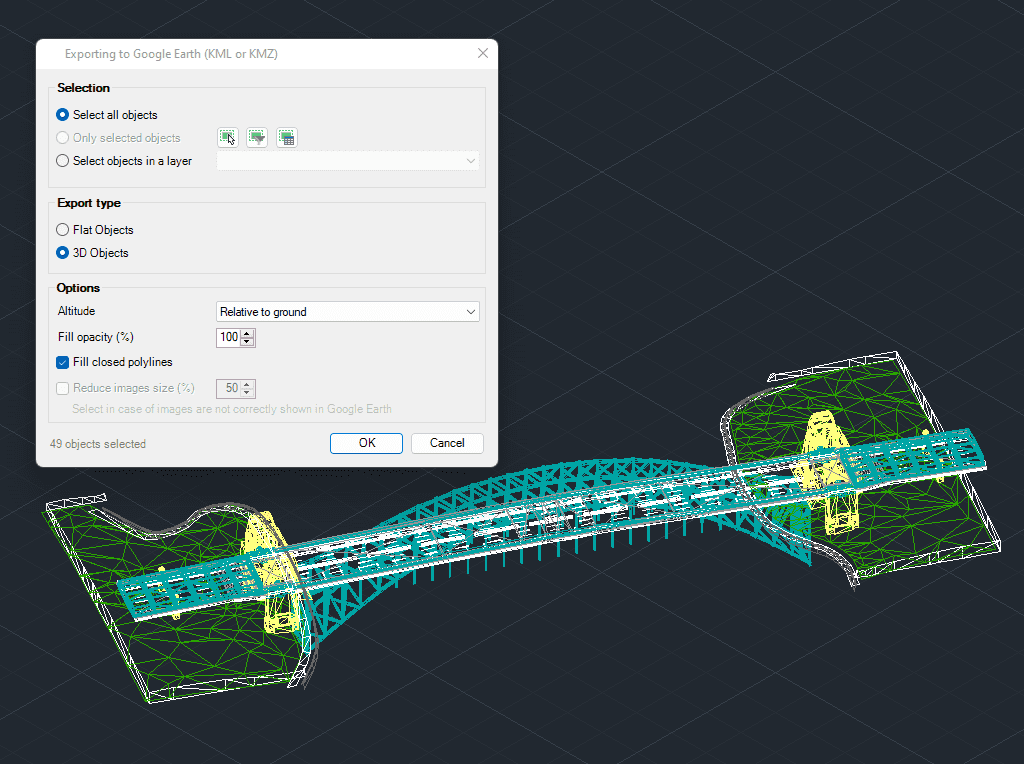
3D modeled objects are exported to Google Earth (KML/KMZ) in a very easy and intuitive way

Easily convert your DWG/DXF files to KML/KMZ for Google Earth quickly and accurately. You can export the entire drawing or only a selection of specific objects, preserving the structure, layers,... more

Google Earth internally uses meters for elevation units, which can be an obstacle when feet are required. This tutorial explains an easy workaround for viewing contour elevation values in Google... more

This article explains how to start a drafting or design project using a Google Earth imagery base. It provides step-by-step instructions on how to overlay drawings, plans, or architectural projects... more

Download historical imagery directly from Google Earth to your DWG using your preferred CAD platform for enhanced accuracy and analysis. Get aerial photographs from different dates and compare the evolution... more