Terrains 3D dans BricsCAD
Génération de modèles 3D en utilisant des Mailles 3D ou d'autres objets CAO/BIM à partir des objets 3D sélectionnés
Projection et ajustement automatique des images de toute Carte de Fond (prédéfinie ou configurée par l'utilisateur) sur un ou plusieurs Terrains et à son emplacement réel
Terrains 3D
Spatial Manager™ crée automatiquement des surfaces 3D qui représentent fidèlement la topographie. Améliorez ces terrains en projetant et en ajustant n’importe quelle carte de fond — prédéfinie ou personnalisée — sur la surface.
La carte est adaptée à la géométrie du terrain à sa géolocalisation réelle, fournissant un modèle visuellement riche et géographiquement précis.
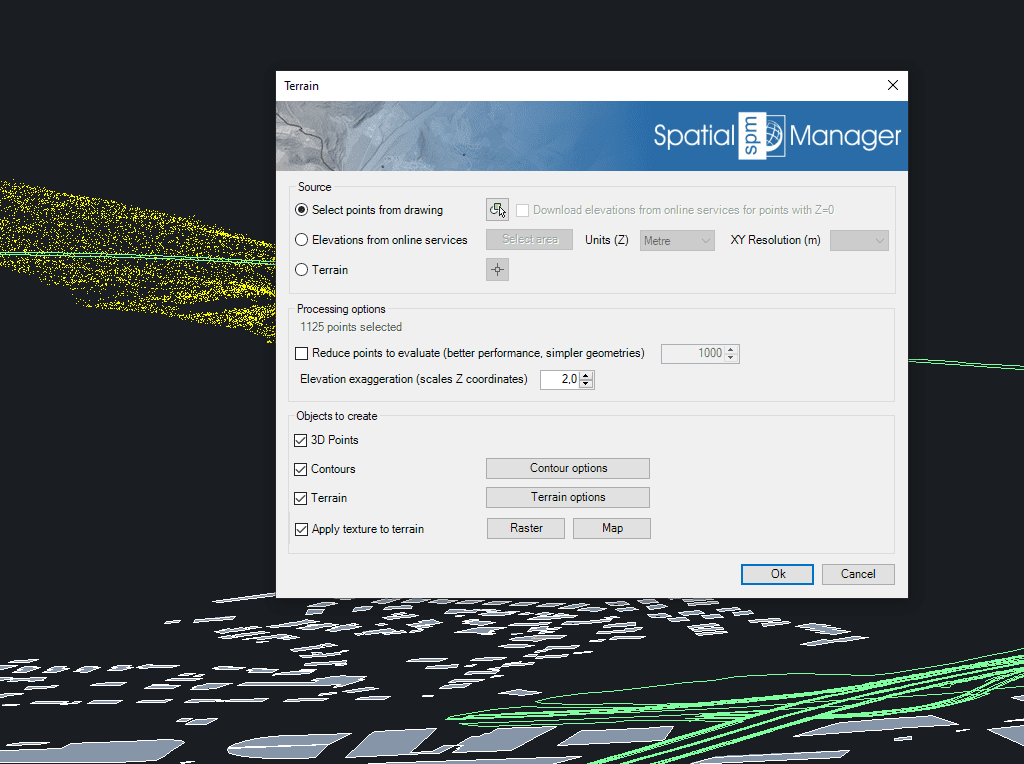
Utilisez des Points ou des Blocs sélectionnés dans le dessin ou créés à partir de fournisseurs de services d'Elévation dans n'importe quelle zone sélectionnée. Vous pouvez également utiliser un terrain déjà généré comme source de la géométrie 3D
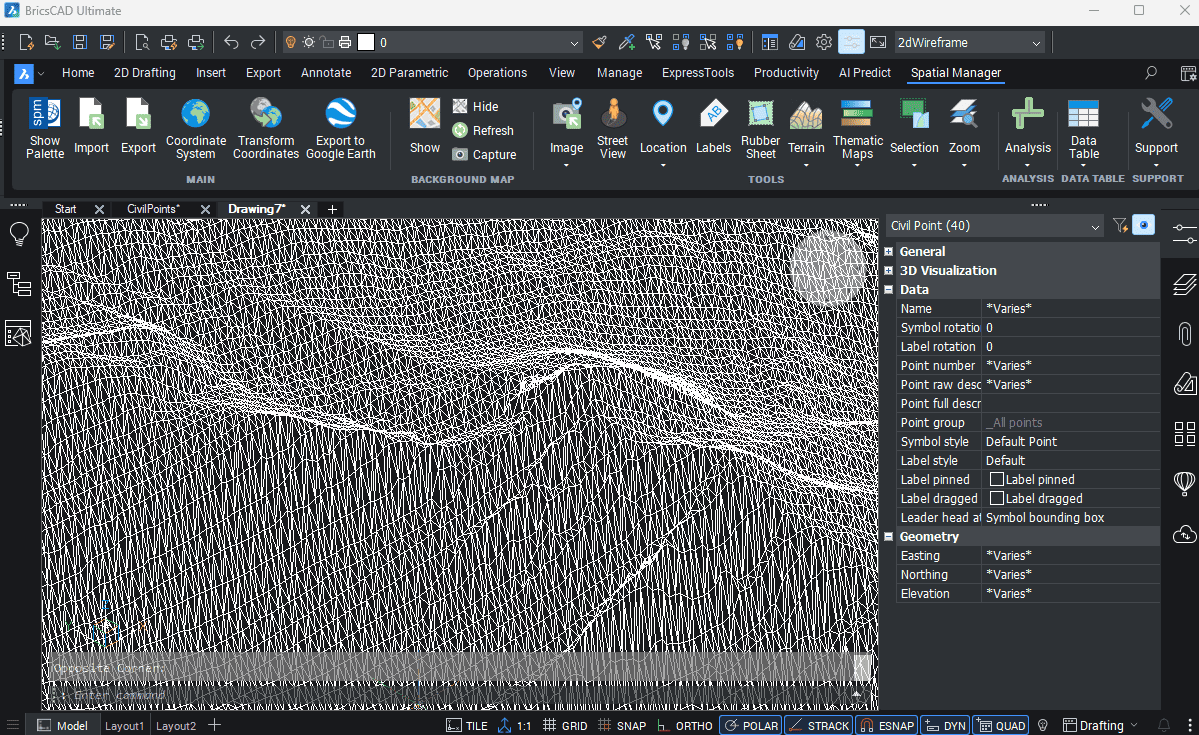
Créer des surfaces à partir de BricsCAD Civil Points facilement avec Spatial Manager, optimisant ainsi les flux de travail des projets
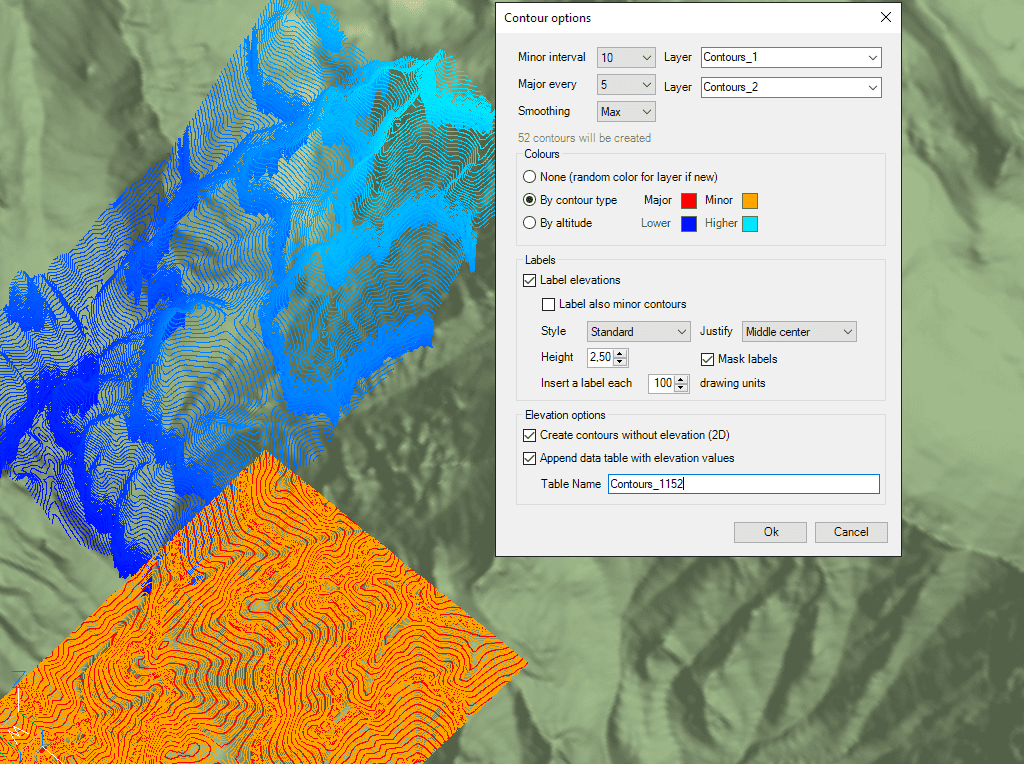
Créez des Courbes de Niveau mineurs et principales, étiquetez les altitudes des Courbes de Niveau, séparez-les en différentes Calques et avec des couleurs différentes. Les Tables de Données liées et optionnelles incluront les valeurs d'élévation et les types de Courbes de Niveau

Spatial Manager has utilities for working with terrains and elevations. One of them lets you search elevations for existing points. By following a few steps, it is possible to create... more

Spatial Manager (CAD versions) includes the option to Insert Nodes when importing objects such as Polylines or Polygons. These nodes can be created as Points or as Block Inserts (if... more

In order to enhance the visibility of Contour Labels, ‘Spatial Manager’ (CAD versions) now includes some new options which can also be applied to the object Labels while Importing. In... more

Spatial Manager Terrain Assistant, available in the CAD versions (AutoCAD, BricsCAD and ZWCAD), provides the user with intuitive tools for processing 2D/3D Terrain information (Points, Contours, and Digital Terrain Models).... more