Objekte beschriften in GstarCAD
Beschriften Sie Datenwerte aus Tabellen, die an die Objekte angehängt sind, als Texte in GstarCAD
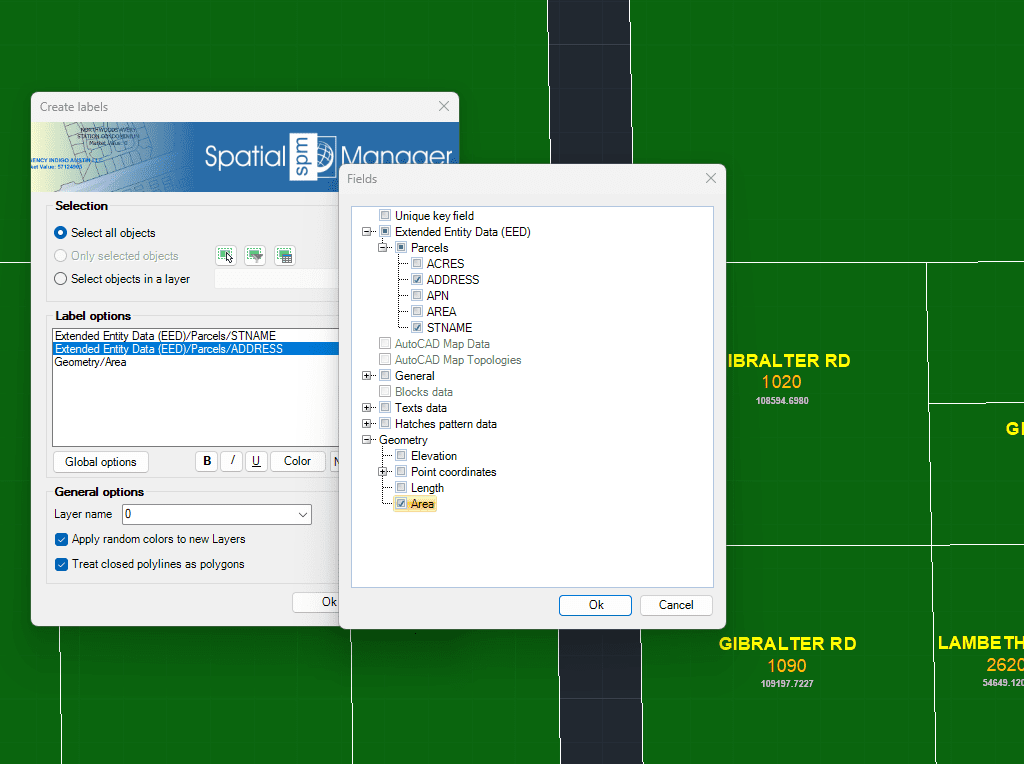
In den Beschriftungsparametern können Sie Optionen wie das Feld der zu beschriftenden Tabelle, den Beschriftungsstil (Schriftart, Texthöhe, Blocksatz und Textdrehung, ...), sowie den Ziellayer und die Anwendung von Zufallsfarben auf neue Layer wählen.
Entdecken Sie das volle Potenzial dieses Werkzeugsatzes, der entwickelt wurde, um die Integration und Bearbeitung von GIS-Daten in GstarCAD zu verbessern.
Datenquelle für die Beschriftung
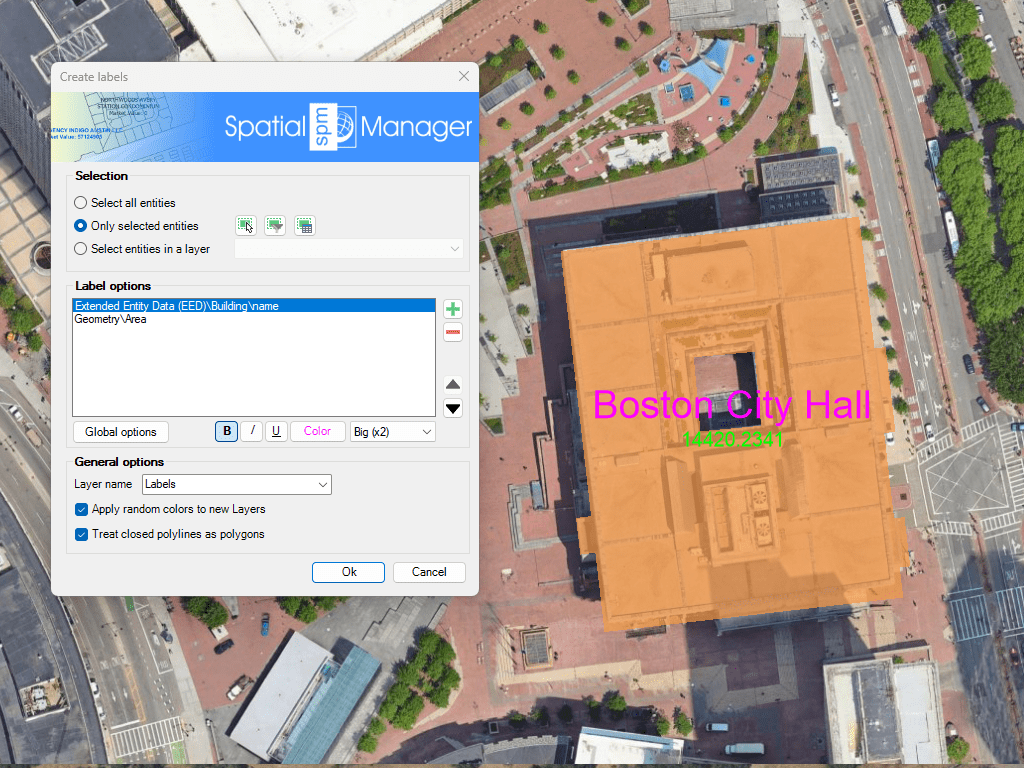
Beschriftungsart
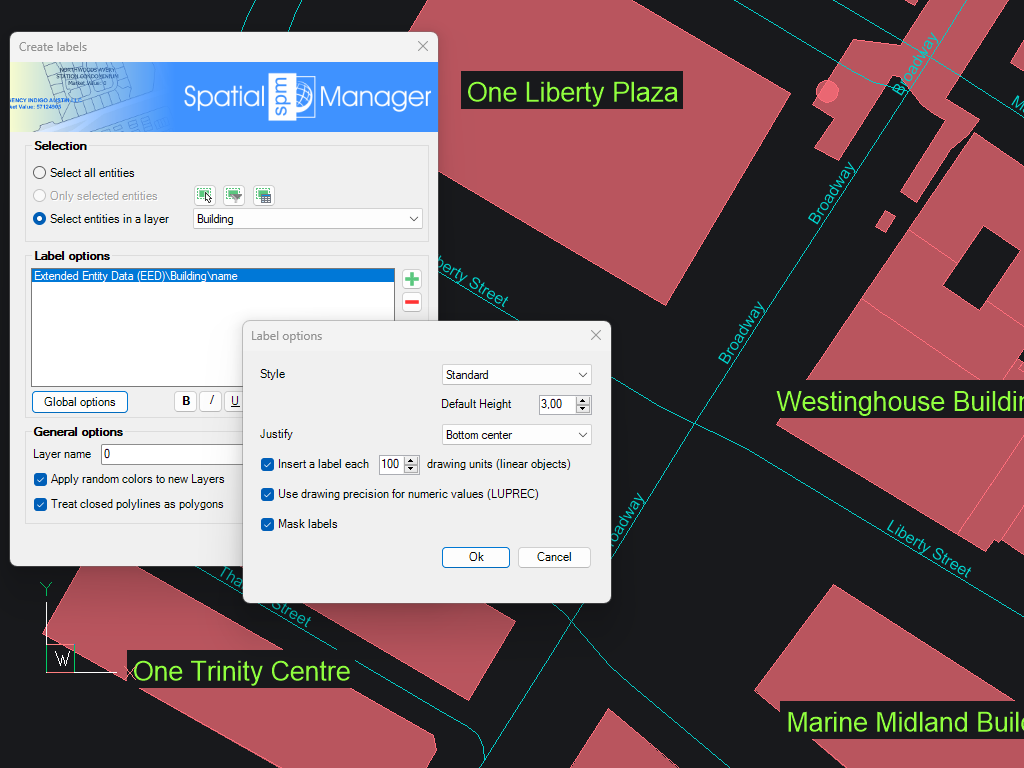
Auswahl von Objekten zu Label
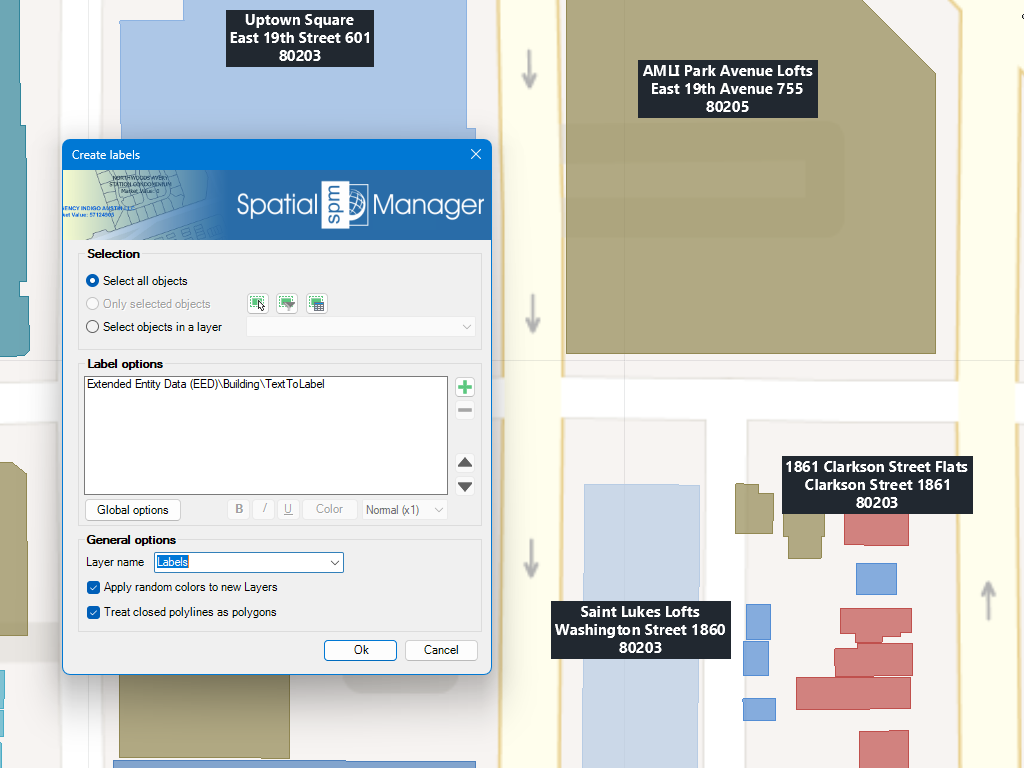
Mehrzeiliger Text Etiketten
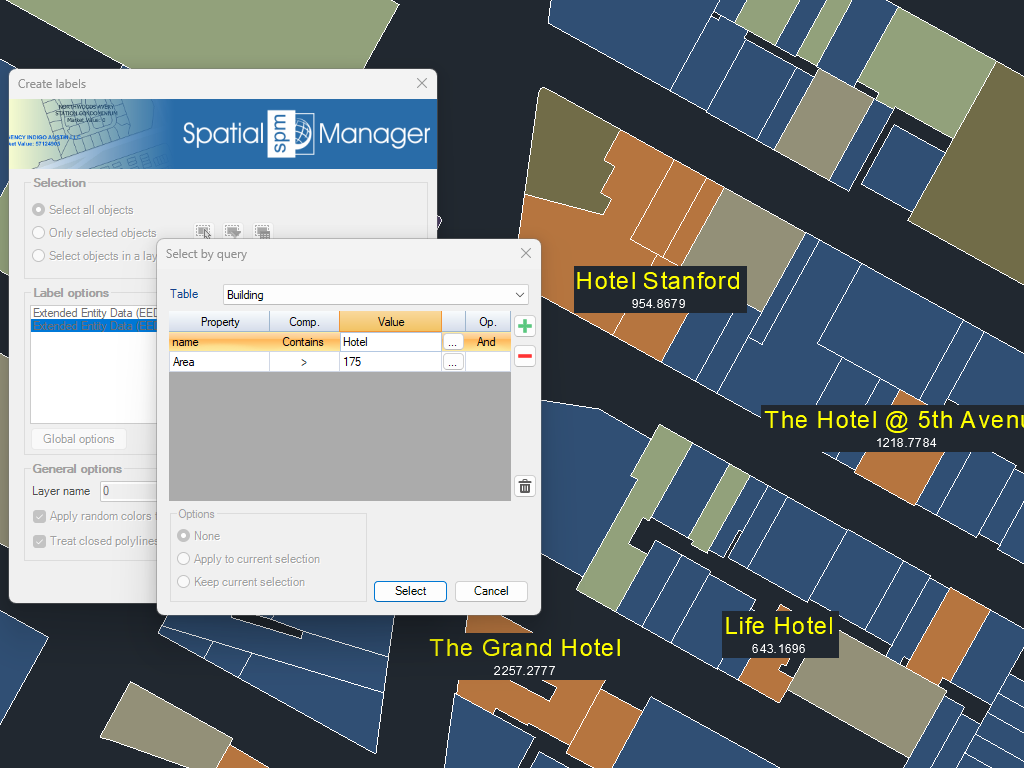
Verwendung von mehreren Feldern und Eigenschaften
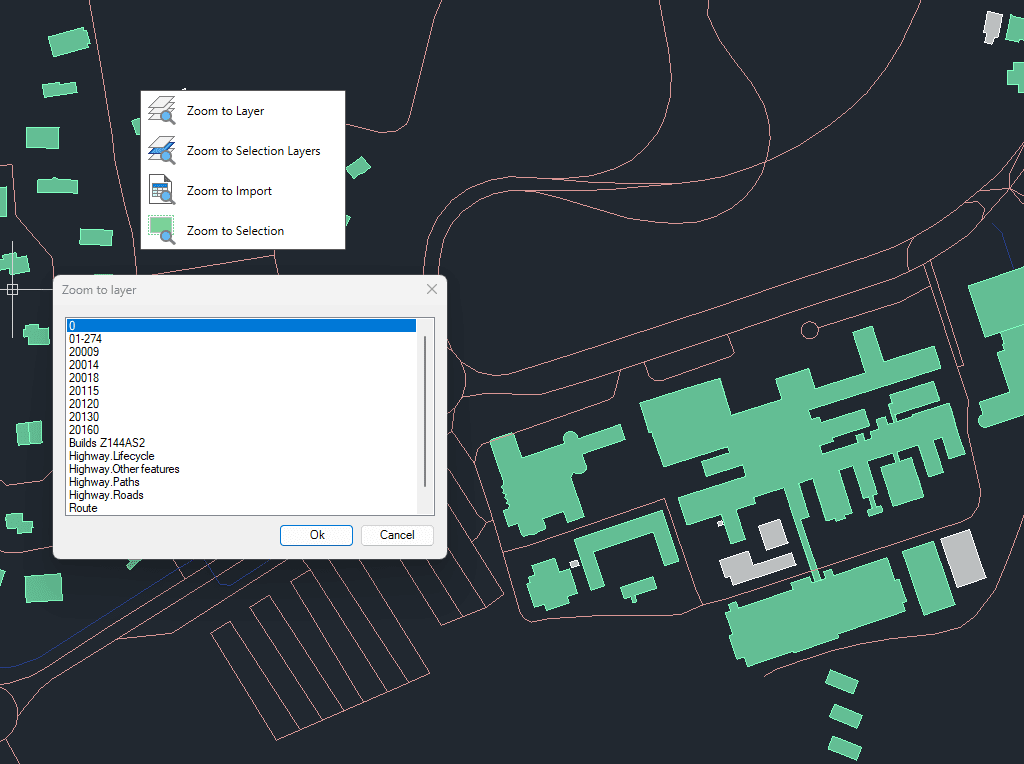
Zoom auf die Objekte auf den ausgewählten Ebenen, auf die Objekte auf den Ebenen der ausgewählten Objekte, auf die Objekte aus dem letzten Importvorgang oder auf die ausgewählten Objekte
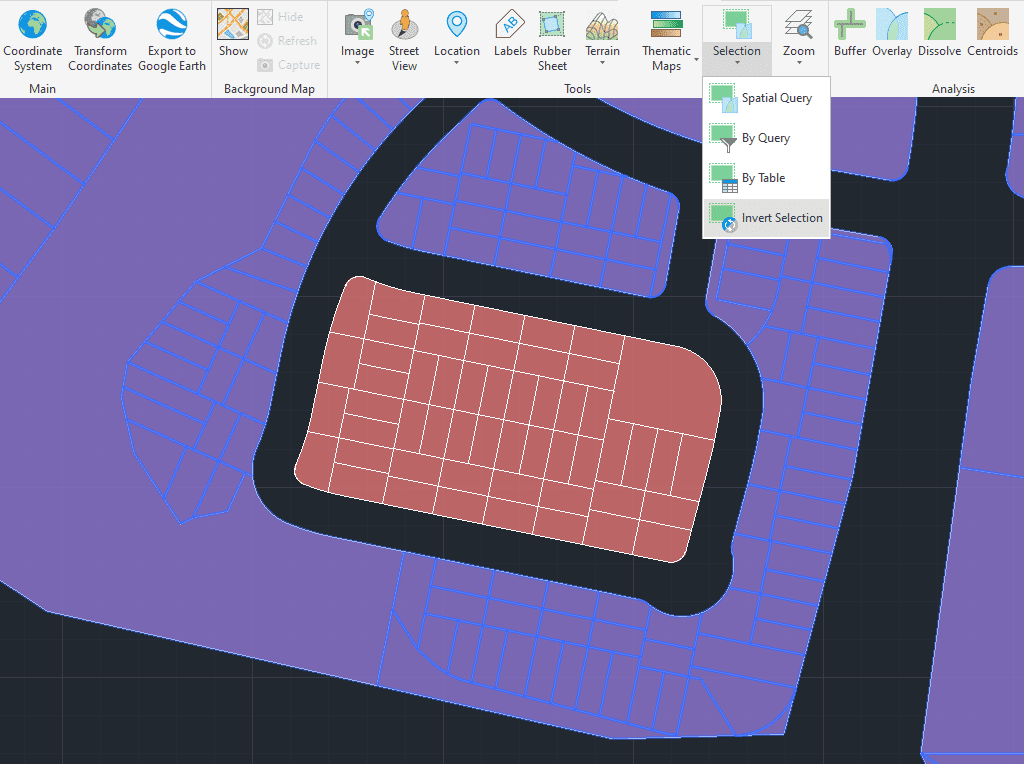
Markieren Sie Objekte, die in der Zeichnung nicht markiert sind, und heben Sie die Markierung der markierten Objekte auf

Automatically identifies intersections between line geometries and creates polygons (closed polylines) from the resulting closed shapes. This powerful tool is ideal for converting complex line networks–such as cadastral boundaries, city... more

Groups individual points by their data and connects them to create polylines, either by following their sequence or by using a chosen attribute to define the order. This advanced functionality... more

Divides geometries that intersect a specified line, effectively splitting them at the points of intersection. This tool is valuable for editing or preparing data for subsequent processes that require segmented... more

Transforms complex curve geometries–including arcs, splines, circles, and polylines with arcs–into polyline objects. This conversion simplifies editing tasks and improves interoperability with both CAD and GIS workflows. It is particularly... more