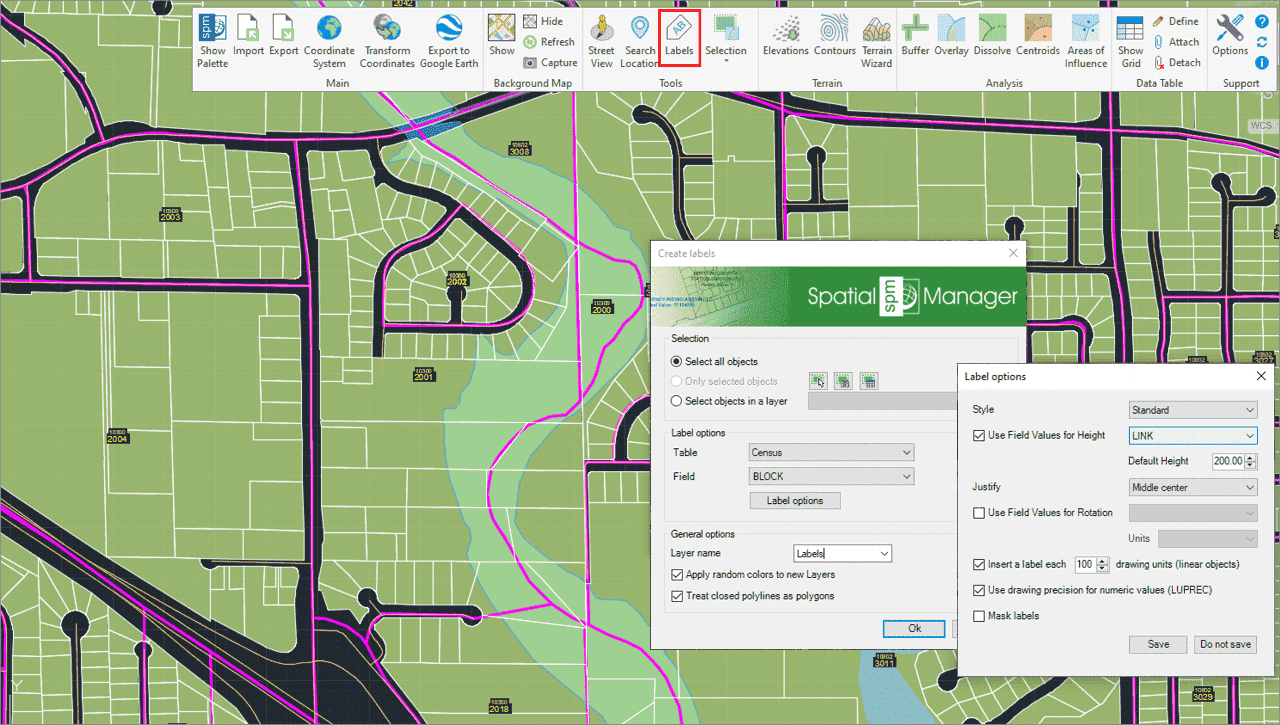
Solche Aktionen können darin bestehen, Objektdaten als Texte zu beschriften, intelligente Ansichtsänderungen vorzunehmen oder eine erweiterte Objektauswahl in der Zeichnung durchzuführen.
Beschriften Sie Datenwerte aus Tabellen, die an die Objekte angehängt sind, als Texte in BricsCAD
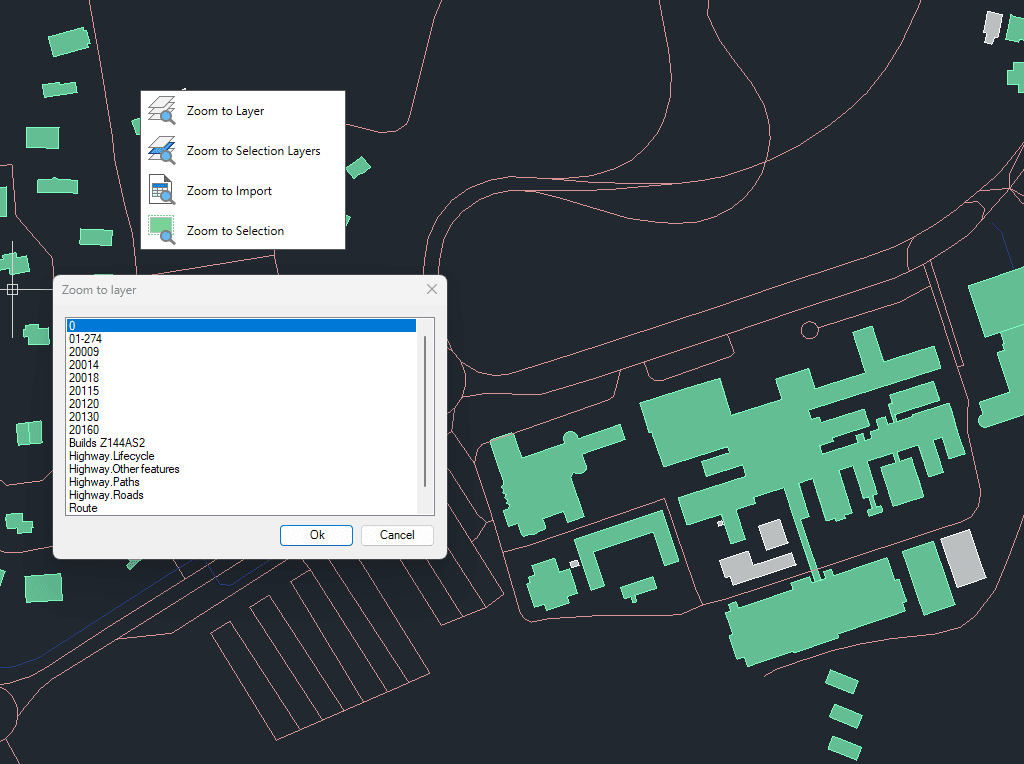
Zoom auf die Objekte auf den ausgewählten Ebenen, auf die Objekte auf den Ebenen der ausgewählten Objekte, auf die Objekte aus dem letzten Importvorgang oder auf die ausgewählten Objekte
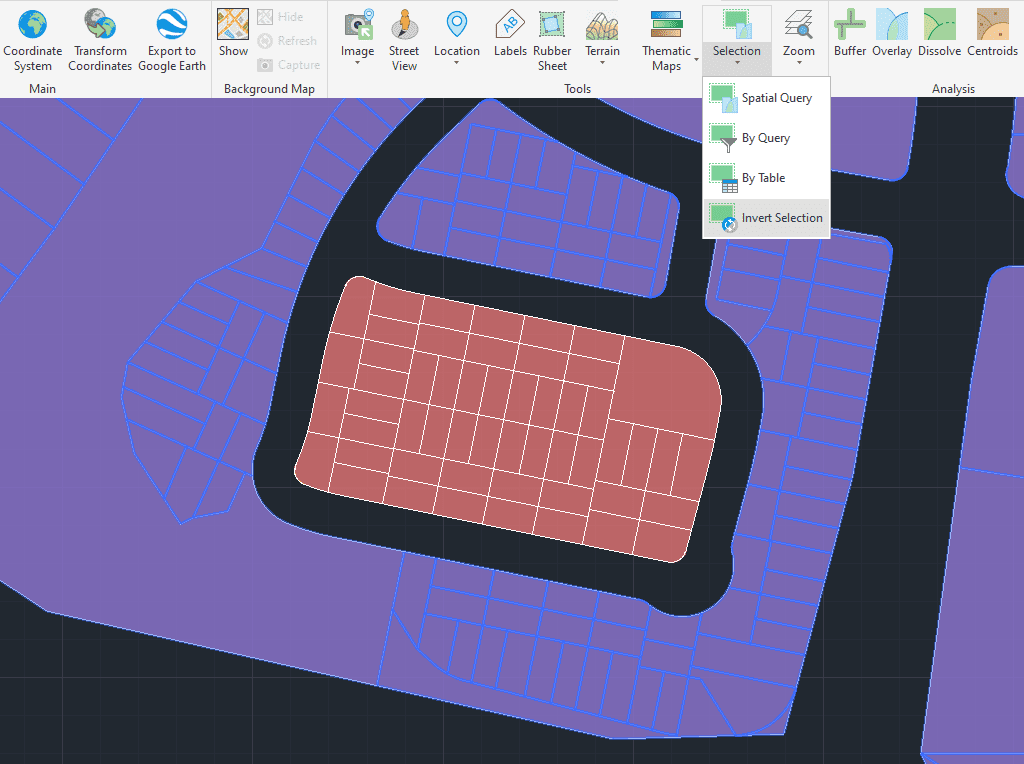
Markieren Sie Objekte, die in der Zeichnung nicht markiert sind, und heben Sie die Markierung der markierten Objekte auf
Creates the smallest convex polygon that fully encloses a selected set of geometries. This operation is ideal for generating bounding areas, simplifying complex datasets, and supporting spatial analysis. The resulting... more
Allows a closed boundary to be used as a trimming edge to cut intersecting geometries, with the option to keep elements inside or outside the boundary. This makes the tool... more
This tool identifies intersections within complex linear geometries and automatically splits them into individual line segments. Beyond cutting at crossing points, it also separates every segment of a polyline, resulting... more
The Vertex Extraction tool creates individual point features from the vertices of existing geometries. This function is useful for analyzing, editing, or exporting the key coordinate points that define lines,... more