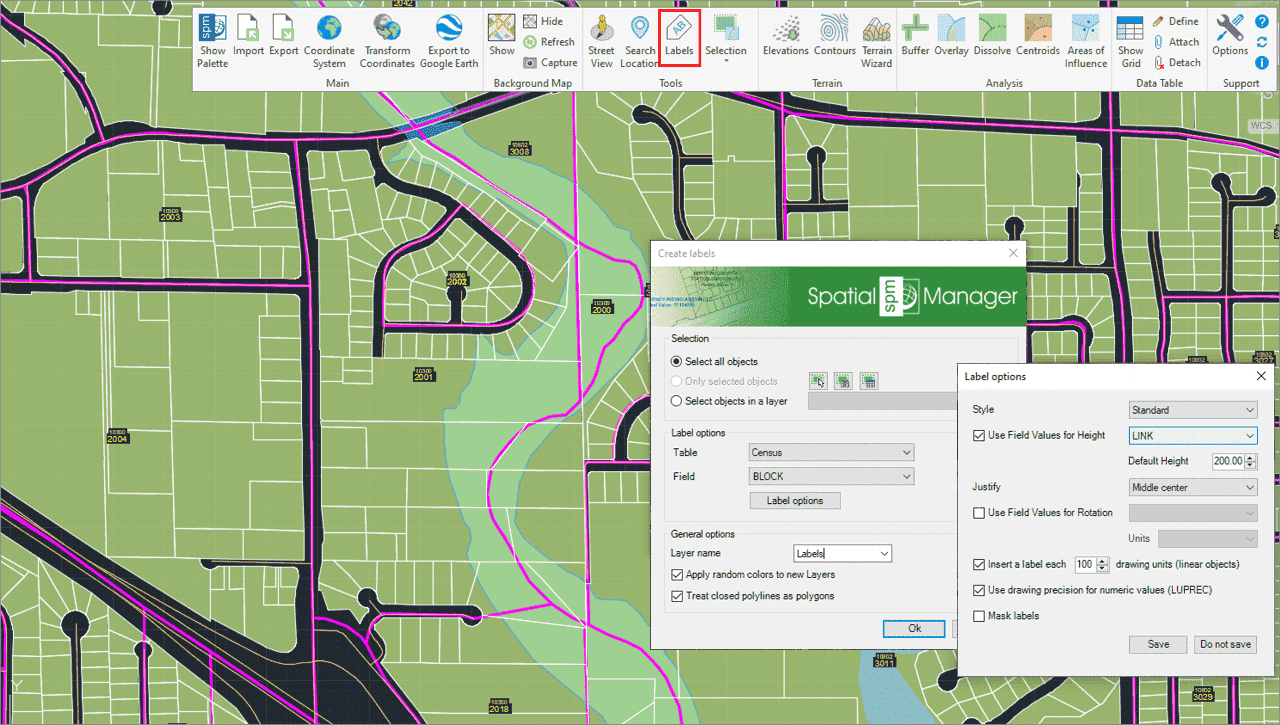
Solche Aktionen können darin bestehen, Objektdaten als Texte zu beschriften, intelligente Ansichtsänderungen vorzunehmen oder eine erweiterte Objektauswahl in der Zeichnung durchzuführen.
Beschriften Sie Datenwerte aus Tabellen, die an die Objekte angehängt sind, als Texte in AutoCAD
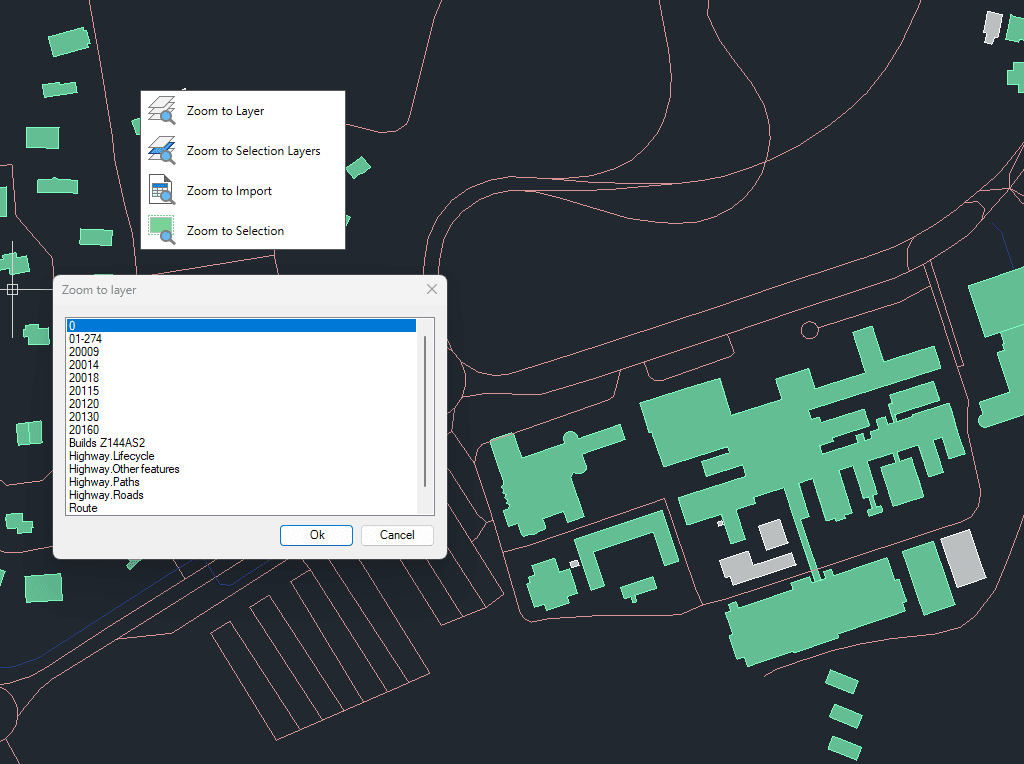
Zoom auf die Objekte auf den ausgewählten Ebenen, auf die Objekte auf den Ebenen der ausgewählten Objekte, auf die Objekte aus dem letzten Importvorgang oder auf die ausgewählten Objekte
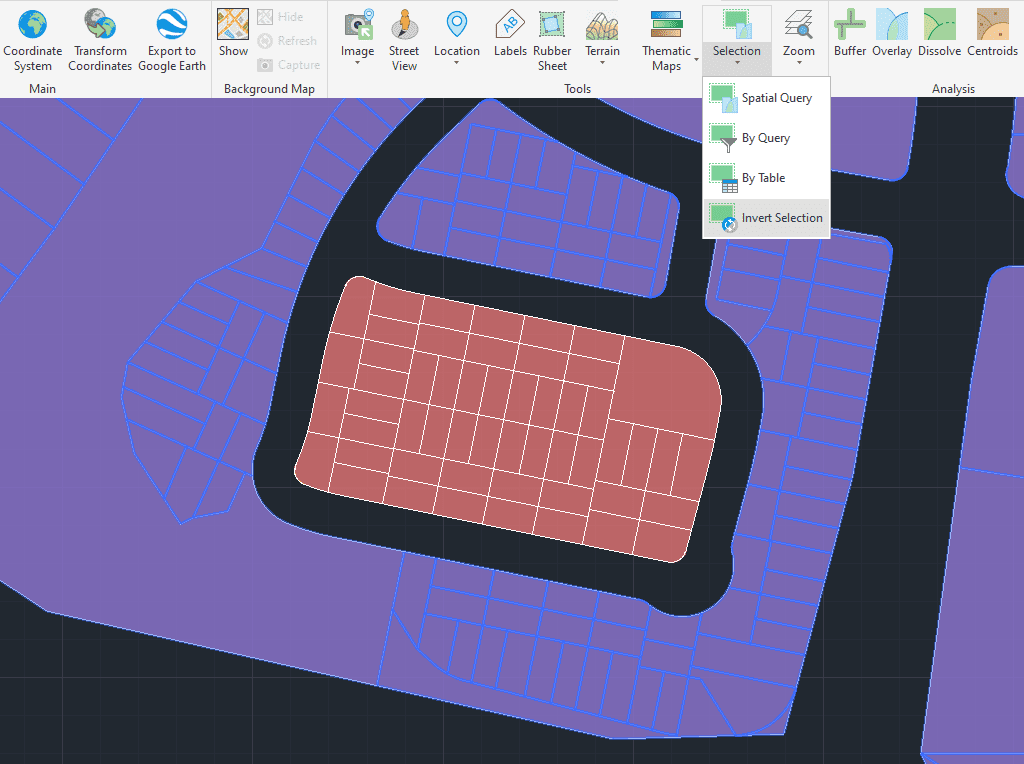
Markieren Sie Objekte, die in der Zeichnung nicht markiert sind, und heben Sie die Markierung der markierten Objekte auf
Transforms complex curve geometries–including arcs, splines, circles, and polylines with arcs–into polyline objects. This conversion simplifies editing tasks and improves interoperability with both CAD and GIS workflows. It is particularly... more
Generates polygons (closed polylines) by sequentially joining the individual points that define their perimeter. Useful for rebuilding area objects from boundary point sets (parcels, enclosures, plots, etc.). Points may be... more
Reduces the number of vertices in polylines or polygons to simplify their geometry, optimizing complexity while preserving the overall shape. This function improves performance and visualization of spatial data by... more
Generates an envelope or bounding box for the selected geometries, representing the smallest rectangle that completely contains each object. This operation is commonly used to generalize shapes, define spatial extents,... more