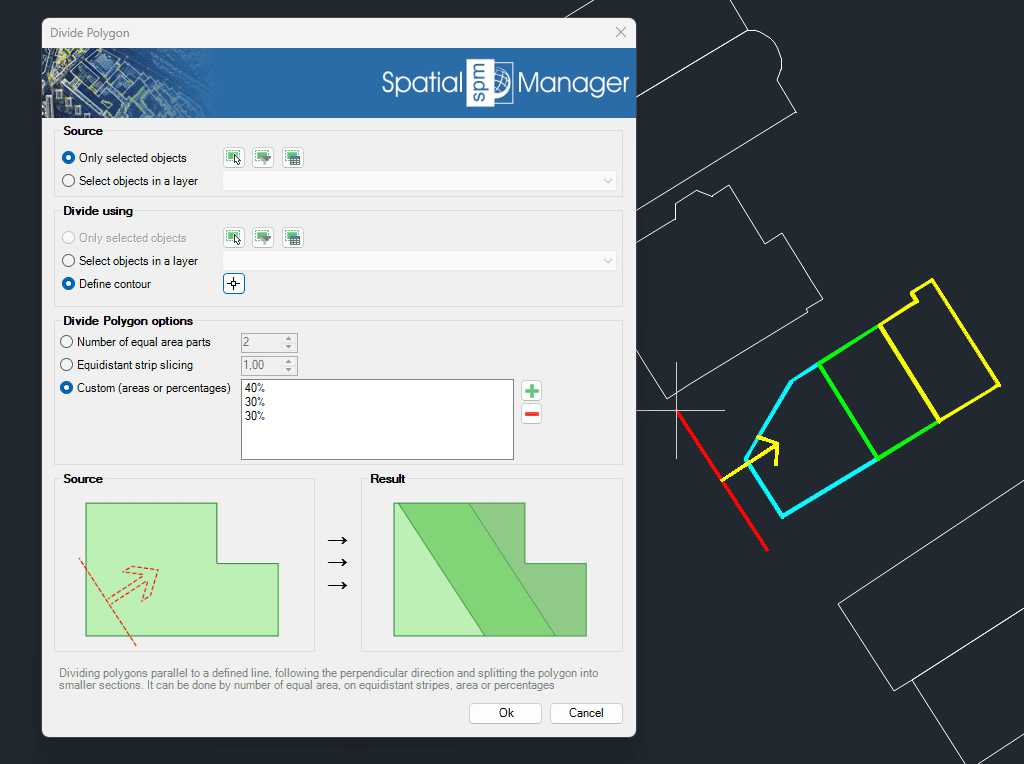
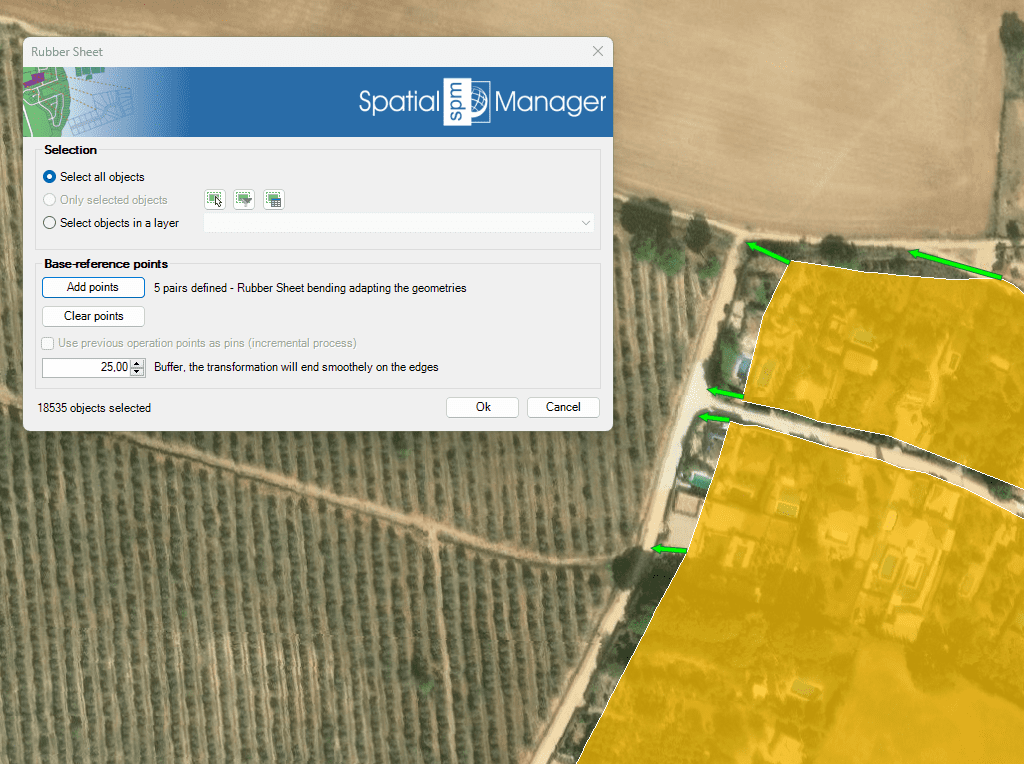
Discover the full potential of this set of tools designed to enhance GIS data integration and editing within BricsCAD.
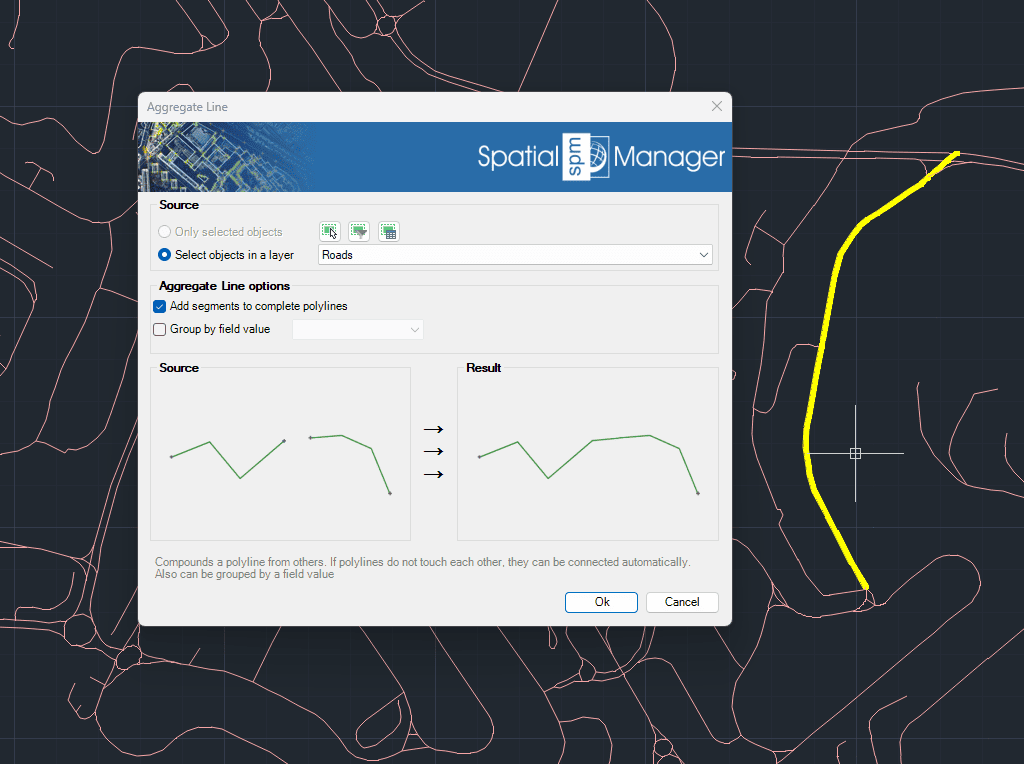
Aggregate Line
Generates a single polyline by combining multiple existing polylines. When the polylines are not connected, the application can automatically join them based on proximity. Additionally, this process allows grouping and aggregation of polylines according to a specific field value, offering a flexible way to organize and simplify complex line geometries.
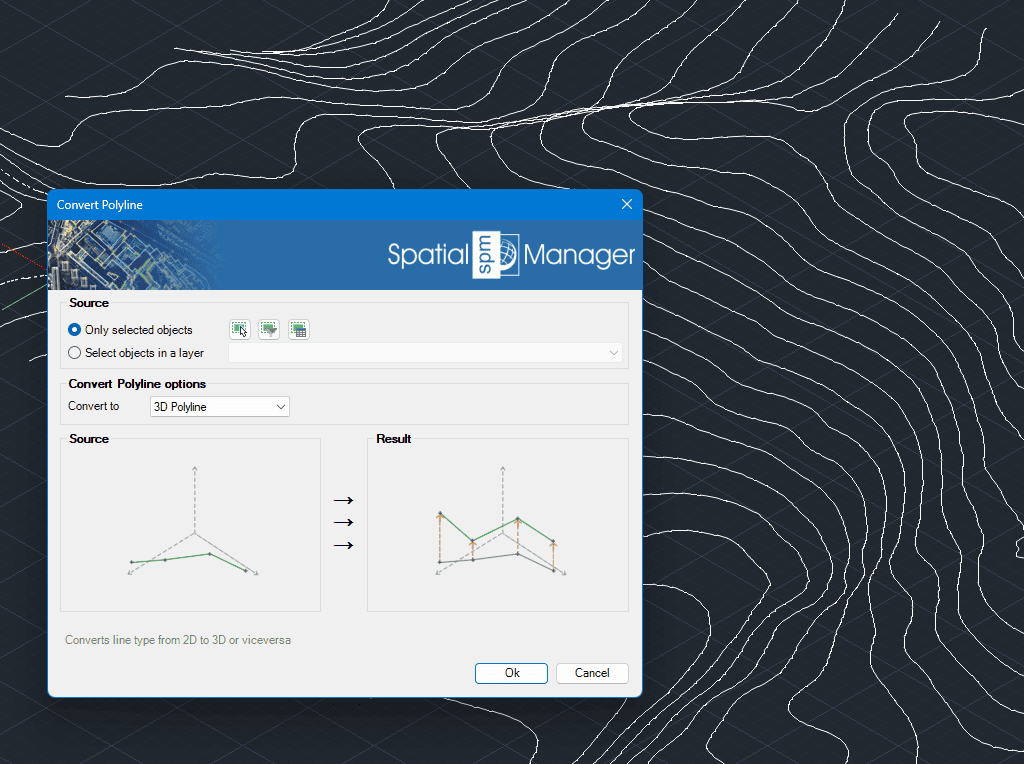
Convert Polyline Type
Easily converts polylines between 2D and 3D types within your drawing. The tool ensures precision and consistency during the conversion, preserving key properties of the original polylines whenever possible.
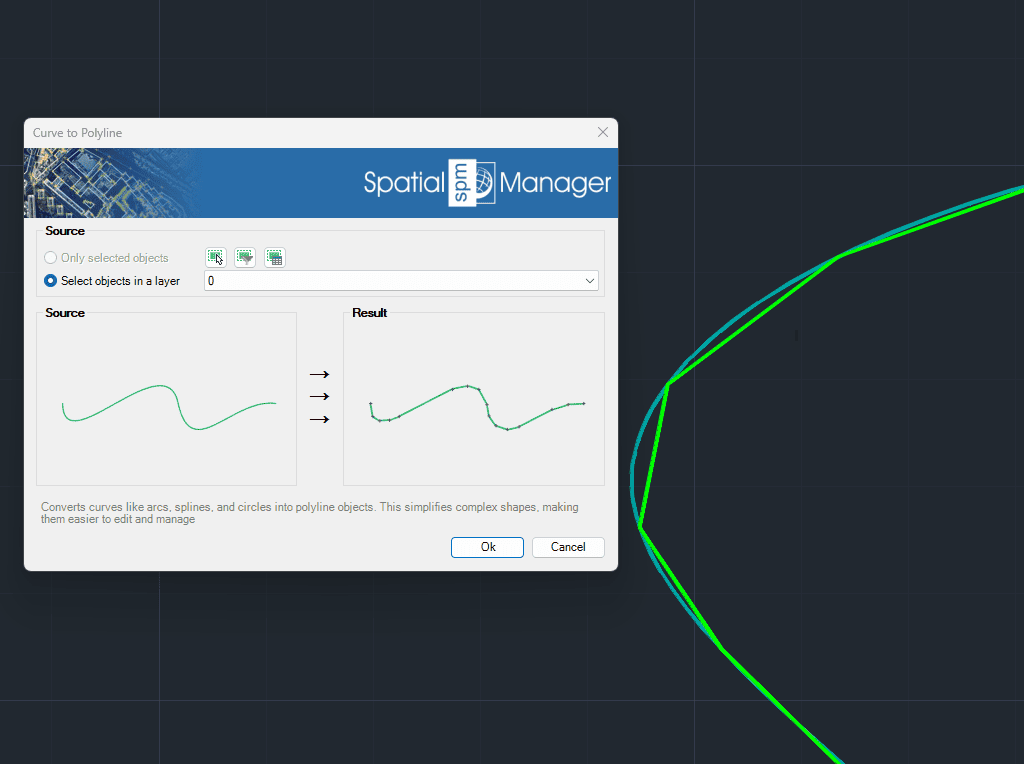
Curve to Polyline
Converts complex curve geometries—such as arcs, splines, and circles—into polyline objects. This transformation simplifies editing and enhances compatibility with CAD and GIS operations. It is especially useful when preparing data for export, analysis, or further modification within the drawing.
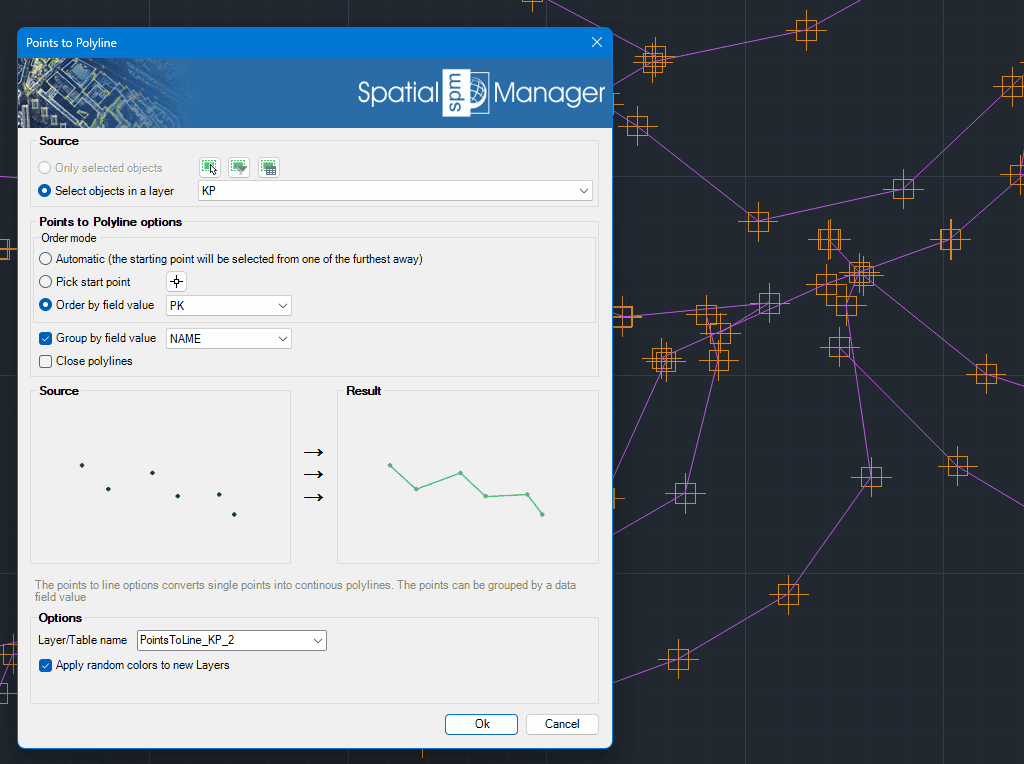
Points to Polyline
Transforms individual points into continuous polylines by connecting them in the order they appear or based on a selected attribute. This feature is ideal for generating linear features such as routes or boundaries from point data. Points can be grouped by a specific data field, allowing for the creation of multiple polylines from categorized point sets.
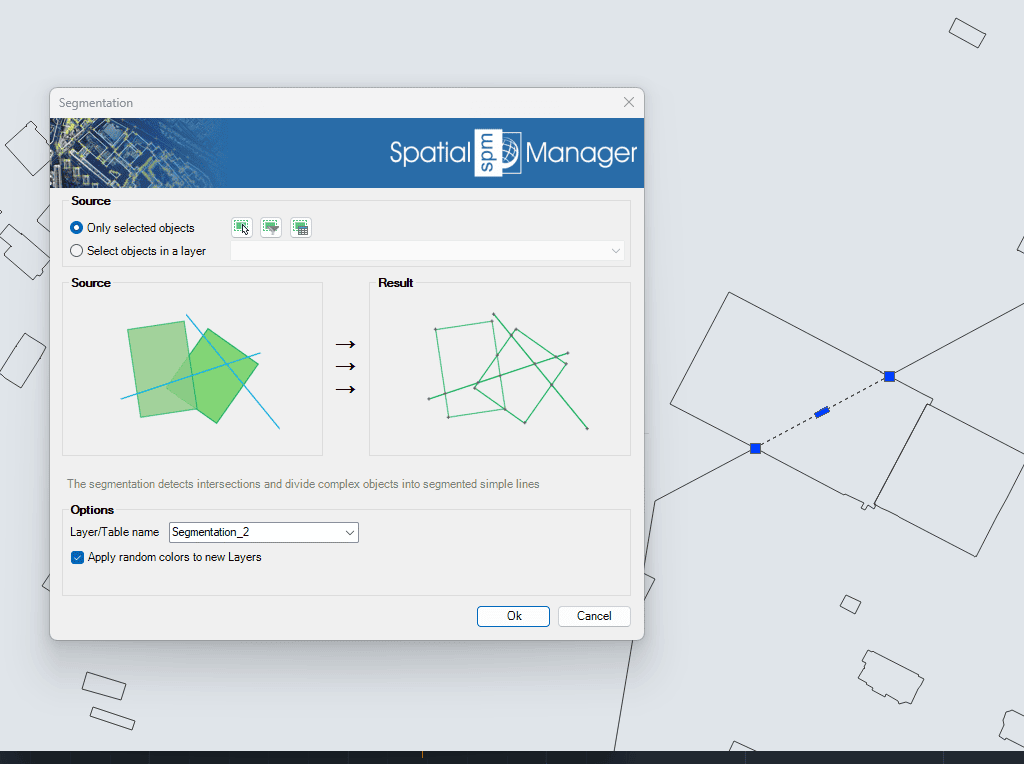
Segmentation
Identifies intersections and automatically splits complex linear geometries into simpler line segments. This process is useful for preparing data for topological analysis, editing, or export to systems that require simpler geometry structures.