Coordinate management in AutoCAD
Calculate coordinate transformations of the objects in the import and export processes in AutoCAD
Spatial Manager™ for AutoCAD will calculate geometric transformations of the objects in the import and export processes, which will depend on the chosen Coordinate System (CRS) for the source and target data.
The user can choose the appropriate CRSs from a complete CRS catalog or from a list which includes the most recent used CRSs.
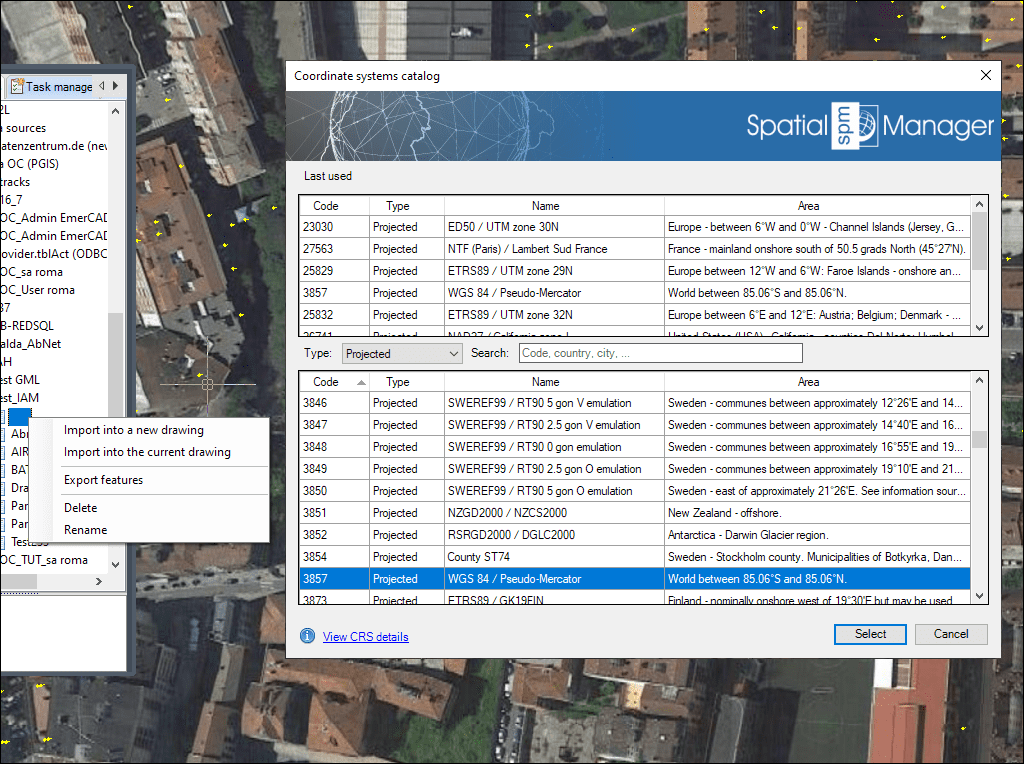
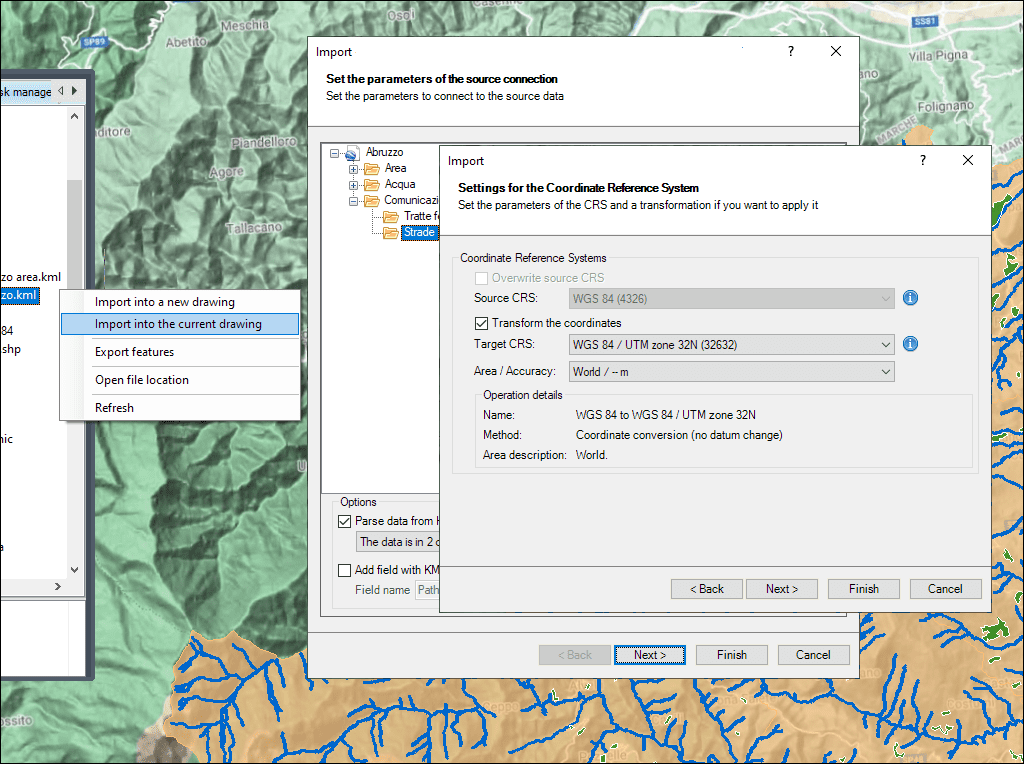
Automatic coordinate transformation with selectable accuracy variants
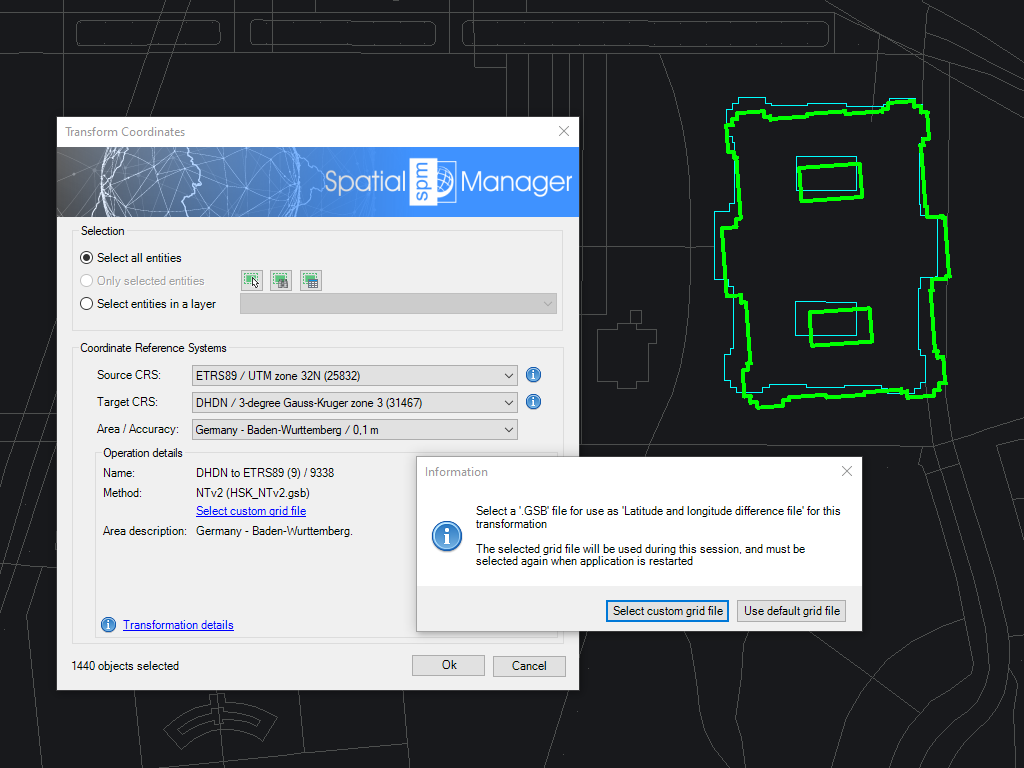
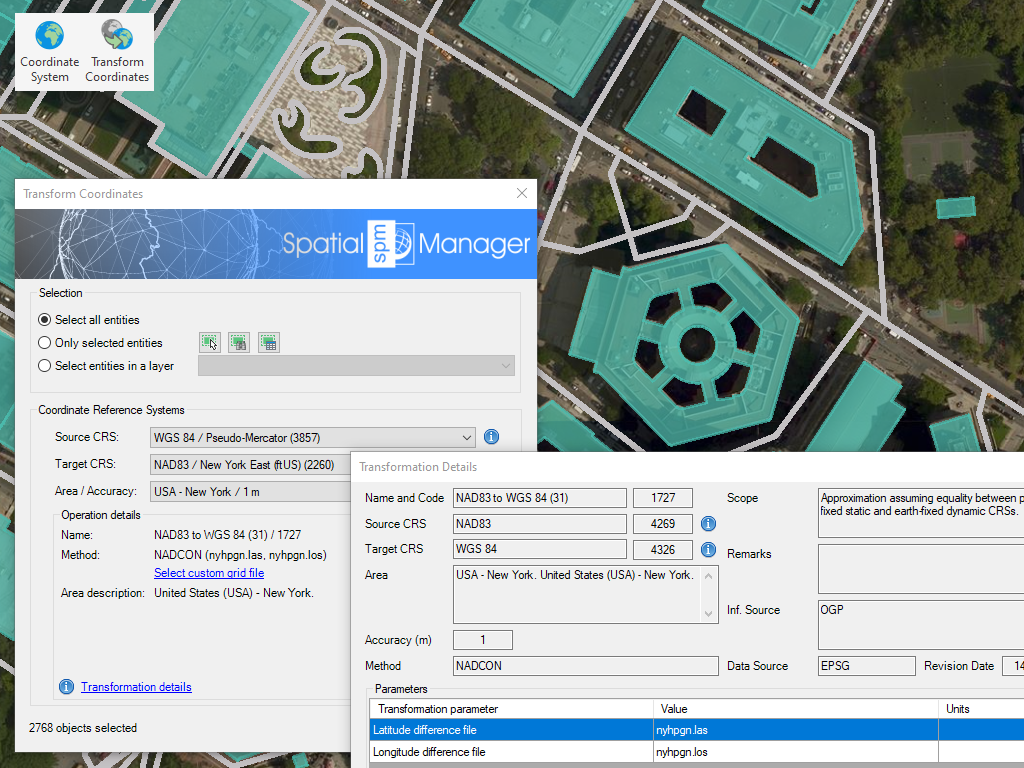
Transform the Coordinate System (CRS) of a whole drawing or a set of selected objects, which automatically creates a new drawing including geometrically regenerated objects from the current drawing according to the chosen transformation between two CRSs
* Only available in Professional edition

Rubber sheeting refers to a method in mapping and surveying where a map or spatial data is adjusted or “stretched” to align with a reference map or coordinate system. This... more

When working with data sets from different sources, there are often differences in alignment between elements. The SPMRUBBERSHEET command allows you to select base points and reference points to modify... more

Many ‘Spatial Manager’ functions (Import, Export, Background Maps, etc.) can automatically perform a process of coordinates Transformation from the source to the target as part of the sequence executed by... more

The functionality of transforming the coordinate system (CRS) of a drawing in ONE STEP is one of the tools most requested by the application users. This operation, which in some... more