Resources and Information
What's included in the feature
Easy to use map tools
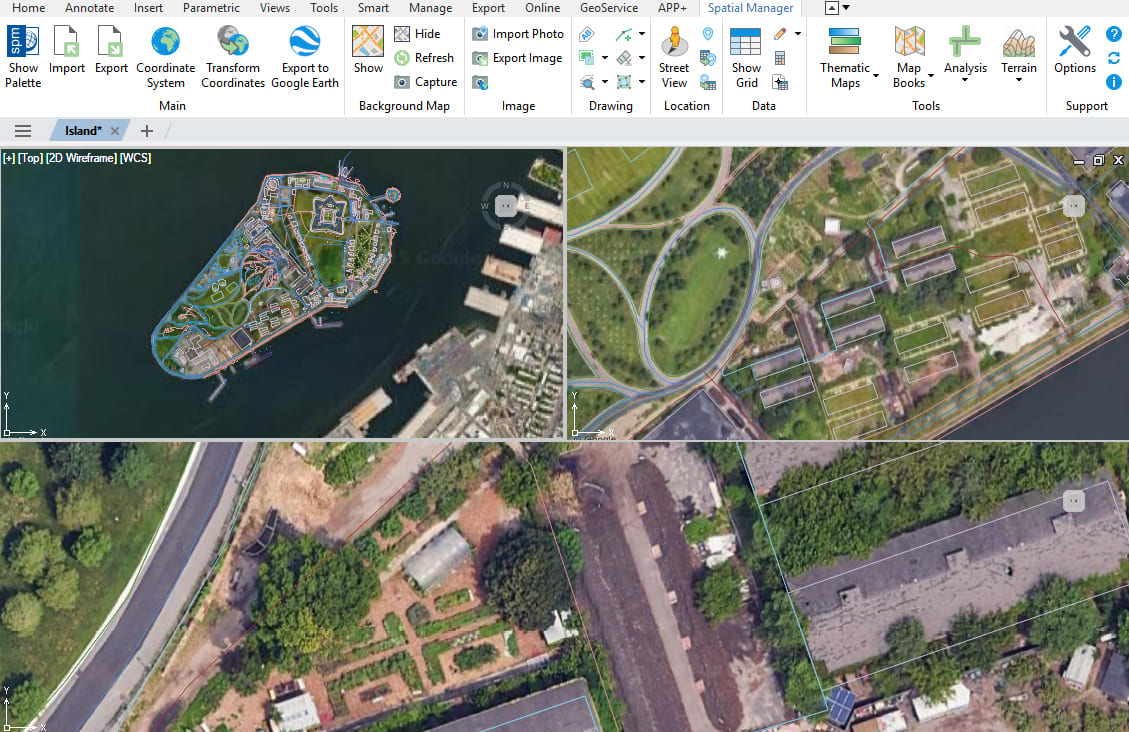
Discover the full potential of this set of tools designed to enhance GIS data integration and editing within AutoCAD.
Easy Map control
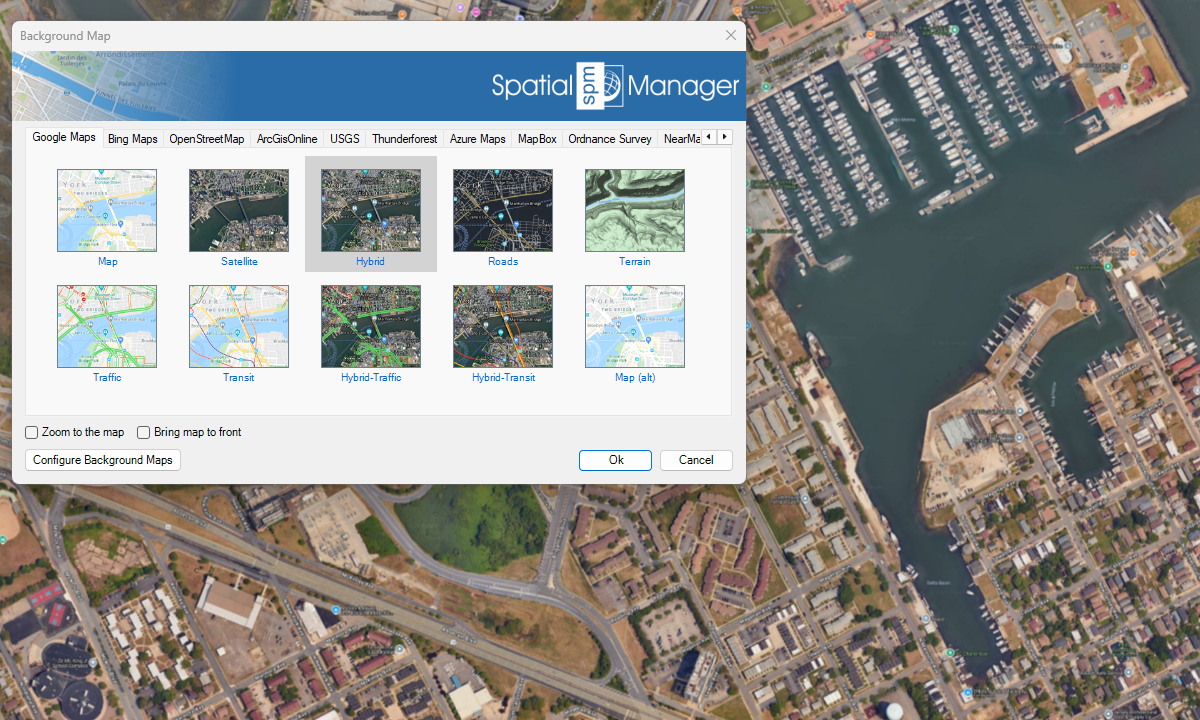
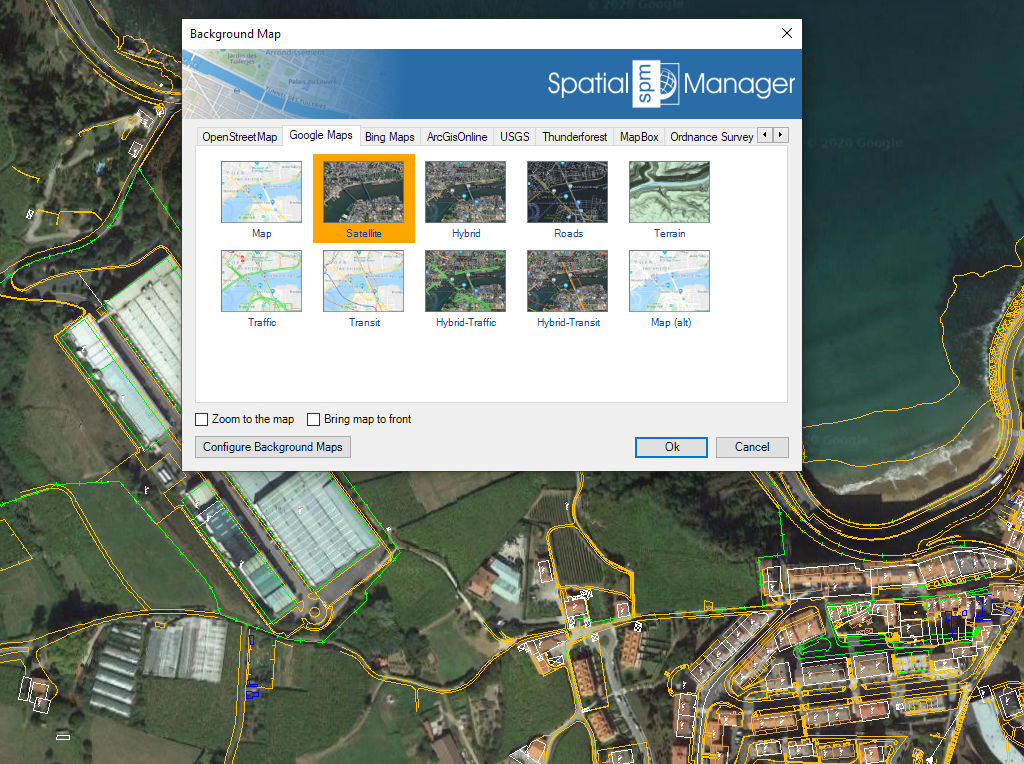
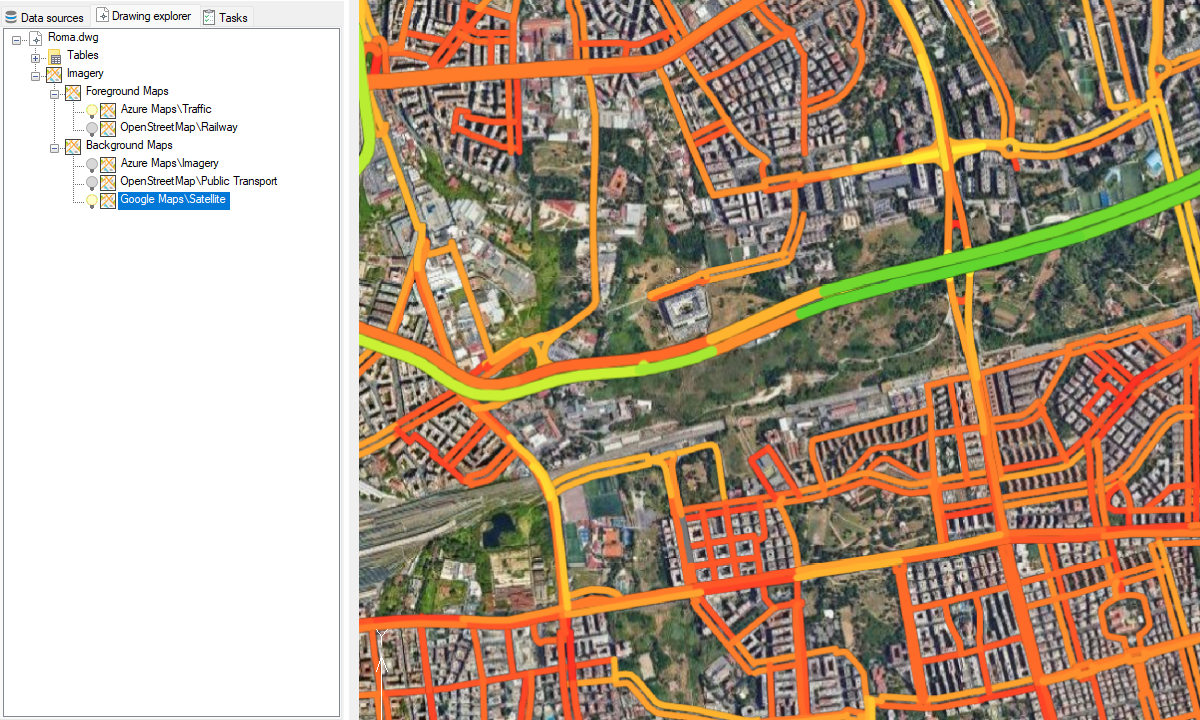
Use the tabs in the Background Maps window to display a specific Map Provider Group, where the selection boxes show a preview image of the available Maps in this Group. Quickly show and hide any Map. Regenerate tools.
Base Maps to design
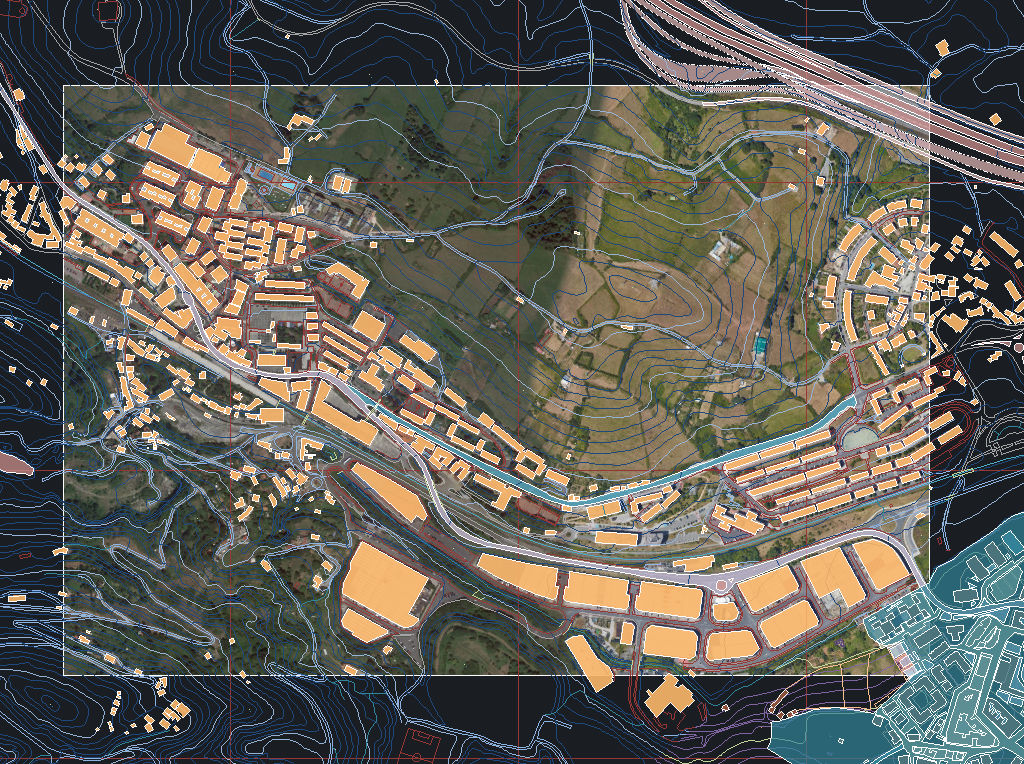
It is also possible to set Background Maps in empty drawings in order to have a cartographic base when starting a new piece of work or project even without defining a specific Coordinate Reference System.
Fast switch between maps
Keep recently used maps in the integrated palette and switch between them easily.
Background map update while drawing
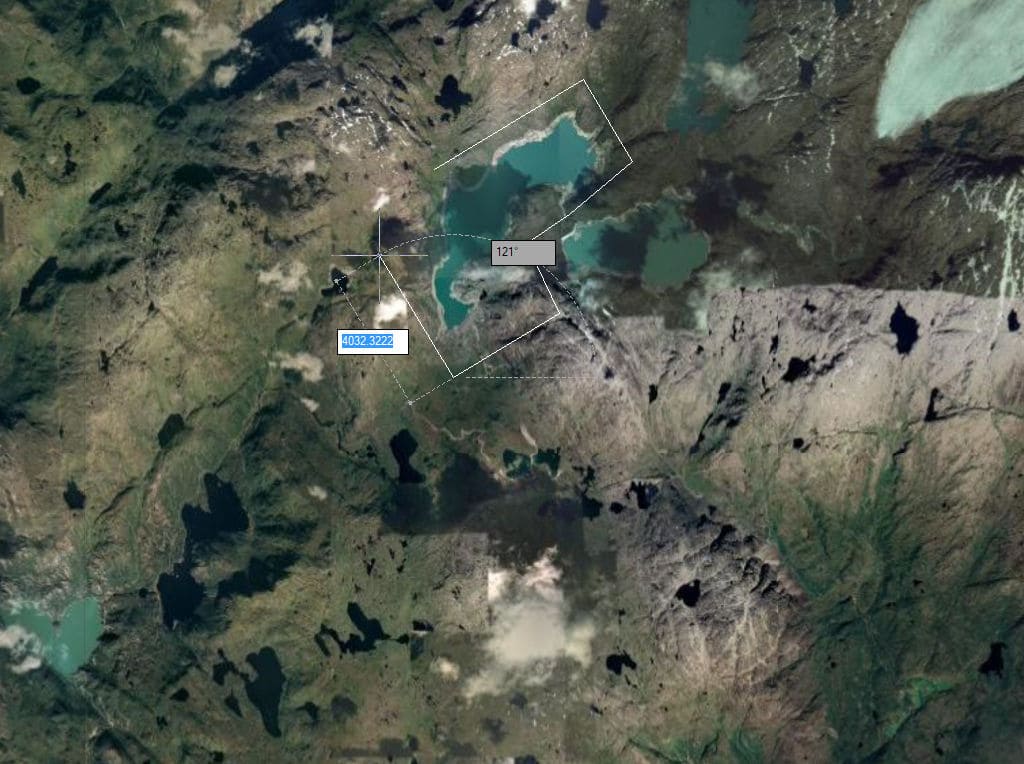
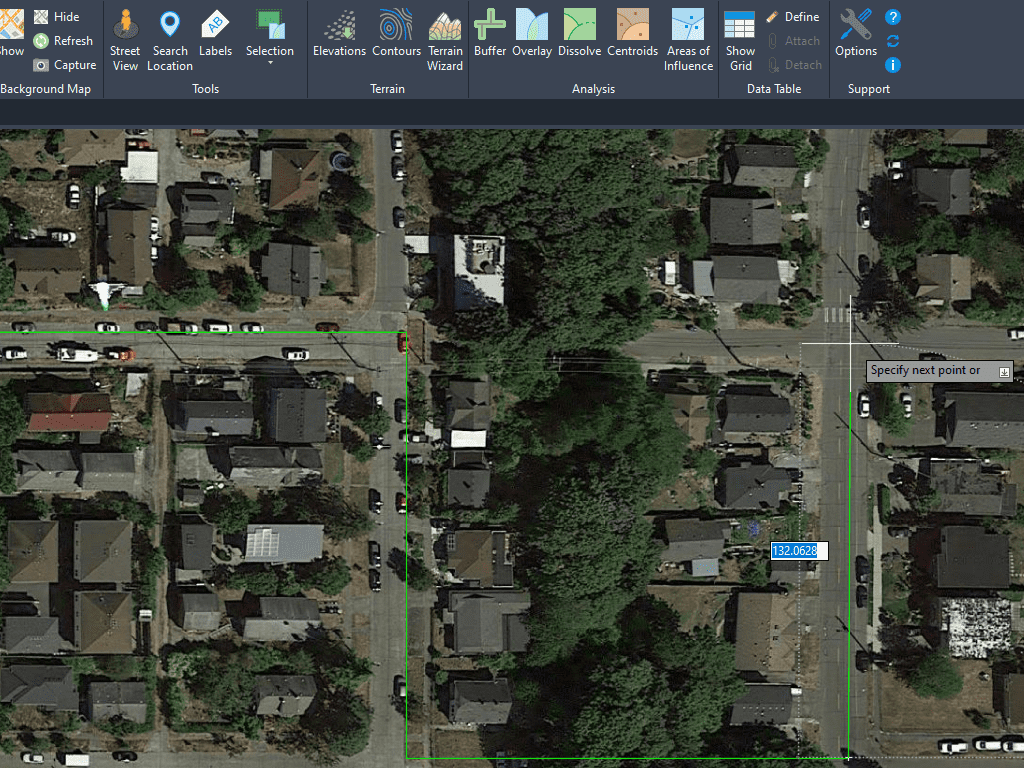
The background map is automatically updated when changing view even when there are active drawing commands (line, polyline, ...), which will make digitizing tasks on the map much easier.
Integrated coordinate transformation
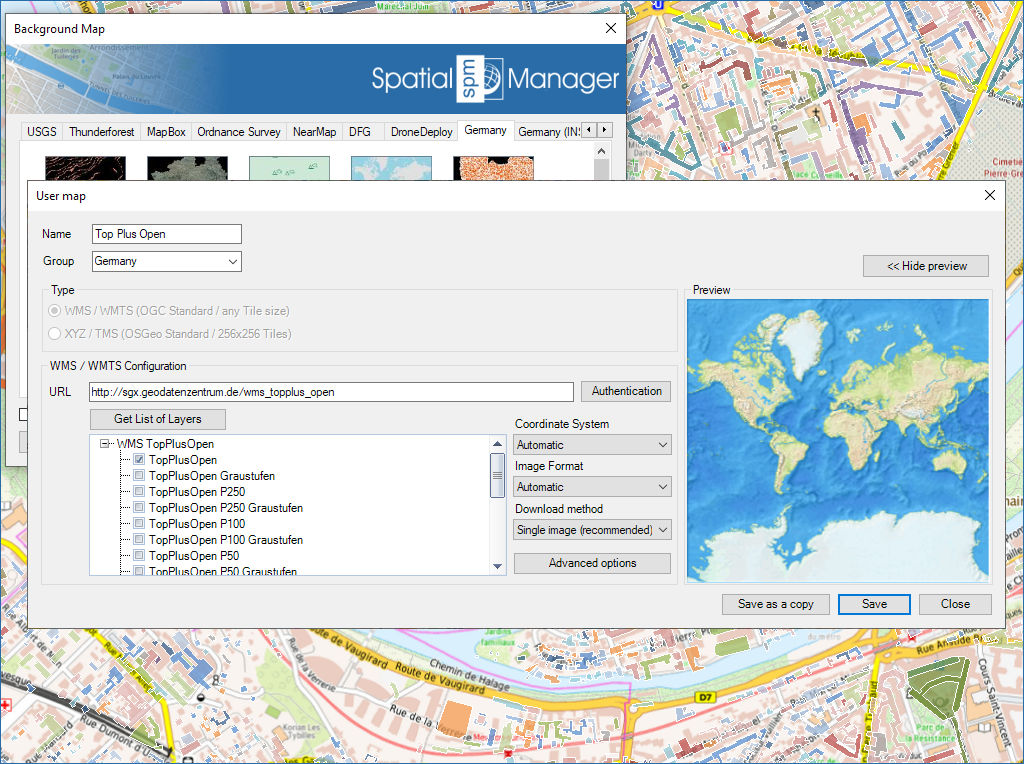
Both from predefined or custom maps, coordinate reference system from the map is transformed to the drawing on the fly.