Resources and Information
Export selected objects as polygons, features, or full drawings to geospatial destinations
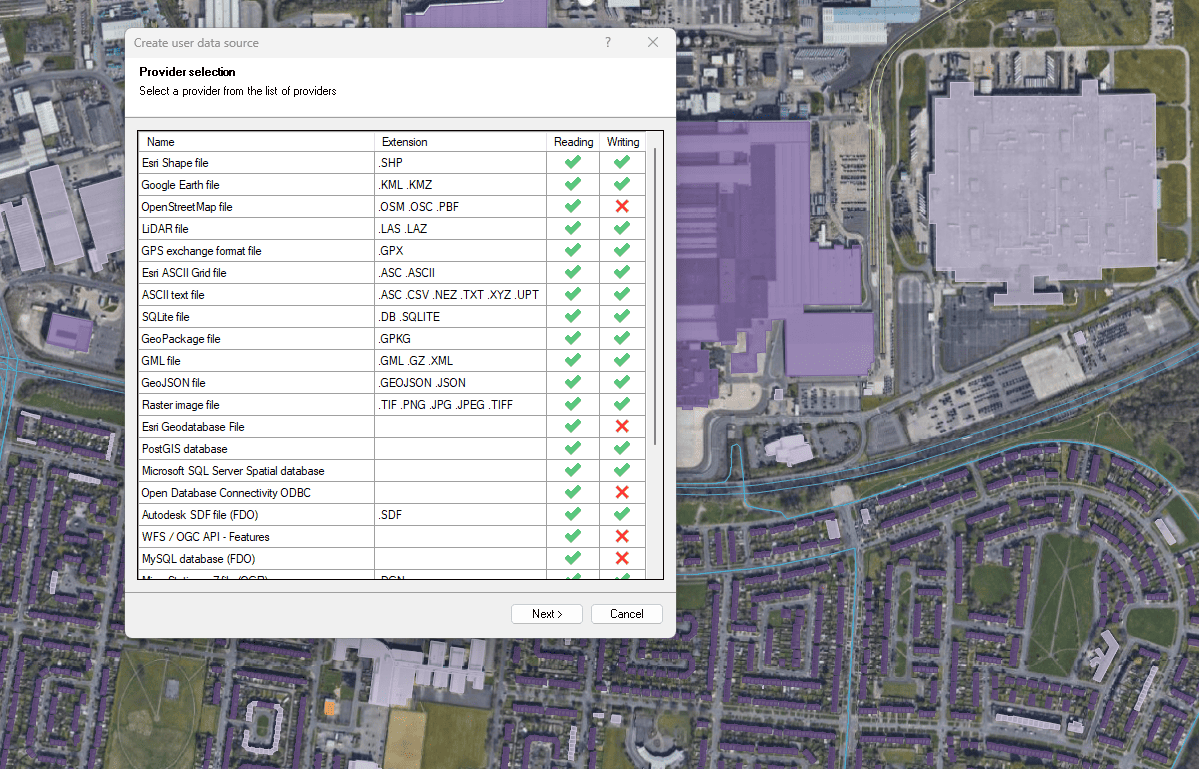
Export to spatial files and databases
Enhanced in V10Export ZWCAD objects to geospatial files or servers
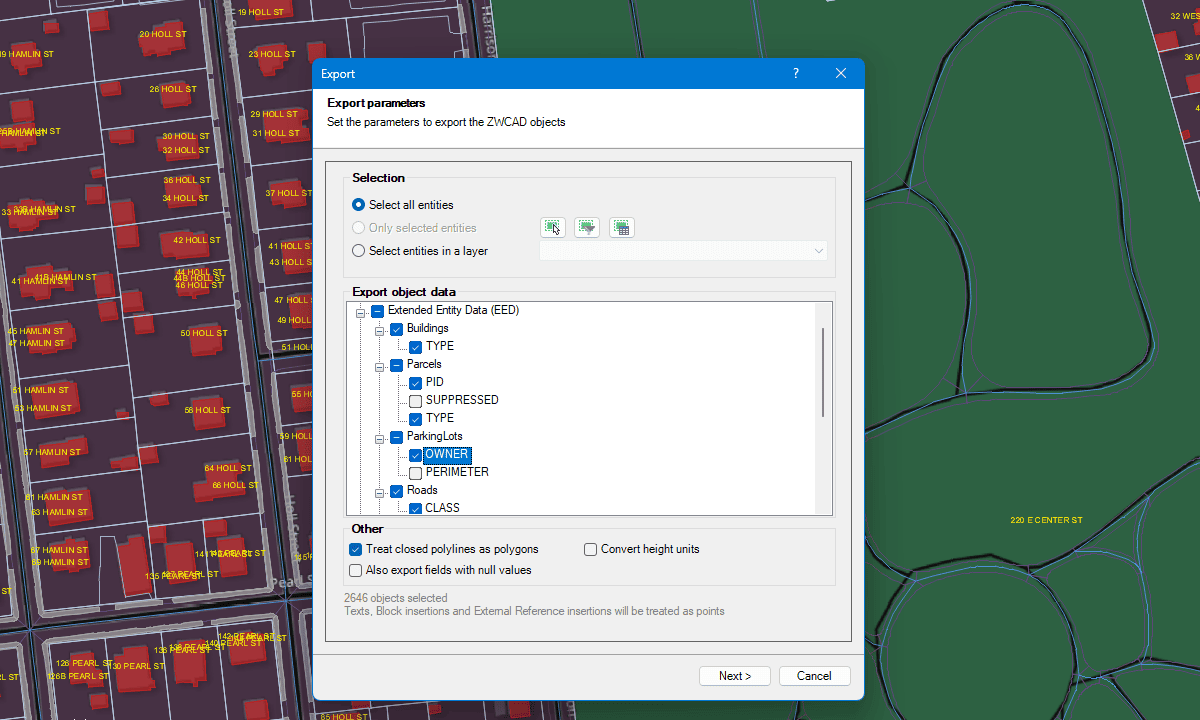
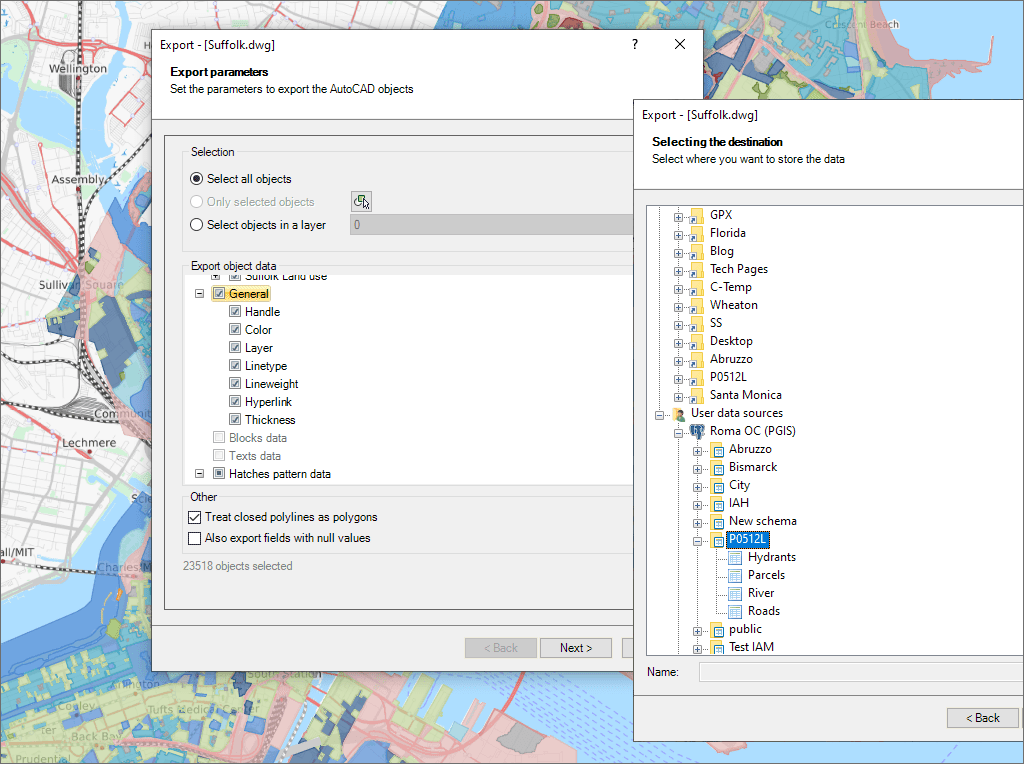
Spatial Manager™ for ZWCAD exports objects from the drawing to spatial files or databases, and saves their Extended Entity Data (EED) as alphanumeric data tables using a wizard, which shares some of the steps with the import wizard. In the same way, the user can choose or select the export parameters to define all the target data among a great number of possibilities.
There are options to export the Coordinates, Length or Area, the objects Layer, Handle and Elevation, the Attributes and the name of the Block references and their properties, the Texts and their properties, etc. The objects will be automatically filtered when exporting, and all the geometric operations needed to fit the target data format (such as segmenting curved objects) are automatically performed.
Export selected objects as polygons, features, or full drawings to geospatial destinations
Export ZWCAD objects to geospatial files or servers

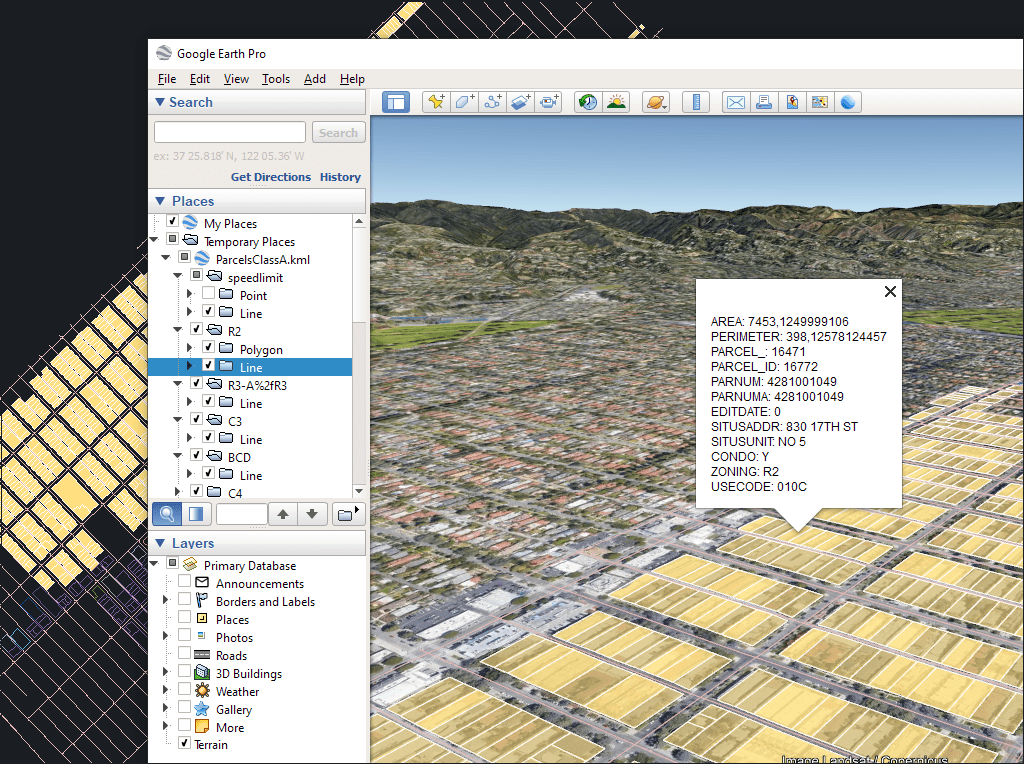
Easily convert your DWG/DXF files to KML/KMZ for Google Earth quickly and accurately. You can export the entire drawing or only a selection of specific objects, preserving the structure, layers,... more

Google Earth internally uses meters for elevation units, which can be an obstacle when feet are required. This tutorial explains an easy workaround for viewing contour elevation values in Google... more

An ESRI Geodatabase File (FileGDB) is a powerful database system designed to store, query, and manage spatial data as a collection of files stored directly on disk without requiring a... more

Height units remain unchanged when coordinate conversions are applied, but sometimes you need to change them, especially when the target format is limited to a specific unit. This happens with... more