Schnelle KML und KMZ-Erstellung in GstarCAD
Unabhängig von den erweiterten Exportfunktionen der App findet der Benutzer ein spezielles Tool vor, um Objekte in den sichtbaren Ebenen der Zeichnung und ihre Daten ganz oder teilweise in eine KML- oder KMZ-Datei (Google Earth) mit nur einem Klick zu exportieren
Schnelle KML und KMZ-Erstellung
Dieser Ein-Klick-Export vereinfacht das Teilen und die Visualisierung räumlicher Informationen außerhalb von GstarCAD.
Wenn Google Earth auf dem System installiert ist, kann die exportierte Datei außerdem direkt aus der Anwendung geöffnet werden, was eine sofortige Überprüfung und Analyse der Daten im geografischen Kontext ermöglicht.
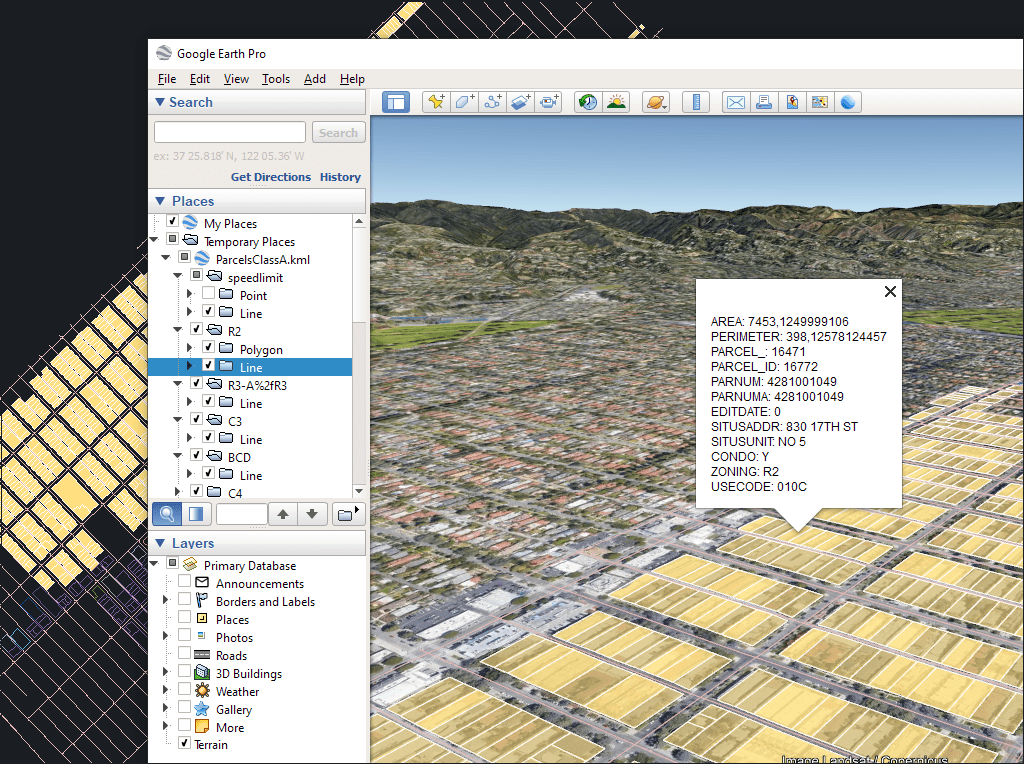
Der Prozess berücksichtigt die aktuelle Organisation der Ebenen und die Eigenschaften der Ebenen und Objekte. Die Elemente in der KML-/KMZ-Datei übernehmen die Farben, Gewichte usw. der Objekte in der Zeichnung
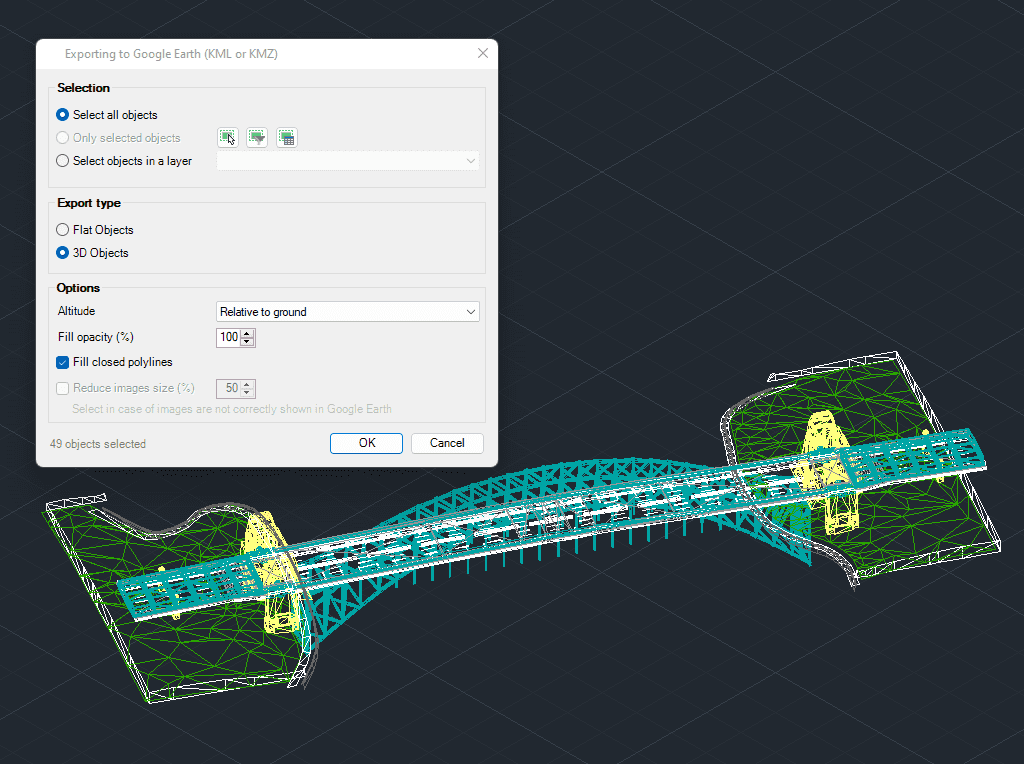
3D modellierte Objekte werden auf eine sehr einfache und intuitive Weise nach Google Earth (KML/KMZ) exportiert

Easily convert your DWG/DXF files to KML/KMZ for Google Earth quickly and accurately. You can export the entire drawing or only a selection of specific objects, preserving the structure, layers,... more

Google Earth internally uses meters for elevation units, which can be an obstacle when feet are required. This tutorial explains an easy workaround for viewing contour elevation values in Google... more

This article explains how to start a drafting or design project using a Google Earth imagery base. It provides step-by-step instructions on how to overlay drawings, plans, or architectural projects... more

Download historical imagery directly from Google Earth to your DWG using your preferred CAD platform for enhanced accuracy and analysis. Get aerial photographs from different dates and compare the evolution... more