2D- oder 3D-Konturen in BricsCAD
Erstellen Sie kleine und große Konturen, beschriften Sie Konturhöhen, trennen Sie sie in verschiedenen Ebenen und verschiedenen Farbmodellen. Optional angehängte Datentabellen enthalten Konturhöhenwerte und -typen
2D- oder 3D-Konturen
Höhenangaben der Konturen können automatisch beschriftet werden, und die Konturen können in separaten Layern mit unterschiedlichen Farbschemata für eine klare Visualisierung organisiert werden.
Zusätzlich können optionale angehängte Datentabellen die Höhenwerte der Konturen speichern.
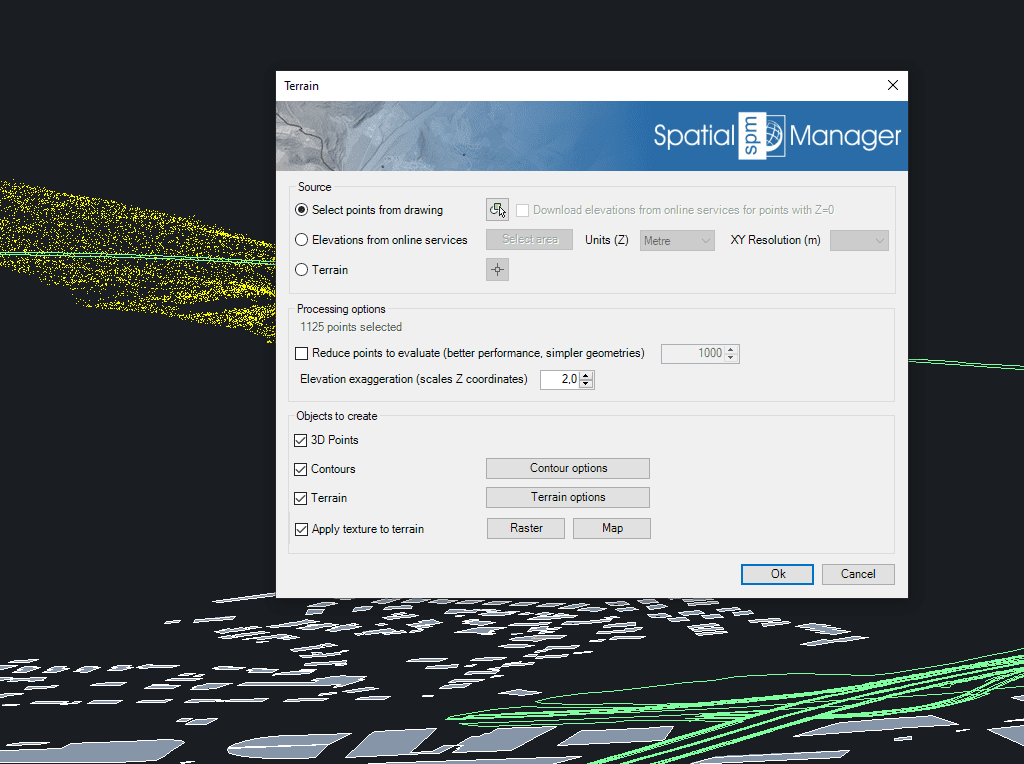
Verwenden Sie Punkte oder Blöcke, die in der Zeichnung ausgewählt oder von Elevation Service Providern in einem ausgewählten Bereich erstellt wurden. Sie können auch bereits generiertes Terrain als Quell-3D-Geometrie verwenden
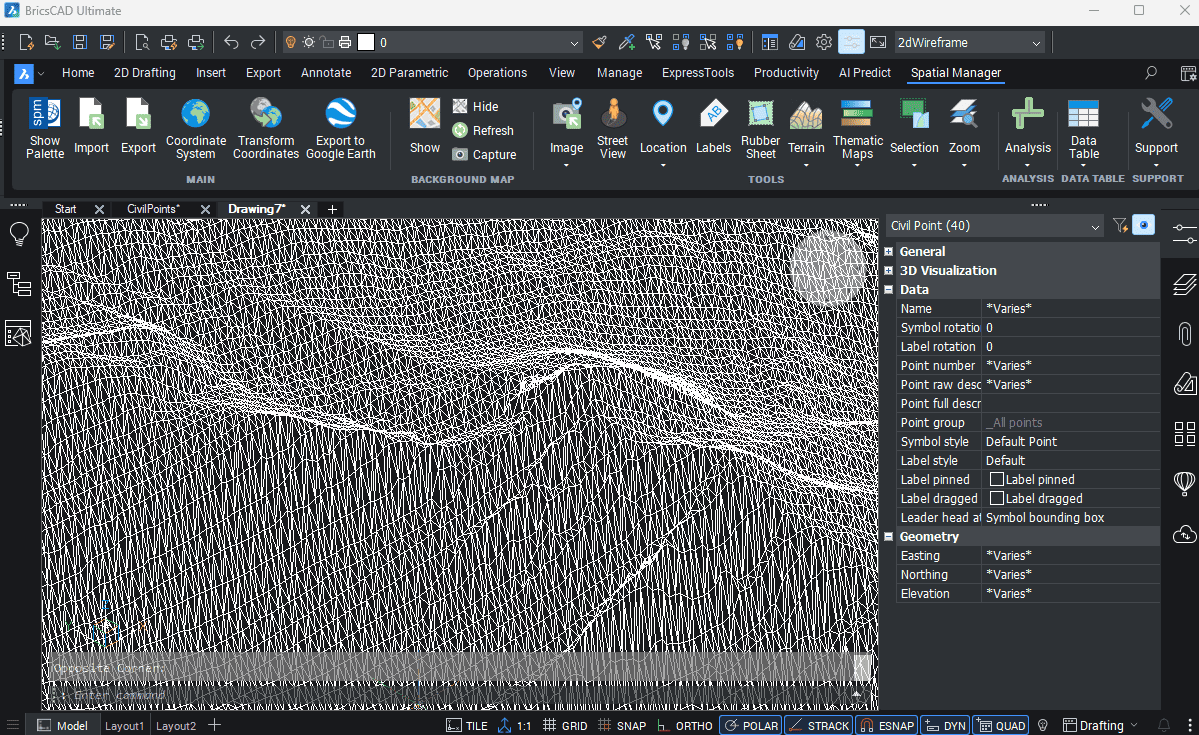
Einfache Erstellung von Flächen aus BricsCAD-Zivilpunkten mit dem Spatial Manager zur Optimierung von Projektabläufen
Generierung von 3D-Modellen mithilfe von 3D-Netzen oder anderen CAD-/BIM-Objekten aus den ausgewählten 3D-Objekten
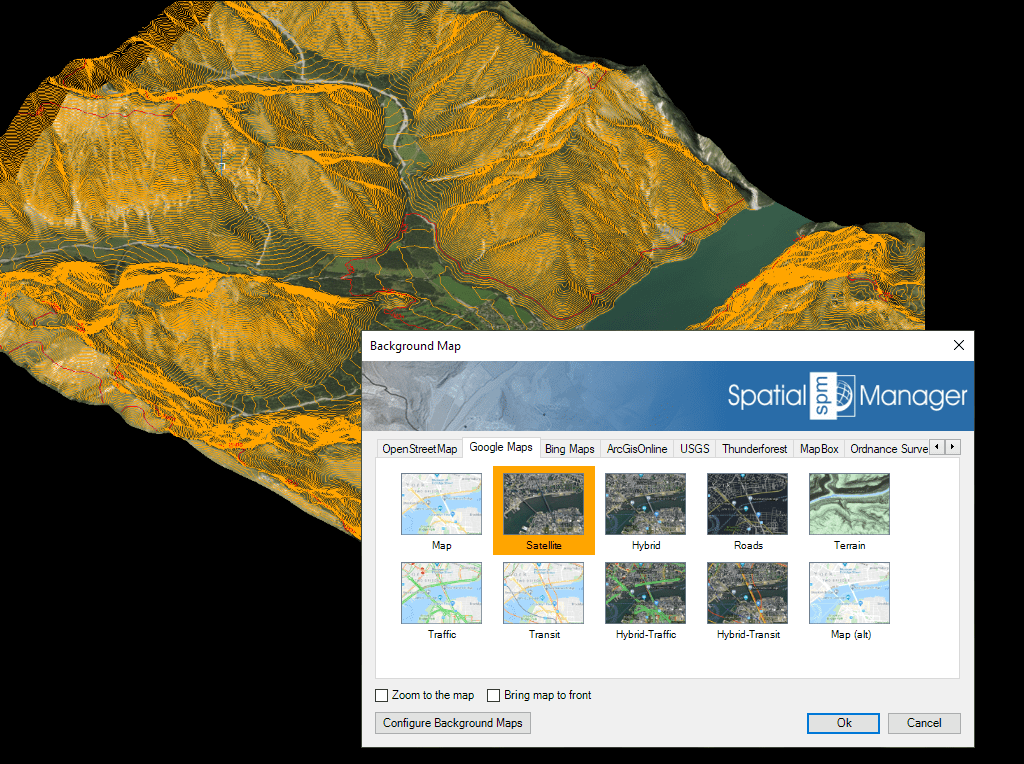
Automatische Bildprojektion und Anpassung einer Hintergrundkarte (voreingestellt oder vom Benutzer konfiguriert) auf einem oder mehreren Geländen an ihrem tatsächlichen Standort

Spatial Manager has utilities for working with terrains and elevations. One of them lets you search elevations for existing points. By following a few steps, it is possible to create... more

Spatial Manager (CAD versions) includes the option to Insert Nodes when importing objects such as Polylines or Polygons. These nodes can be created as Points or as Block Inserts (if... more

In order to enhance the visibility of Contour Labels, ‘Spatial Manager’ (CAD versions) now includes some new options which can also be applied to the object Labels while Importing. In... more

Spatial Manager Terrain Assistant, available in the CAD versions (AutoCAD, BricsCAD and ZWCAD), provides the user with intuitive tools for processing 2D/3D Terrain information (Points, Contours, and Digital Terrain Models).... more